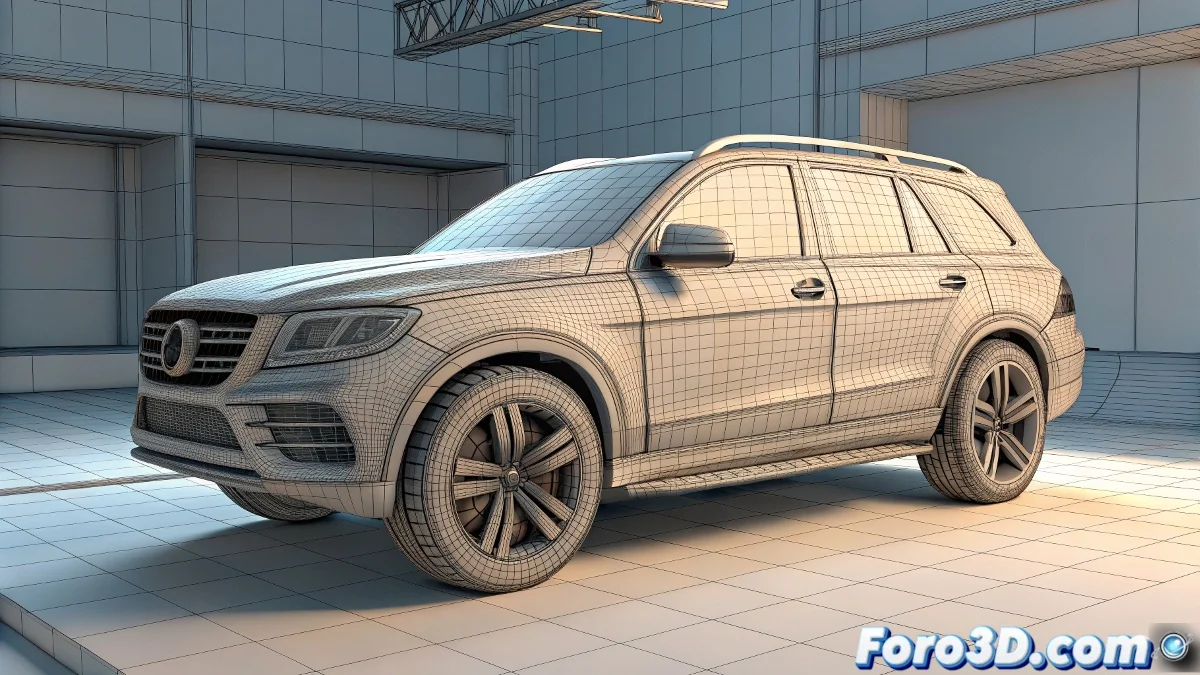
The Art of Taming aiWireframe: When Lines Rebel in Maya 🌀✨
The aiWireframe shader in Arnold can become your best ally for stylized renders... or your worst nightmare if you don't control its peculiarities. Here we reveal how to avoid those annoying duplication effects and how to adjust your animation speed like a pro.
The Mystery of the Duplicated Models
When aiWireframe seems to be cloning your geometry, it's actually showing something more interesting:
- Invisible Subdivisions: Subdivided meshes (Catmull-Clark) generate additional lines
- Hidden Topology: Each edge of the subdivided mesh becomes a new line
- Cascade Effect: A simple cube can turn into a spiderweb of lines
Definitive Solution:
- Select your object and open the Attribute Editor
- Go to the Arnold > Subdivision tab
- Change Type to None
- Alternative: Use aiCurvature + aiColorJitter for controlled effects
Total Control Over Animation Speed
Changing the pace of your animation shouldn't require redoing all the work. Maya offers powerful tools:
Method 1: Graph Editor (Surgical Precision)
- Select your keyframes in the timeline
- Open the Graph Editor
- Use the Scale Keys Tool
- Drag horizontally to compress/expand time
Method 2: Time Warp (Global Adjustments)
- Create a Time Warp node
- Connect your original animation
- Adjust the curve to selectively speed up/slow down
- Ideal for non-linear changes
"A perfect stylized render needs the right balance: clear lines without geometric chaos and animations that breathe with the proper rhythm"
Professional Workflow
- Prepare your mesh (without unwanted subdivisions)
- Apply aiWireframe and adjust line thickness
- Test with aiCurvature for organic details
- Animate with clean keyframes
- Adjust global speed with the Graph Editor
- Refine with Time Warp for specific parts
Crucial Tip: If you use animation references, test speed changes on a copy first. Some movements lose their essence if scaled more than 30%.
Remember: mastering these techniques is like learning to drive a sports car - at first it seems like everything is going too fast, but soon you'll be adjusting curves with millimeter precision. 🚗💨