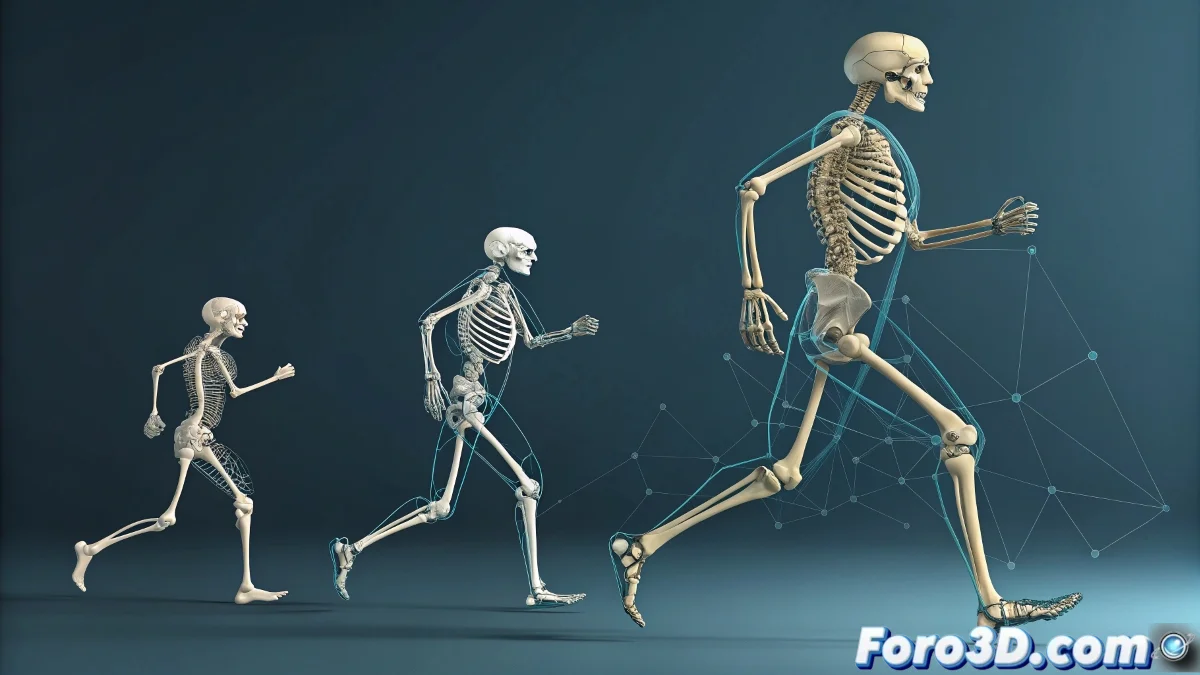
When Biped Says "No" to Your Constraints 🤖
The Biped system in 3ds Max is like that coworker who follows their own manual: it comes with strict rules and resists your attempts at external control. But don't worry, with these tricks you'll be able to tame this animation beast... or at least reach a diplomatic agreement. 🕊️
"Biped is not just any rig: it's a complete ecosystem that protects its hierarchy like a mother bear protects her cubs"
Options to Tame Biped
When you need more control than the native system offers:
- Biped Layers - Your first line of defense for additional animation
- Motion Panel - Where the system's "legal" controls live
- Footstep Animation - For when you want it to walk without tripping (too much)
The Nuclear Conversion: When Everything Else Fails
For extreme control cases:
- Convert to Editable Poly (the digital equivalent of "disassembling the toy")
- Apply Skin modifier (your insurance against catastrophic deformations)
- Now yes! Add your Parent Constraints like a savage
The Art of Negotiating with Biped
Remember that each approach has its pros and cons:
Native system - Less control but more stability (like a tricycle)
Full conversion - Maximum control but you lose Biped functions (like switching to a Ferrari without a steering wheel)
Mixed approach - Convert only what's necessary and keep the rest (the sweet spot)
And if everything fails, you can always say the limitations are "artistic style". But with these tips, we hope your Biped behaves more like a model employee than a rebellious teenager. 😉