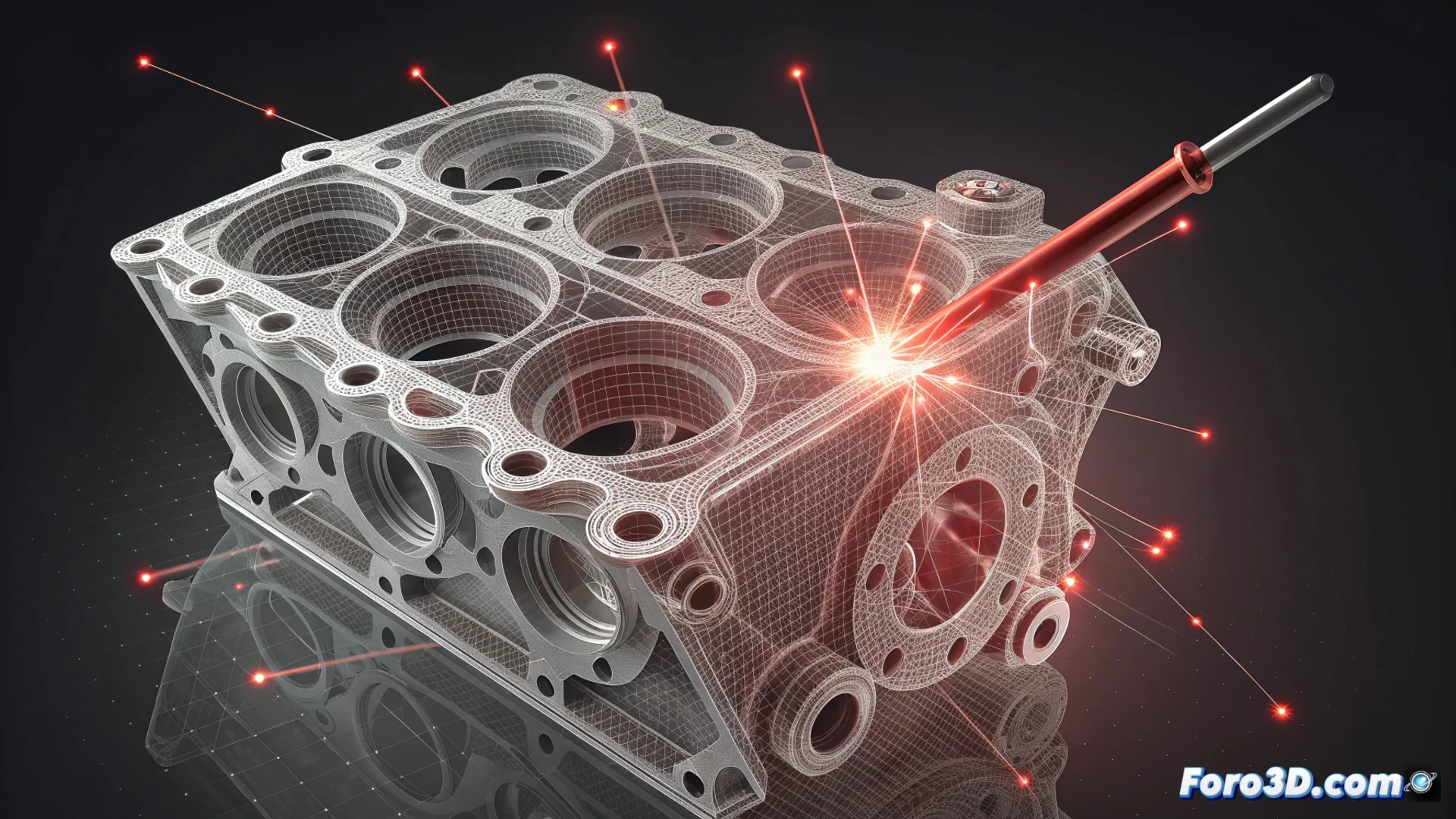
Manifold Enforcement in 3D Modeling: Ensuring Valid Geometries
In the 3D modeling workflow, preparing the geometry is as important as creating it. One step that cannot be skipped is making a mesh manifold. This means transforming it into a continuous, closed surface without internal flaws that define a clear volume. If a mesh is not manifold, essential subsequent processes will fail. 🛠️
What Problems Does It Exactly Fix?
Automatic correction algorithms scan the mesh topology to locate and repair specific errors. Their goal is to ensure that every edge belongs exactly to two faces, unambiguously delimiting an interior and an exterior. Without this condition, the mesh is invalid for most professional uses.
Common Defects That Are Fixed:- Open or Loose Edges: Edges that are not connected to two faces, creating holes in the surface.
- Non-Manifold Faces: Geometry where a vertex or edge is shared by more than two faces, causing intersections and overlaps.
- Inconsistent Normals: Faces oriented in opposite directions, generating a non-orientable surface that confuses the software.
The ultimate goal is not just to clean the mesh, but to produce a geometry where the volume is mathematically well-defined so that other tools can process it.
Why It Is Indispensable in Professional Environments
This geometric validation is a pillar in pipelines for additive manufacturing and engineering analysis. A mesh with errors will cause 3D printing software to fail when interpreting the model, resulting in defective parts or job cancellation. Similarly, physics simulation solvers require closed domains to accurately calculate flows, stresses, or heat transfers.
Consequences of Skipping This Step:- 3D printing software (slicer) cannot generate coherent toolpath routes and rejects the file.
- Finite element analysis/simulation packages (FEA/CFD) throw errors or completely incorrect results.
- Valuable time and resources are lost having to return to the model to debug it, delaying the entire project.
Integrate Correction into Your Workflow
Experienced modelers always review and repair the mesh before exporting. Many 3D modeling programs include native tools for mesh correction, and there are also specialized external utilities. Automating this tedious but vital task prevents costly rework and ensures the integrity of the final model. Don't underestimate the impact of a single loose edge; it can unravel weeks of creative work. ✅