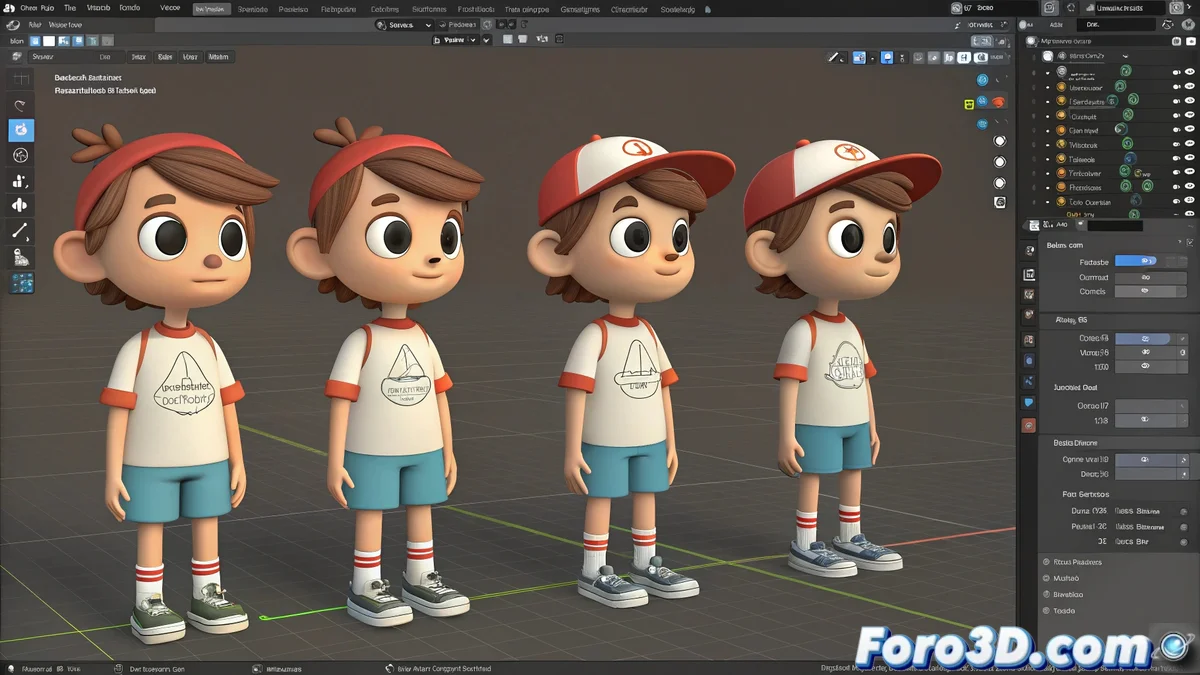
The Single File vs Multiple Files Dilemma
When working in Blender with characters that share the same base, like boys and girls from a camp 🏕️, a crucial question arises: is it better to keep them all in one file or separate them? If you've tried both methods and notice that the single file with all scenes weighs almost the same as each individual file, you're not imagining things. Blender saves duplicated information in each full copy scene, so the compression isn't as significant as one might expect.
Advantages and Disadvantages of Each Approach
Each method has its pros and cons depending on your workflow:
- Single file: Ideal for working in parallel and having immediate access to all variants
- Multiple files: Better viewport performance and faster loads
- Single file: Risk of losing everything if the file gets corrupted
- Multiple files: Better organization and security against possible errors
- Single file: Less file management but higher memory load
- Multiple files: More files to manage but better performance
For projects with many characters, the multiple option is usually more recommended 🎯.
The Smart Solution: Linked Libraries
The real space savings and optimization come with the use of Linked Libraries. This technique allows:
- Creating a base file with the common model (body, clothing, standard materials)
- Linking that library in separate files for each variant
- Each variation only saves specific changes (face, hair, sneakers)
- Modifications to the base model propagate automatically
- Drastic reduction in total disk size
This workflow not only optimizes space, but automates updates across all characters 🔄.
Practical Implementation of the System
To implement this solution efficiently:
- Model the base character with all shared geometry
- Save base materials and textures in this main file
- Create separate files for each variant and link the base model
- Use modifiers and shape keys for specific differences
- Maintain an organized folder structure for the libraries
Blender lets you choose: either keep all your campers together like in a hostel, or spread them out in separate files
In the end, Blender offers total flexibility. You can keep all your characters together like in a crowded hostel, or give them their individual space like in separate cabins. The difference is that, in real life, the kids scream more... and in Blender they only weigh megas 😅.