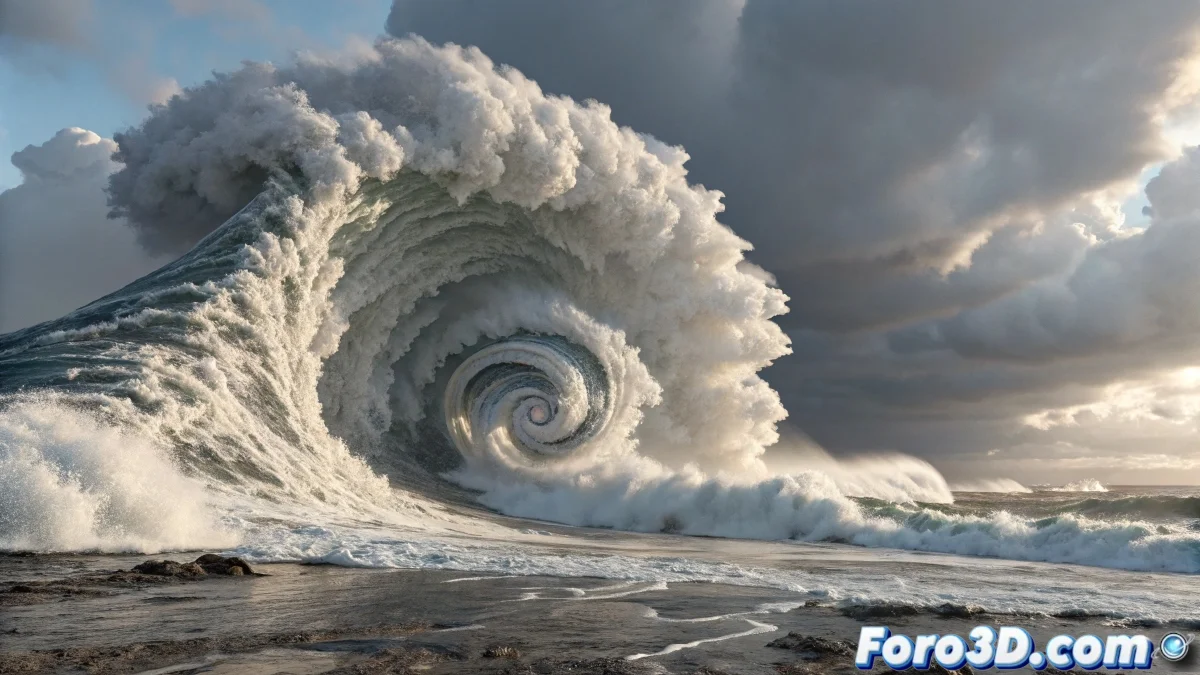
When Drops Learn to Spell
The transformation of liquid particles into text is one of those effects that blends digital magic with computational physics. In RealFlow, this process involves convincing the drops to abandon their naturally chaotic behavior and organize into precise typographic shapes. The challenge is not only technical but also artistic: achieving a transition that maintains the fluidity of the liquid while reaching the legibility of the text.
This effect is based on the strategic use of attraction daemons that act as invisible orchestra directors, guiding each particle to its final position in the typographic composition. The key lies in the timing and intensity of these forces, which must be balanced to avoid both chaos and robotic movement.
Base Particle System Setup
The process begins by creating a standard particle emitter configured to generate drops. The Liquid type with medium Viscosity parameters allows that balance between fluidity and control necessary for the transformation. The particle density must be sufficient to cover the target text area without saturating the simulation.
It is crucial to establish an initial phase where the particles behave like normal liquid, creating that sensation of organic material before the transformation. During this phase, forces like Gravity and Noise can add naturalness to the initial movement.
- Liquid emitter with medium viscosity
- Density calculated according to text size
- Phase of natural liquid behavior
- Basic forces for organic movement
Transforming drops into text is like teaching water to dance: it requires patience and rhythm
Attraction Daemons for Transformation
The heart of the effect lies in the Attractor daemons configured with the shape of the target text. These attractors can be created from text objects converted to 3D geometry. The attraction intensity must be animated progressively: starting at zero to allow natural liquid behavior and gradually increasing until it completely dominates the movement.
For complex texts, it is more effective to use multiple attractors, each responsible for a different section of the typography. This allows for more granular control and prevents distant particles from taking too long to find their position.
- Attractor daemons with text shape
- Progressive intensity animation
- Multiple attractors for complex texts
- Influence radius adjusted by zone
Temporal Control and Smooth Transition
The timing of the transformation is as important as the technique. Using RealFlow's Timeline Editor to animate the daemon parameters allows for creating an organic transition. The attraction must begin softly, intensify during the main transformation phase, and stabilize when the particles reach their final positions.
To avoid the "army in formation" effect, random variations can be added to the activation timing of different attractors. A subtle Delay between text sections creates that cascade effect that adds visual interest to the animation.
- Parameter animation in Timeline Editor
- Custom intensity curves
- Delay between sections for cascade effect
- Random variations for naturalness
Refinement and Final Materials
Once the particles reach their textual shape, the Particle Mesh system creates the continuous surface that transforms individual drops into solid geometry. The Polygon Size and Filter settings determine the smoothness of the resulting surface.
For materials, configuring a Liquid Material with high transparency and reflection creates that characteristic watery appearance. Lighting plays a crucial role here: side and back lights highlight the liquid nature of the transformed text.
- Particle Mesh for continuous surface
- Liquid material with transparency
- Lighting to enhance liquid properties
- Render with refractions and reflections
Mastering this technique opens up infinite creative possibilities, where liquid ceases to be just a physical material to become a medium for typographic expression. Because in RealFlow, even the most rebellious drop can learn to compose visual poetry if we know how to direct it 😏