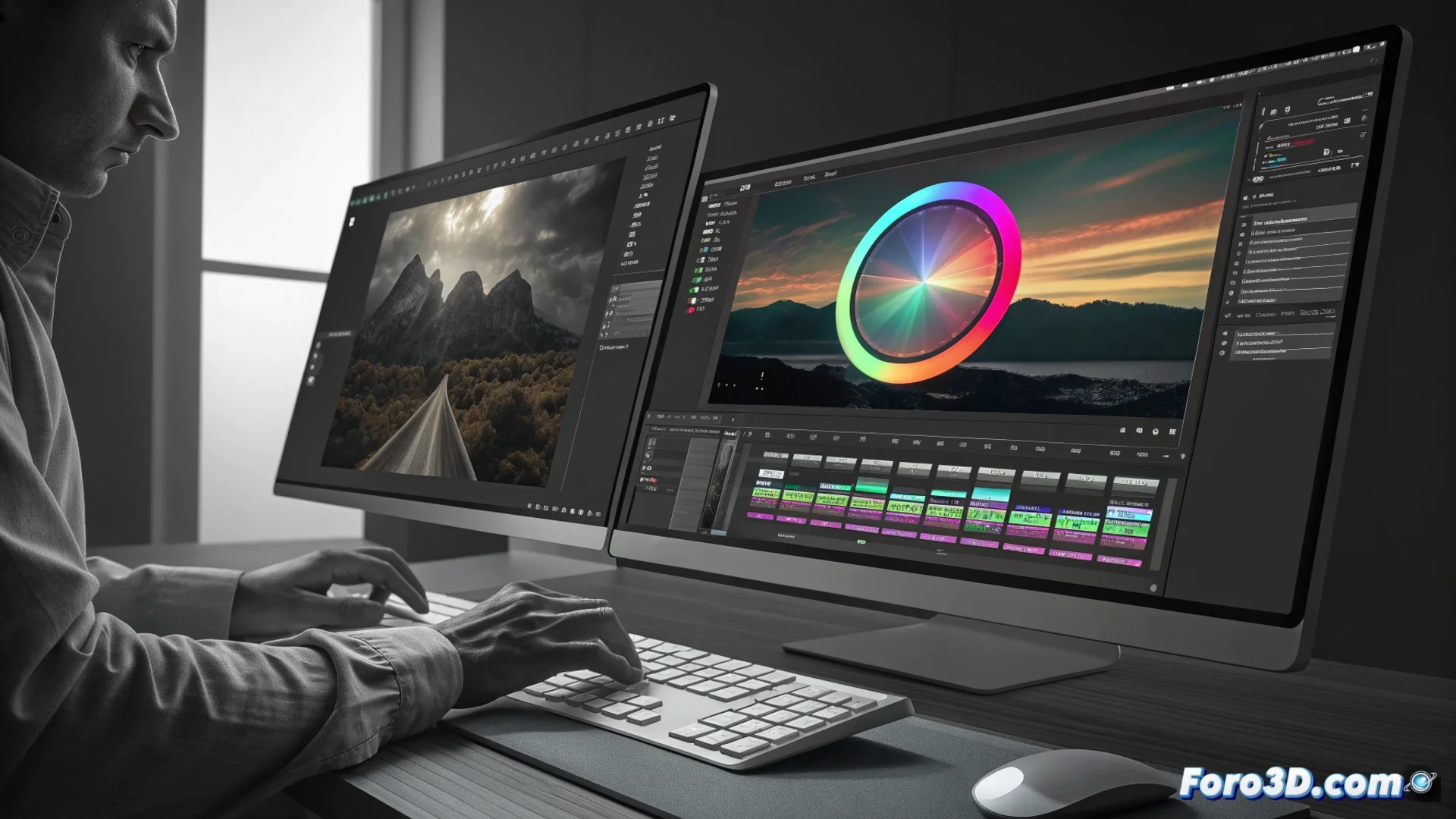
The Lumetri Color Panel in Adobe Premiere Pro
Adobe Premiere Pro integrates a complete workspace for color manipulation: the Lumetri Color panel. This environment groups all the functions needed to correct and grade video without leaving the main application. Editors can process exposure, contrast, and saturation directly on the timeline, significantly speeding up the workflow. Maintaining a consistent visual style throughout the project is much easier with this unified system. 🎨
Essential Functions for Balancing and Styling
The panel organizes its tools into logical tabs. The Basic Correction section contains fundamental controls like Temperature, Tint, Exposure, and Contrast, ideal for balancing an image and resolving capture issues. For more advanced control, the Curves tab allows manipulating luminances and individual color channels by defining anchor points. This is useful for enhancing shadows, brightening highlights, or altering the overall tone with precision.
Key Tools from the Curves and Wheels Tabs:- Luminance Curve: Adjusts global contrast by defining points on the graph.
- Color Curves: Modifies the red, green, and blue channels separately to correct color casts.
- Color Wheels: Allow independent adjustment of shadows, midtones, and highlights, with controls for balance and luminance to achieve a cinematic look.
Integrating color correction into the same editing environment avoids exporting the project to another application, optimizing the editor's time.
Precision with Creative and Secondary Adjustments
To define the project's aesthetic, the Creative section offers presets and controls to customize their intensity and hue. The most powerful tool for pixel-perfect control is Secondary HSL. With it, you can isolate a specific color in the scene, like the tone of a dress or the sky, and modify it without affecting the rest of the image. You can precisely define the color range, its saturation, and its luminance.
Elements that Complete the Lumetri Panel:- Secondary HSL: Isolates and manipulates specific colors based on Hue, Saturation, and Luminance.
- Vignette Blur: Adds darkening or focus to the frame edges to direct the viewer's attention.
- Video Adjustments: Final controls to polish the result, such as opacity and blending.
An Optimized Workflow
The integrated approach of the Lumetri Color panel transforms how color is corrected in Premiere Pro. By having all professional tools in one place, the need for external software is eliminated, making the process more agile and direct. This allows focusing on creativity and maintaining visual coherence, even if sometimes adjusting a single tone for hours makes you forget what real color looks like in the outside world. Efficiency and precise control are the pillars of this essential tool. 🎬