Main new features
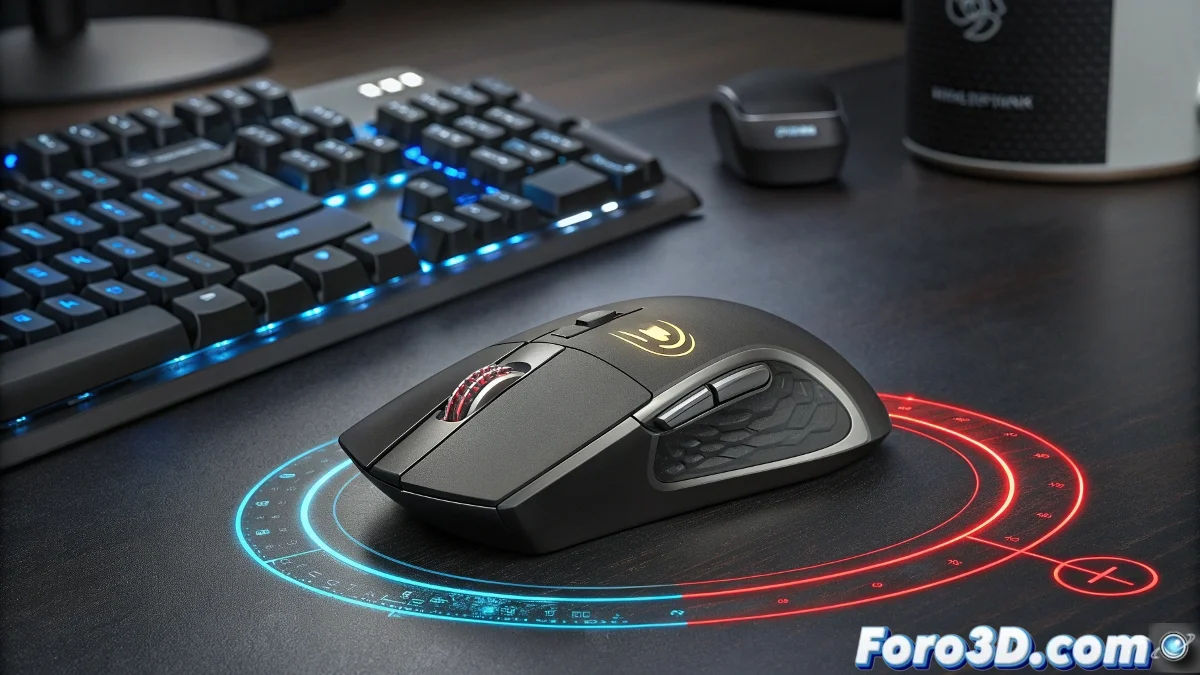
The evolution of productivity peripherals has just taken a qualitative leap with the launch of the Logitech MX Master 4. 🖱️ This successor to the acclaimed series maintains the ergonomic design that has characterized the line, but incorporates two significant innovations that redefine the user experience. Haptic feedback provides precise tactile responses when interacting with buttons and controls, creating a sense of physical connection with digital actions. At the same time, the Action Ring system introduces a new paradigm for accessing functions through circular gestures that allow activating specific tools according to the work context, optimizing workflows in creative applications and advanced multitasking environments.
Focus on productivity and creativity
The MX Master 4 is specifically designed to meet the demands of professionals working with resource-intensive software. Video editors, 3D designers, and developers find in this device an ally that understands the complexity of their workflows. The long-lasting battery ensures marathon workdays without interruptions, while the multi-device connectivity system allows seamless switching between different workstations. These features, combined with intelligent functions that adapt to the active software, consolidate Logitech's position as the undisputed leader in the premium segment of professional productivity peripherals.
The Action Ring facilitates quick access to tools in environments like video editing, 3D modeling, or advanced multitasking
The haptic paradox: from gaming to work
One of the most interesting aspects of the MX Master 4 lies in its appropriation of technology originally developed for the gaming realm. Haptic feedback, popularized for its ability to increase immersion in video games through contextual vibrations, now finds application in professional environments. This technological convergence demonstrates how innovations intended for entertainment can evolve into tools that improve precision and efficiency in serious tasks. The gaming touch thus transforms into an ally for productivity, closing a virtuous circle between leisure and professional work.
Highlighted technical features
The MX Master 4 incorporates significant improvements in multiple dimensions that justify its position as the flagship of the series. Each component has been optimized for the professional user.
- Haptic system: Precise tactile feedback that simulates physical presses and transitions
- Action Ring: Circular gestural interface for quick access to contextual functions
- Advanced connectivity: Multi-device system that allows controlling up to three devices simultaneously
- Extreme precision: High-resolution tracking sensor optimized for different surfaces
The paradoxical learning curve
The introduction of gestural systems like the Action Ring presents an interesting paradox in a device designed to maximize productivity. Professionals who already master complex keyboard shortcut systems and memorized muscle gestures face an initial learning curve that could temporarily reduce their efficiency. This transition requires unlearning established habits and learning a new interaction language that, although it promises greater long-term benefits, demands a non-trivial initial cognitive investment. The success of the MX Master 4 will depend on how quickly users overcome this adaptation phase.
Applications in creative workflows
The capabilities of the MX Master 4 find their maximum expression in specialized professional environments where customization and quick access are critical.
- Video editing: Gestural control of timelines, color adjustments, and transitions via Action Ring
- 3D modeling: Haptic navigation in viewports and contextual access to sculpting tools
- Graphic design: Gestures for brush changes, layer adjustments, and parameter modifications
- Software development: Navigation between debugging windows and access to IDE functions
Professional adoption considerations
Implementing the MX Master 4 in work environments requires specific evaluations that go beyond pure technical specifications.
- Adaptation time needed to fully integrate the new gestural functionalities
- Compatibility with specialized software and ability to customize application-specific profiles
- Integration with existing productivity systems and established workflows
- Return on investment considering the premium price versus real efficiency gains
While Logitech promises to revolutionize productivity, users will discover whether true mastery consists of mastering the mouse or the mouse mastering us. ⚡ Because, let's be honest, what would be more ironic than a device to save time that first forces us to lose time learning to use it?