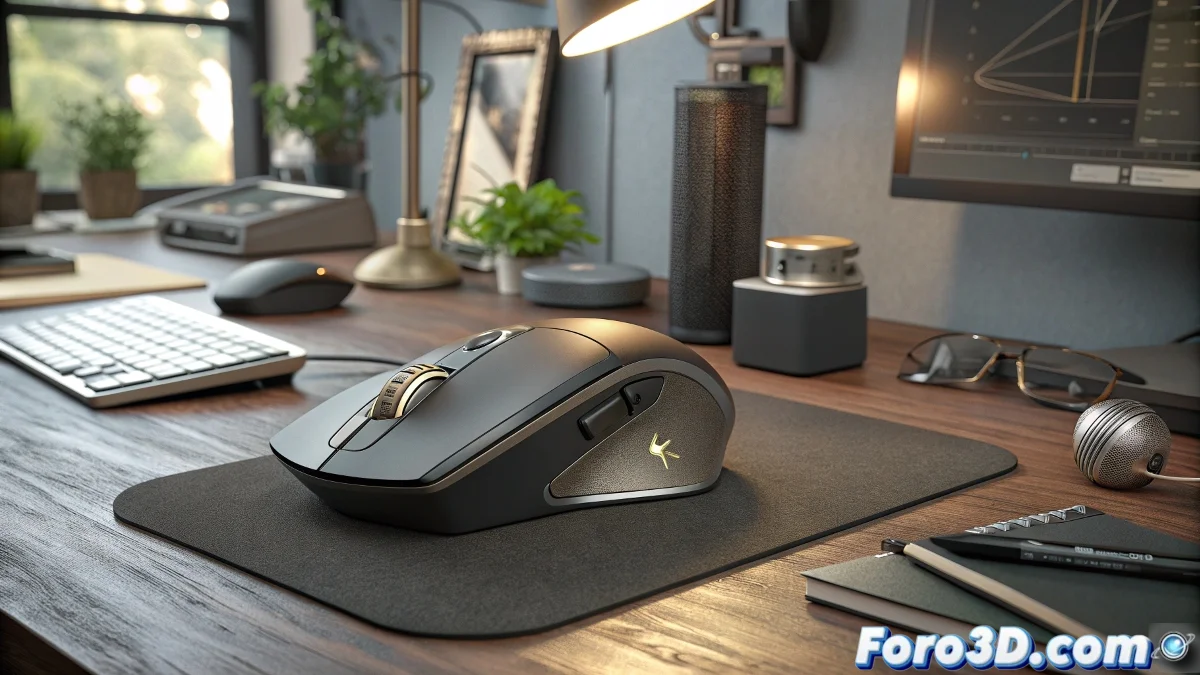
The Legend Continues Its Evolution
The Logitech MX Master 4 presents itself as the heir to one of the most iconic sagas in peripherals for professional creatives, promising to further perfect the already exceptional experience of its predecessor. While the designer community speculated about possible radical changes, Logitech seems to have opted for refinement rather than revolution. This conservative yet meticulous approach could be exactly what users who depend on consistency and reliability in their daily work tools need.
What will likely distinguish the MX Master 4 is its focus on optimizing the small details that make big differences in marathon sessions. 3D designers and digital artists, known for their long workdays, especially value those ergonomic adjustments that prevent fatigue without sacrificing precision. Rumors suggest improvements in the Darkfield sensor that could raise the tracking standard on difficult surfaces where other mice simply fail.
Expected Features in This Evolution
- Improved Darkfield sensor with greater precision and tracking capability
- Redesigned button layout for more intuitive access to frequent functions
- Battery with extended autonomy and fast USB-C charging
- Improved compatibility with 3D and video design software
Ergonomics as the Absolute Priority
Where the MX Master 4 could shine especially is in the refinement of its already celebrated ergonomic shape. Users report that the natural curve that supports the palm seems to have been perfected to distribute weight more evenly. The new rubber coating, more durable and with better grip, promises to maintain comfort even during those twelve-hour sessions modeling or texturing complex projects.
The MX Master 4 seems to understand that for professionals, the perfect tool is the one you forget exists
The MagSpeed scroll wheel, one of the most praised features of the previous model, could receive significant improvements in tactile precision. Designers working with video timelines or complex layers in Photoshop would especially value more defined feedback between click scrolling modes and free mode. Customizing scroll resistance via the Options+ software could become an essential feature once tested.
Potential Applications in Creative Workflows
- 3D modeling with quick access to view navigation tools
- Video editing with customized controls for timelines
- Graphic design with custom gestures for repetitive actions
- Architecture and CAD with programmable buttons for orthographic views
Integration with specialized software could be the deciding factor for many professionals. If Logitech manages to deepen native integrations with applications like Blender, Maya, or ZBrush, the MX Master 4 could become the unofficial standard for design studios and VFX. The ability to automatically switch profiles upon detecting the active application has always been a competitive advantage, and its evolution could be decisive in an increasingly competitive market. 🖱️
In the end, the MX Master 4 seems to be that update no one asked for but everyone needed, proving that sometimes excellence is not in reinventing the wheel, but in making it spin perfectly round. 🎯
You can view this product and similar ones in the: store