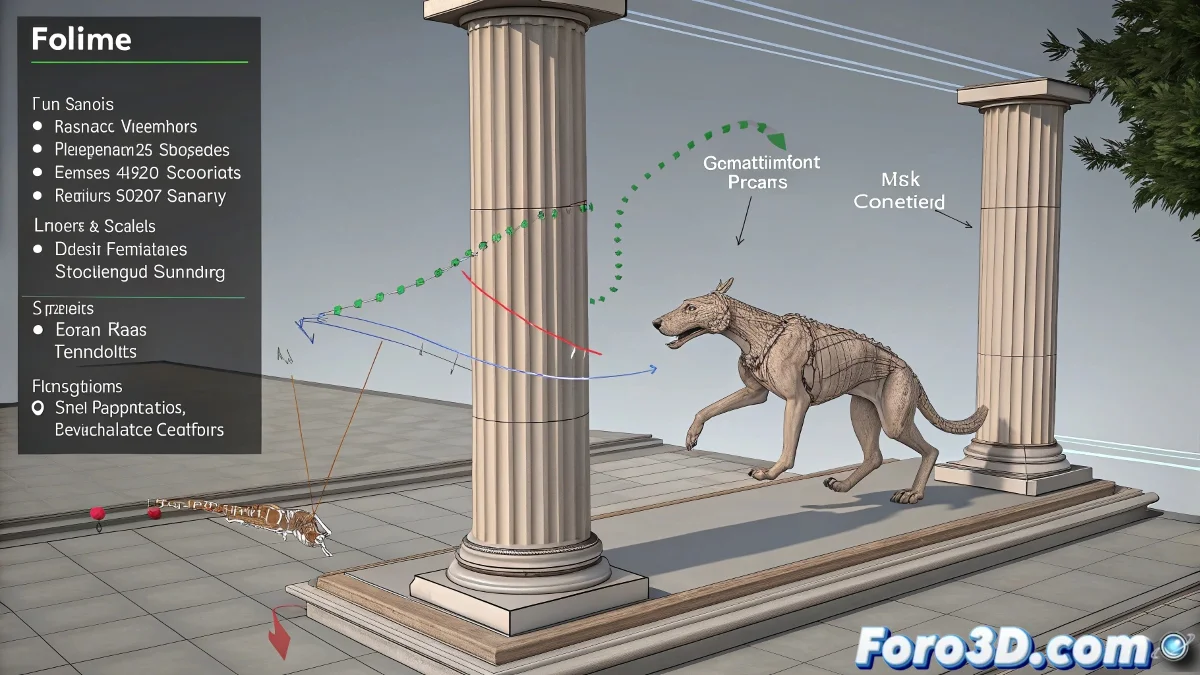
When Your Character and a Moving Object Want to Be Friends (But Only Sometimes) 🤝
Animators of the world, how many times have you wanted your character to interact with a moving object, but without the previous animation turning into a disaster? It's like trying to get a cat to climb onto a moving hammock: it might work out… or end in absolute chaos. 😼
Link Constraint: The Savior (If You Use It Right)
The Link Constraint in 3ds Max is the key tool for these cases, but applying it wrong is like using duct tape to repair an engine: it might work, but it will probably explode. The key is to not apply it from the first frame, but only when the link is really needed.
- Select the main controller of the rig (don't go linking a secondary bone, that would be a drama).
- Add a Link keyframe just before contact, so the character remains free until that moment.
- Link to the object on the exact contact frame, as if it were a perfect choreography.
The Art of Letting Go at the Right Moment 🕺
If your character needs to detach from the object (for example, when jumping), add another keyframe where you remove the link. This way, you'll avoid it staying stuck like gum on a shoe. The ideal sequence would be:
- Initial free animation (no link).
- Link keyframe before contact.
- Active link during the interaction.
- Release at the end of the action.
“In rigging and in love, the important thing is knowing when to hold on and when to let go.” — Philosophy of a frustrated animator.
Strange Jumps? Calm Down and Collapse! 🛠️
If your character does an unplanned breakdance when applying the link, try collapsing the controller's animation on that frame before linking it. Freezing the position prevents the software from going crazy trying to interpret contradictory data.
In the end, mastering this workflow will allow you to create smooth interactions without your rig rebelling. And if something goes wrong, you can always say it was an experimental artistic style. 🎨 (No one needs to know it was a mistake).