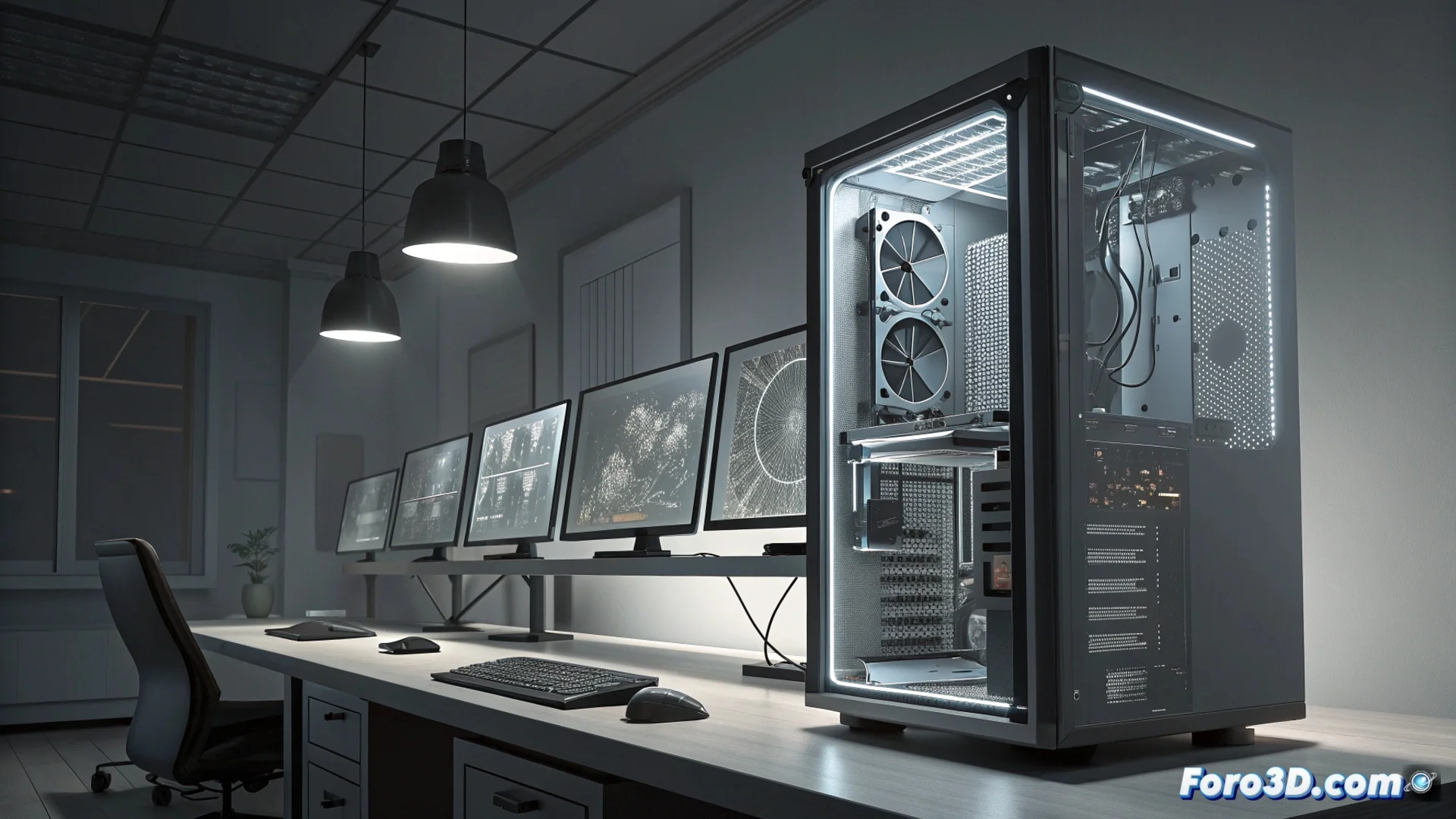
Limits of a Configuration with RTX 5070 and Ryzen 7 9800X3D for Professional Work
Building a system with components like an RTX 5070, 32 GB of RAM, and a Ryzen 7 9800X3D under Windows 11 Home is a valid option for many. However, when running professional tasks like 3D modeling, rendering, or video editing, this combination can quickly show its limits. 🖥️
The Graphics Card and RAM Can Slow Down Complex Projects
The RTX 5070 is powerful, but it may not be sufficient for GPU rendering in very dense scenes or when using extreme ray tracing. For these workloads, models like the 4080 or 4090 offer a notable power jump. Similarly, 32 GB of RAM is adequate for many jobs, but scenes with high-resolution textures or detailed simulations usually need 64 GB to operate without interruptions. ⚡
Critical Points in the Workflow:- GPU Rendering: The RTX 5070 may fall short in projects with massive geometry and advanced lighting effects.
- Memory Usage: Projects using many 4K/8K texture layers or simulating fluids/particles can saturate 32 GB of RAM.
- Data Swapping: When RAM fills up, the system uses storage as virtual memory, slowing down the entire process.
While your software calculates a frame, you have enough time to make a coffee, drink it, and wonder if you should have invested in a more powerful component.
The Processor and Operating System Also Present Restrictions
The Ryzen 7 9800X3D excels in games and cache-heavy tasks, but it is not optimized for rendering using all its cores professionally. For that type of workload, processors like the Ryzen Threadripper or Intel Core i9 from the 13000/14000 series offer superior performance. On the other hand, Windows 11 Home limits advanced features that professionals may need, such as specific tools for system management or creating virtual machines to test software. 🔧
Areas Where the System May Restrict:- CPU Rendering: The 9800X3D does not maximize performance in renderers that scale with many cores and threads.
- Virtualization: Windows 11 Home lacks full native support for Hyper-V and other enterprise virtualization tools.
- Management: Lack of access to group policies and other advanced management utilities present in Pro versions.
Storage Expansion is Another Key Factor
Storage capacity and configuration can also be a weak point. Working with extensive project libraries, multi-gigabyte textures, and uncompressed video files demands a lot of space and speed. A configuration that does not easily allow storage expansion or implementing a RAID array to protect data and speed up transfers can slow down the workflow and complicate file management. 💾
In conclusion, while this configuration is competent for a wide range of users, those who run intensive professional tasks constantly should evaluate whether the limits in the GPU, RAM, processor, and operating system align with their project demands. Investing in higher-end components or a more expandable system can be crucial for maintaining long-term productivity. 🚀