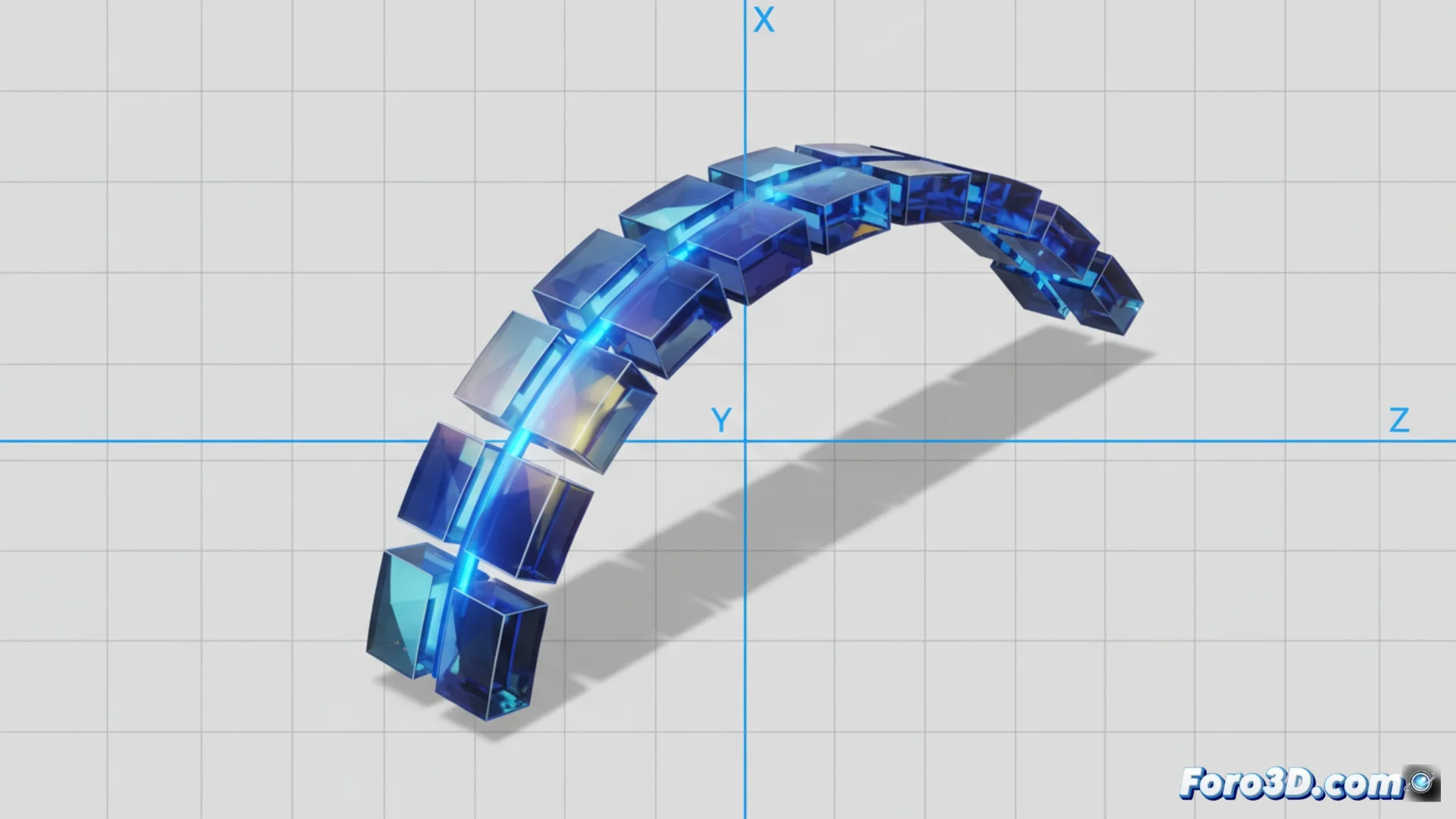
Limiting the Flexion Axis of a Mesh in a Graphics Engine
When animating a surface, sometimes you need it to bend only in a specific direction, like a book page or a flag. To achieve this, you must mathematically restrict how the vertices or bones deforming the mesh move, canceling any rotation or displacement on unwanted axes. This control is fundamental in inverse kinematics systems or when programming shaders that simulate bending. 🛠️
Approaches to Control How It Bends
There are several strategies to impose these limits. A powerful option is to program a vertex shader. Here, you process each vertex's position and apply a transformation, like rotation, but only affect the coordinates of a calculated axis, leaving the others intact. Another common path is to work on the model's rigging: assign weights to the vertices influenced by a controller bone and then limit how that bone can rotate directly in the engine, using tools like Constraints or Clamps. Engines like Unity or Unreal Engine allow configuring this in the Animator component or in the skeleton's Blueprints.
Main Techniques:- Vertex Shaders: Use rotation matrices that only modify one axis, like Y, for code-controlled bending.
- Weight-Based Rigging: Assign influence masks to bones and then lock their rotations in the engine interface.
- Bone Constraints: Set angular limits in inverse kinematics chains so they only rotate in a defined plane, e.g., XY.
Even in the digital realm, imposing limits can be a challenge. Sometimes, the mesh seems to have a mind of its own and bends in unexpected directions.
Details for Correct Implementation
The key to making it work is calculating the bending axis in the mesh's own local space. For a simple case, like bending a sheet, you define a pivot point and a maximum angle. Then, in each frame, you determine the vertex's new position based on its distance to the pivot, but only alter its coordinate on the axis you've allowed. If using inverse kinematics, adjust the angular limits in the bone chain to prevent unnatural twisting of the mesh. The final precision depends on how you define the vertex weights and the rigidity of the limits you set.
Technical Considerations:- Always define the pivot and axis in the mesh's local space for consistency.
- Calculate deformation by distance to the pivot point, modifying only the authorized axis coordinate.
- Set angular limits on bones to restrict rotation to a single plane and avoid twists.
Tips for Optimal Results
Achieving natural and controlled bending of a mesh requires attention to the transformation space and restriction parameters. Whether manipulating vertices with a shader or bones with rigging, the goal is the same: nullify movement components on unwanted axes. Testing different maximum angle values and weight smoothing is often necessary to polish the animation. By mastering these techniques, you can simulate anything from the rigid flexion of armor to the smooth movement of cloth, all while maintaining absolute control over the direction of deformation. ✅