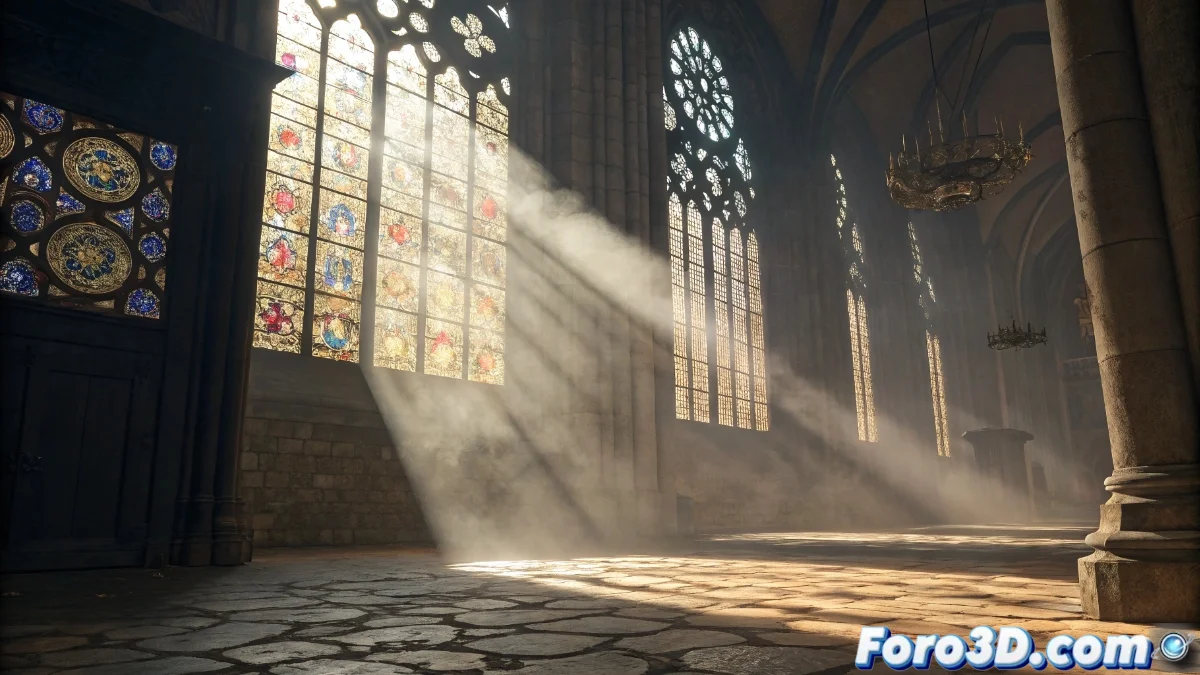
Light Functions in Unreal Engine: Complete Guide to Dynamic Effects
Light functions in Unreal Engine constitute an advanced tool that enables the dynamic modification of light appearance through the use of specialized textures or materials. This innovative system projects 2D textures through the engine's light sources, generating complex visual effects such as animated shadows, intricate luminous patterns, or realistic stained glass simulations, all without requiring additional geometry. Developers implement these capabilities by linking specific materials to lights, providing precise control over lighting intensity and color in real time 🌟.
Essential Light Function Setup
To use a light function, it is necessary to first create a custom material that defines the desired light pattern. This material is then assigned to the Light Function property of any light actor within the editor. It is essential to calibrate parameters such as intensity and attenuation to balance the effect with the existing ambient lighting. Functions are compatible with various light types, including directional, point, and spotlight, although each variant may exhibit differences in projection behavior.
Key setup steps:- Design a material in the editor that specifies the desired projection pattern
- Assign the material to the Light Function property of the corresponding light actor
- Meticulously adjust intensity and attenuation to harmonize with the environment
The magic behind immersive scenes often goes unnoticed, but developers dedicate hours perfecting light functions that players experience in just seconds.
Practical Applications and Optimization Strategies
The most common implementations include creating convincing atmospheric effects, such as light beams passing through windows, swaying tree shadows in the wind, or architectural patterns in interiors. To preserve optimal performance, it is recommended to use low-resolution textures and simplify shaders in the materials, as light functions can substantially increase rendering costs. Additionally, textures can be animated using time nodes in the material editor to achieve smooth and natural movements.
Optimization recommendations:- Use low-resolution textures to minimize performance impact
- Simplify shader complexity in projection materials
- Leverage time nodes for smooth animations without excessive load
Impact on User Experience
Although players may not consciously notice these elaborate effects, light functions contribute significantly to overall immersion. Developers often invest considerable time perfecting lighting details that subtly enrich the visual atmosphere, demonstrating that technical excellence often lies in the unnoticed yet essential elements that create memorable experiences 🎭.