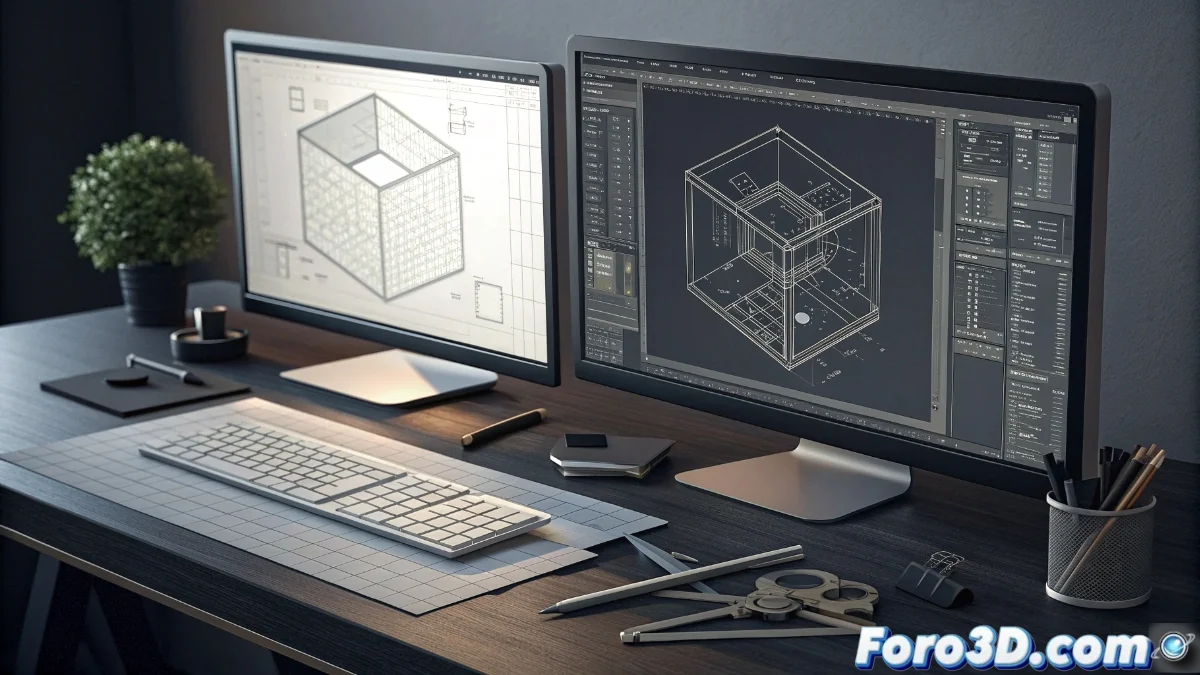
LibreCAD vs QCAD: Comparison of Open-Source 2D CAD Software
The universe of computer-aided design in 2D features two outstanding open-source alternatives: LibreCAD and QCAD. Both solutions allow creating technical drawings, architectural schematics, and mechanical drawings with an accessible and efficient approach. However, each one presents distinctive features that make them more suitable for different user profiles and experience levels 🛠️.
LibreCAD's Minimalist Approach
LibreCAD is characterized by its operational simplicity and exclusive dedication to two-dimensional design. This tool is perfect for students and beginners seeking a gentle learning curve without sacrificing essential capabilities. Derived from QCAD's community edition, it maintains native compatibility with DXF format, facilitating file exchange with other design programs.
Main Advantages of LibreCAD:- Intuitive interface that prioritizes usability over complex functions
- Completely free with no license restrictions
- Ideal for basic projects and learning fundamental CAD concepts
LibreCAD represents the essence of specialized software: it does one thing well and avoids unnecessary complexity
QCAD's Advanced Capabilities
QCAD offers a more complete ecosystem through its free Community version and the paid Professional edition. This duality allows advanced users and professionals to access extended functionalities such as JavaScript scripting, better DWG support, and a highly customizable interface. Its architecture is designed for complex workflows where technical precision and specialized tools are required.
Differentiating Features of QCAD:- Scripting engine to automate repetitive tasks
- Greater compatibility with professional formats like DWG
- Environment adaptable to specific needs of technical projects
Selection Based on User Needs
The choice between these tools comes down to evaluating specific requirements and level of expertise. While LibreCAD functions as a perfectly sharpened digital pencil for quick sketches, QCAD resembles a complete toolbox capable of developing detailed projects without technical limitations. Both programs demonstrate that open-source software can compete in quality and functionality with commercial alternatives 💻.