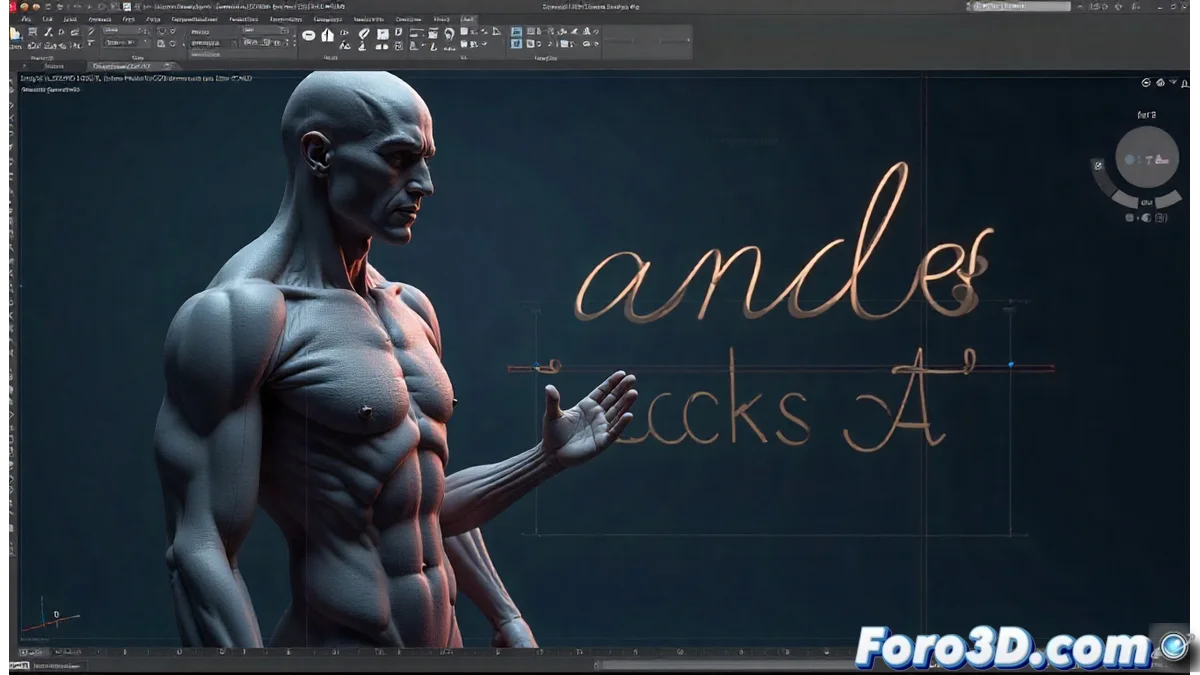
LibreCAD and its LFF Format for Custom Vector Fonts
LibreCAD has implemented its own LFF file format, specifically designed to handle single-stroke vector fonts. This system allows users to develop and modify custom typefaces within the CAD environment, offering exceptional flexibility in technical design projects. The plain text structure simplifies manual or automated edits, eliminating dependence on external formats. 🎨
Advantages of the LFF Format in the LibreCAD Ecosystem
The LFF format is characterized by its accessibility and simplicity. Being based on readable text, users can review and adjust font definitions with common editors, integrating the entire typographic workflow into LibreCAD. Additionally, the use of single-stroke vectors ensures that fonts maintain their quality when scaled, which is crucial for technical drawings and detailed representations. This approach promotes efficiency and customization without complications.
Key Benefits of the LFF Format:- Direct Editing: Allows modifying fonts with basic tools, without requiring additional software.
- Perfect Scalability: Vector fonts retain sharpness at any size, ideal for printing and visualization.
- Complete Integration: The entire creation process is done within LibreCAD, optimizing time and resources.
The LFF format transforms the way designers approach typography in CAD, combining simplicity and power in a single package.
Creating and Modifying Fonts with the Integrated Editor
To design or adapt fonts, users employ the LibreCAD integrated editor, which interprets the LFF format. Here, they define the outlines of each character using coordinates and simple commands, providing total control over glyphs and styles. This methodology encourages experimentation, as changes are visualized instantly in drawings, accelerating the creative process. The community frequently shares these creations, expanding the library available to all users.
Essential Steps in Font Design:- Outline Definition: Use coordinates to trace each glyph with millimeter precision.
- Real-Time Testing: Adjust and visualize modifications directly in CAD projects.
- Community Sharing: Share custom fonts to enrich the collective repository.
Reflections on Typographic Design in CAD
Initially, designing fonts from scratch may seem as simple as copy and paste, but it quickly becomes apparent that each impeccable curve requires patience comparable to that of a feline waiting for its food. The LFF format in LibreCAD not only simplifies this process but also empowers users to achieve professional results without relying on external solutions, consolidating its role in the 2D graphics field. In the end, the combination of accessible tools and an adaptable format makes typographic creation both an art and a science. 💡