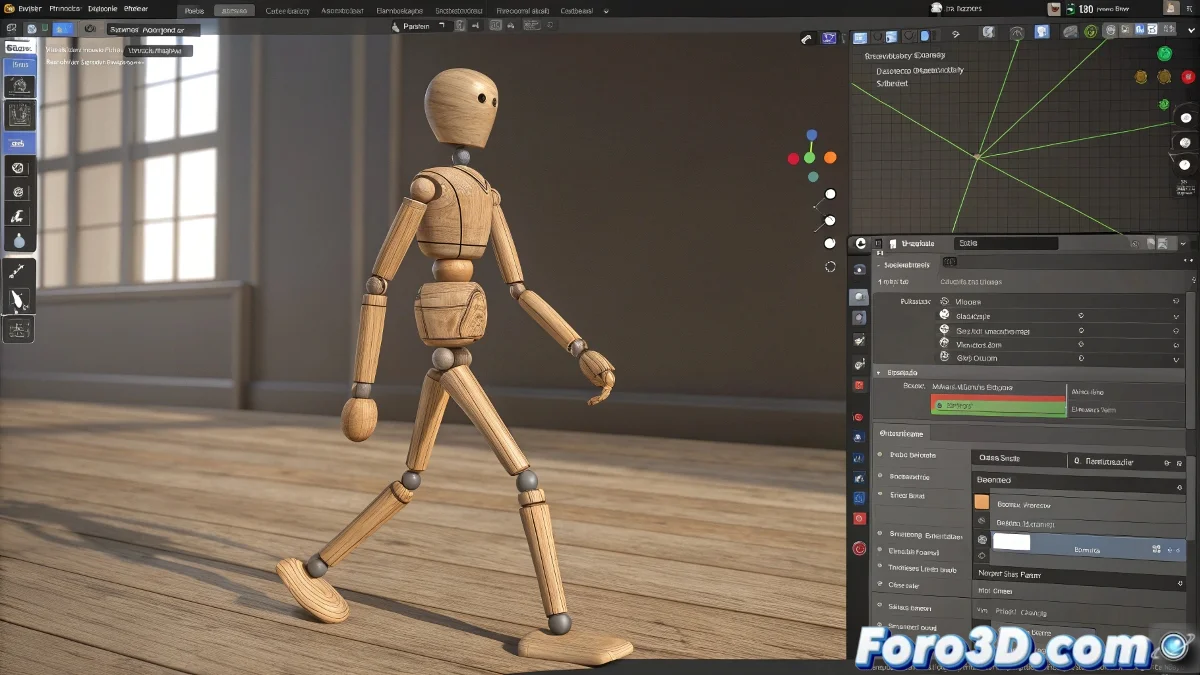
Bringing a Skeleton to Life in 3ds Max Without Summoning Spirits
When someone starts in the world of 3D animation, few things are as satisfying as seeing their first character walk. And what better candidate than a basic skeleton, that faithful companion who doesn't complain about overtime and always keeps smiling 😁. That said, if you think animating it will be as easy as moving a wooden doll, get ready for some surprises.
The Art of Creating a Character That Won't Give Nightmares
To begin, we need a simple model. There's no need to recreate the Sistine Chapel in polygons: a few strategically placed spheres and cylinders will suffice. If modeling isn't your thing, you can always resort to:
- Free libraries like Free3D or Sketchfab
- Predefined models from 3ds Max
- The classic copy one from a tutorial and say it's yours
In the 3D world, a well-animated skeleton is worth more than a poorly rigged dragon.
Rigging: Where Miracles (and Mistakes) Happen
This is where our skeleton will come to life... or turn into a digital scarecrow. The key tools are:
- Biped: to create a humanoid bone system
- Skin modifier: so the mesh follows the bones
- Infinite patience: not included in the 3ds Max package
When you assign the weights, remember: if a leg stretches like chewing gum when walking, something has gone wrong. But hey, at least it will be funny to watch 🤣.
The Holy Grail: The Loop Walk
Creating a decent walk cycle is like learning to ride a bike: at first you fall, then you improve, and eventually you can do it without thinking. Some tips:
- Use Motion Mixer to adjust the animation
- Try basic motion captures
- Observe how you walk (yes, get up from your desk)
If after hours of work your skeleton walks as if it were carrying a wine barrel, don't worry. All the great animators started that way. Well, all except Pixar, but they're mutants.
Resources to Avoid Giving Up
The good news is you're not alone in this odyssey. You can find help in:
- YouTube tutorials (the savior of novice animators)
- Specialized forums like foro3d.com
- Silent sobbing at 3 AM (experience included)
In the end, animating a skeleton in 3ds Max is like cooking: your first attempt might not be MasterChef-worthy, but with practice, you could even make it dance thriller. Or at least not trip over its own feet. Cheer up, brave animator! 💀
And remember: if your creation comes to life on its own and starts asking for beer, maybe you've gone a step too far in realism. 🍺