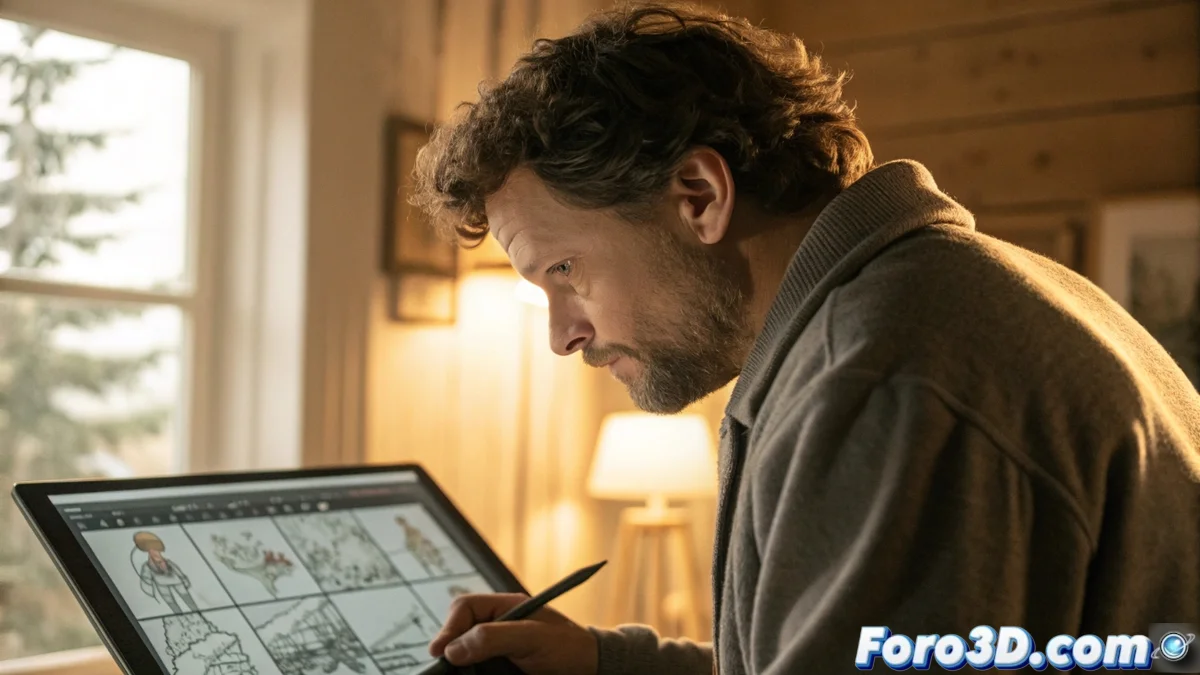
Krita Becomes a Complete Tool for Animatics and Animated Storyboards
The versatility of Krita as digital illustration software expands into the realm of cinematographic pre-production, allowing the creation of animatics and animated storyboards that anticipate the visual vision of audiovisual projects before starting full production. 🎬
Drawing and Structuring Storyboards
The creative process begins with the drawing of panels using adaptable brushes and vector tools, organizing each element into independent layers to facilitate modifications during development. Layer management allows adjusting opacity, blend modes, and reordering scenes intuitively.
Advantages of Layer Organization:- Separation of Visual Elements: characters, backgrounds, and effects in distinct layers for non-destructive editing
- Transparency Control: fine adjustment of opacity for overlays and visual effects
- Agile Reorganization: drag and drop layers to quickly modify scene composition
A well-executed animatic can make your movie look almost finished, until you remember that each frame still needs to be animated, but at least you avoid unpleasant surprises in production.
Basic Animation and Coordination with Soundtrack
Upon activating the animation timeline, basic movements such as camera pans and scene transitions are incorporated. The setup of key frames determines the duration and smoothness of the animation, while importing audio files allows synchronizing dialogues and music with the visual action.
Key Synchronization Elements:- Audio Import: loading of dialogue tracks, music, and preliminary sound effects
- Precise Temporal Adjustment: alignment of visual events with auditory milestones on the timeline
- Narrative Rhythm Control: modification of speed and duration to balance action and sound
Rendering and Evaluation of the Final Product
Once the animatic is completed, it is exported in formats such as MP4 or GIF through Krita's rendering options, preserving the original visual quality. This file serves as a production guide to identify composition, rhythm, or narrative issues with the team, optimizing resources before the final animation. ✨