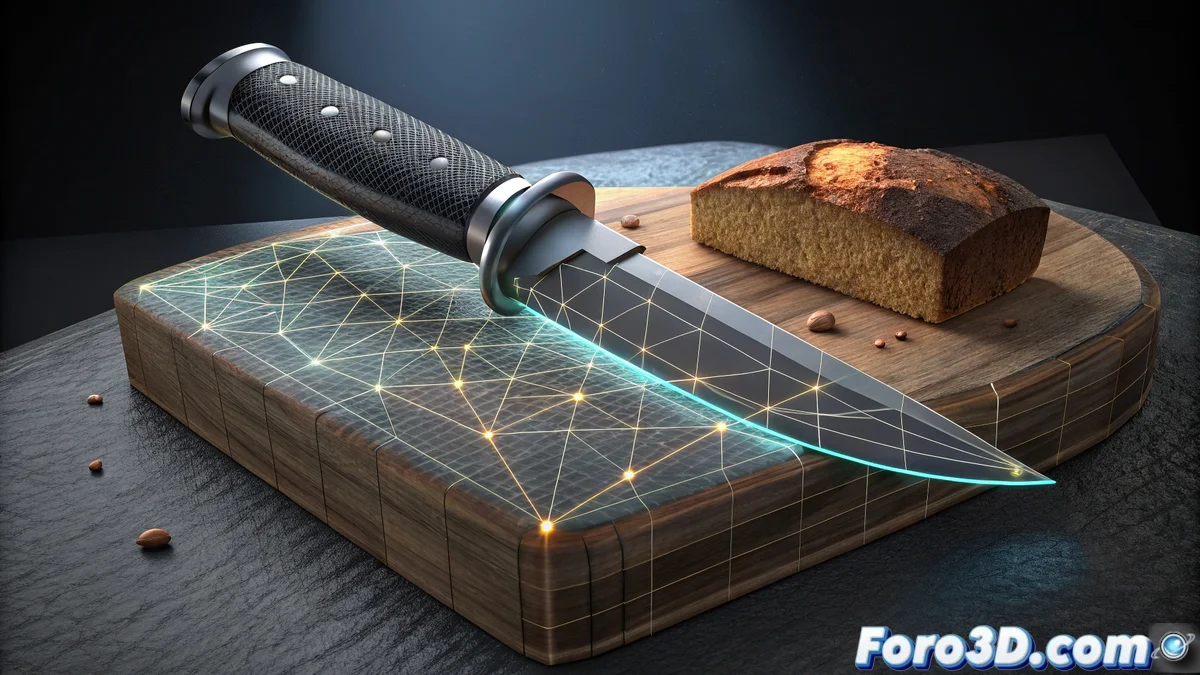
Knife Project in Blender: Complete Guide to Cut Projection
The Knife Project tool represents an advanced functionality within Blender that radically transforms the process of creating precise geometry through silhouette projection between objects. This specialized technique allows transferring contours from a source mesh to a receiving surface, generating exact cuts that faithfully follow the original shapes 🎯.
Essential Setup for Effective Projections
Success when using Knife Project fundamentally depends on understanding its configuration parameters. The tool operates under principles of spatial alignment where the projection direction can follow the current view axis or be manually defined according to specific needs. Users have advanced controls that determine whether the cuts will affect only visible faces or penetrate the entire mesh structure.
Key Parameters to Optimize Results:- Cut Through: Allows penetrating multiple geometric layers in a single operation
- Offset: Adjusts cut precision on complex surfaces avoiding artifacts
- Projection Orientation: Defines whether to use the current view or custom directions
The magic of Knife Project lies in turning simple contours into flawless cuts, although a slight misalignment can turn your model into unintentional abstract art
Advanced Applications in Professional Workflows
This tool demonstrates its maximum potential in automated retopology processes, where it facilitates the transfer of details from high-resolution meshes to optimized versions. In hard-surface modeling, it becomes indispensable for creating panel lines, structural divisions, and surface details that would require hours of manual work.
Highlighted Use Cases:- Facial Detail Transfer: Project features from 3D scans to low-poly meshes
- Clothing Fold Creation: Define wrinkles and creases with millimeter precision
- Automatic Seam Generation: Optimize the UV unwrapping process
Integration with the Blender Ecosystem
The true power of Knife Project emerges when combining it with other software tools like Shrinkwrap for projections onto complex surfaces, or Sculpt Mode for subsequent refinements. This integration allows establishing non-destructive workflows where artists can experiment with different configurations without compromising the base geometry, always maintaining the possibility to adjust parameters and orientations to achieve perfect results ✨.