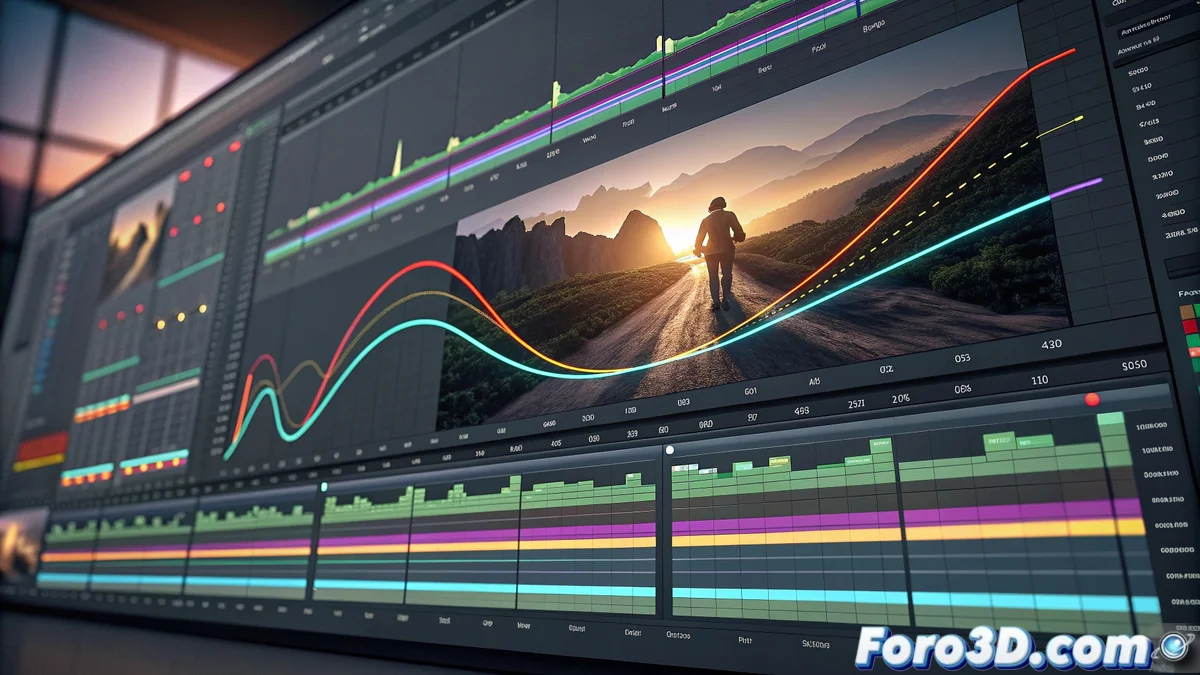
Keyframe Animation in Openshot: Complete Guide
The Openshot video editor features an advanced keyframe animation system that transforms the creation of movements and transitions in your audiovisual compositions. This mechanism uses interpolation curves to manage how visual properties evolve over time, giving you absolute control over every element of your project 🎬.
Keyframe Setup and Customization
To start any animation, simply place the playhead at the desired point in time and modify any attribute of the clip in the properties panel. Openshot automatically generates a keyframe at that location. By adding multiple keyframes along the timeline, the program builds an adaptable interpolation curve that you can customize by choosing from various interpolation modes like linear, constant, or bezier. Bezier curves, in particular, allow you to manually manipulate control points to produce gradual accelerations or natural decelerations, replicating organic movements ✨.
Key Aspects of Interpolation:- Automatic Keyframes: Generated when adjusting properties at specific points in time
- Customizable Bezier Curves: Total control over the speed and smoothness of transitions
- Multiple Interpolation Modes: Linear for constant changes, constant for fixed values, bezier for organic movements
The magic of animation in Openshot lies in how you transform simple keyframes into movements that breathe life into your projects
Creative Applications in Real Projects
This technology demonstrates its full potential when developing virtual camera effects, implementing progressive zooms, cinematic pans, or opacity transitions between different scenes. You can also animate characteristics of visual effects like the intensity of a Gaussian blur or the color saturation of a filter, coordinating these variations with the tempo of your audiovisual production. The curve view enables you to meticulously visualize and refine the temporal progression of each parameter, simplifying the creation of sophisticated animations without requiring additional scripting or programming 🚀.
Highlighted Practical Uses:- Virtual Cameras: Creation of fluid and professional camera movements
- Advanced Transitions: Fades, dissolves, and scene changes with precise temporal control
- Dynamic Effects: Animation of filter parameters and visual adjustments synchronized with the video's rhythm
Mastering the Art of Animation
Sometimes the feeling is comparable to piloting a spaceship when you're adjusting those complex interpolation curves, but the beauty of the system lies in the fact that you don't need advanced technical training to achieve polished and professional animations. Openshot democratizes the animation process, allowing creators of all levels to achieve cinematic-quality results with an intuitive and powerful tool 💫.