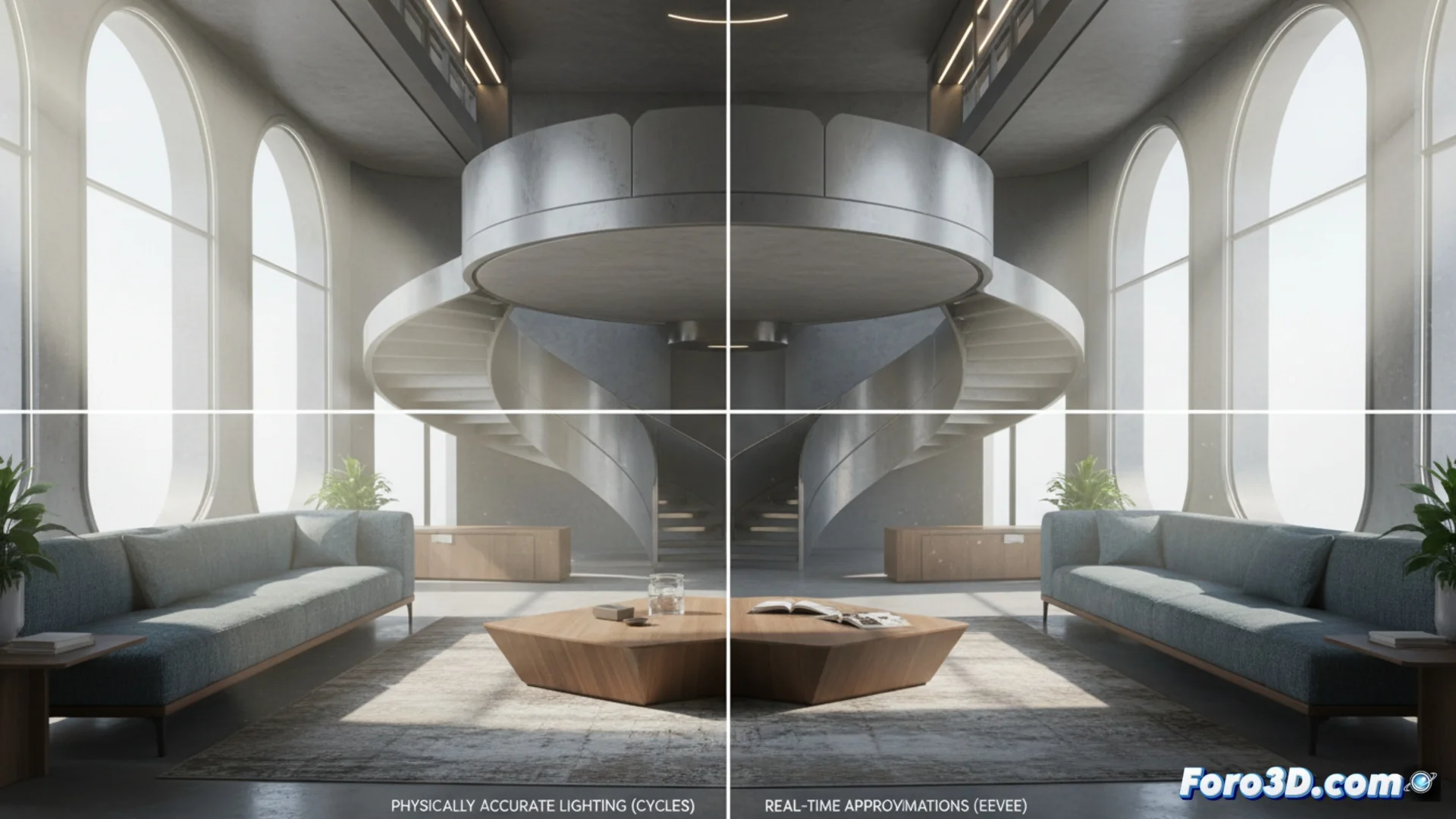
Key Differences Between Cycles and Eevee in Blender for Complex Scenes
When working with intricate scenes in Blender, the choice between its two main render engines completely defines the workflow. Cycles is based on simulating light physics, while Eevee prioritizes immediacy and interactivity. Understanding their fundamentals is crucial for optimizing every stage of your project, from sketching to final delivery. 🎨
Opposing Render Philosophies: Physics vs. Speed
The core of the divergence lies in how they calculate light. Cycles operates as a ray tracer that accurately simulates phenomena like refraction, subsurface scattering, or how light bounces between objects. This generates images with extreme fidelity, but the time cost per frame is high. Eevee, in contrast, is a real-time engine that uses rasterization techniques to approximate those same effects. This allows for instant iteration and previewing, although with certain limitations in absolute realism. The decision often boils down to choosing between a fast render or a physically accurate one.
Main Features of Each Engine:- Cycles: Calculates photon paths, handles indirect lighting natively, and reproduces complex materials with great detail. Ideal for final images.
- Eevee: Processes the scene almost instantly, allows real-time navigation, and requires manual setup for effects like reflections and ambient occlusion. Perfect for pre-production.
- Middle Ground: Many artists use Eevee for composing and animating, and switch to Cycles only for the final render, thus optimizing total time.
Choosing between speed and fidelity is like deciding between a quick sketch and an oil painting: both represent the scene, but the level of detail and time invested are worlds apart.
Managing Light and Advanced Shaders
The way they handle global illumination and complex materials marks another major difference. Cycles automatically calculates how light scatters in an environment, creating soft shadows and realistic color bounces. Shaders that simulate skin, polished metals, or frosted glass are rendered with high precision. Eevee, however, needs help: the user must place reflection probes and reflection planes to approximate those effects. Some material nodes, especially those relying on light scattering, may not look identical, requiring adjustments to parameters like specular brightness or enabling screen-space ambient occlusion to achieve a convincing result. 🔦
Considerations for Materials and Lighting:- In Cycles, materials with subsurface scattering or blurry reflections work in a physical and predictable way.
- In Eevee, it may be necessary to increase light intensity or use texturing tricks to emulate certain scattering effects.
- Image-based lighting (HDRI) looks good in both, but interaction with dynamic objects is more accurate in Cycles.
Challenges with Dense Geometry and Optimizing Times
When a scene houses millions of polygons, resource management becomes critical. Cycles, being a ray tracer, handles very dense geometry efficiently in memory, but render time grows with the number of light samples and bounce complexity. Eevee processes geometric meshes extremely quickly, making it ideal for scenes with many moving objects. However, effects like soft contact shadows or precise refraction in complex objects (like a carved vase) may require extensive manual adjustments or simply not look as defined. For quick deliveries, animatics, or interactive previews, Eevee is a powerful tool, while Cycles is reserved for the final phase where physical realism allows no compromises. ⚙️
In summary, mastering the strengths and limits of each engine allows the Blender artist to make informed decisions. Using Eevee to explore ideas and Cycles to polish the final result is a common strategy that balances agility and supreme quality in projects with complex scenes.