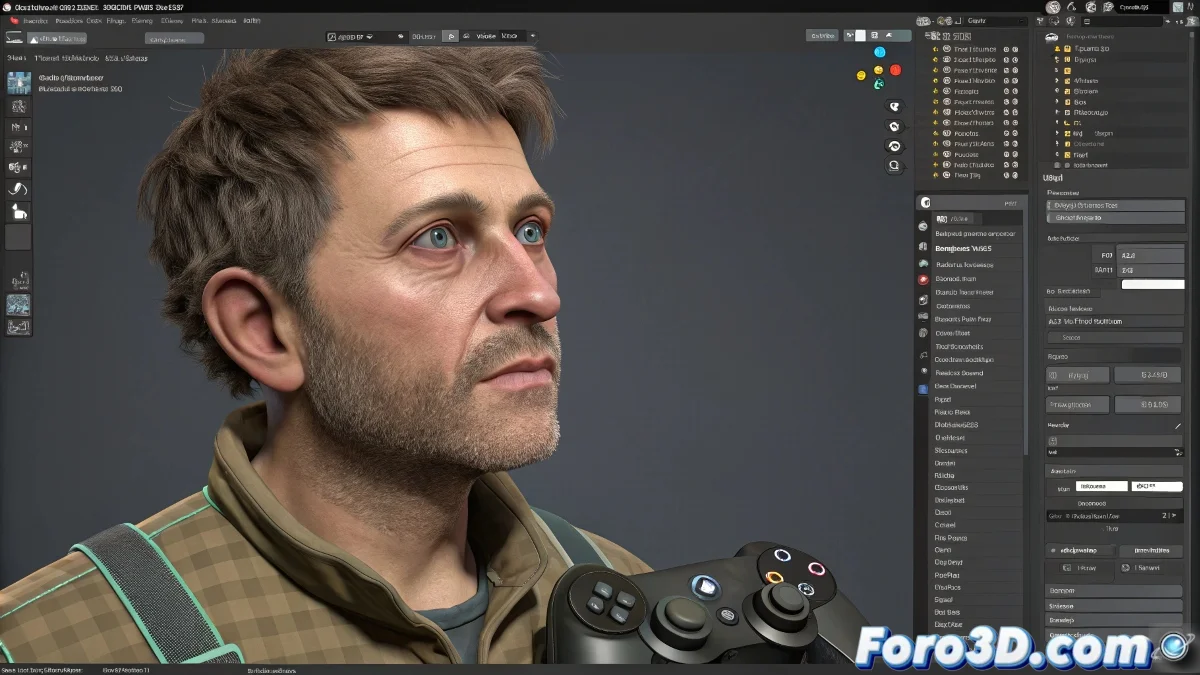
Joystick Manipulator in 3ds Max: Compatibility and Alternatives
The Joystick Manipulator is a quite popular plugin for controlling facial animations intuitively, especially in complex rigs. However, compatibility with the latest versions of 3ds Max 2025 can be an issue, and many users report failures or that it simply doesn't work. Here's what you need to know to use it or modern alternatives.
Compatibility and alternatives for using Joystick Manipulator in 3ds Max
First, if you're using recent versions of 3ds Max, check that your plugin is updated to the latest compatible version. Some old plugins don't work due to changes in the Autodesk API.
If the Joystick Manipulator doesn't work, you can try these alternatives:
- Use CAT and Pose Controls: From 3ds Max, which include quite powerful facial manipulators.
- Explore the Skin Morph system: Along with Custom Attributes to create facial sliders.
- Implement custom controllers: With MaxScript to replicate the joystick manually.
Use third-party facial rigs like Face Robot or Rapid Rig that already include intuitive manipulators.
Extra tip
If you decide to stick with Joystick Manipulator, try running it in 3ds Max in compatibility mode or with administrator permissions, and check the official plugin forums for patches.
Some plugins in 3ds Max are like the joystick itself: very promising, but sometimes they end up being just a controller without batteries... what a sad frustration!