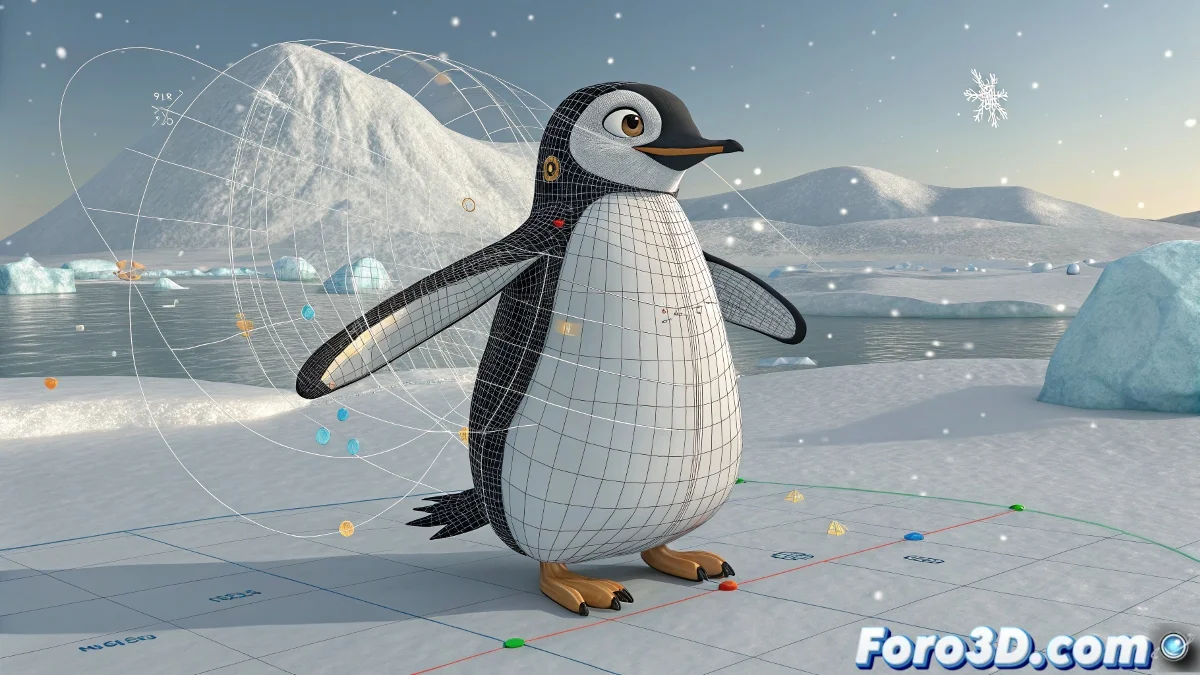
The Art of Assembling Characters Without Your Rig Exploding
Joining arms to the body in Blender is like performing plastic surgery on your character: if you don't follow the correct steps, you'll end up with a penguin that looks like it lost a street fight. 🐧💥 The key is to keep the bone hierarchy intact while connecting the pieces.
Professional Workflow for Clean Joins
Avoid chaos by following this method:
- Prepare the meshes before rigging (Ctrl+J only if there is no weight painting)
- Create a single armature containing all necessary bones
- Apply Armature Modifier to the complete mesh
- Set correct parenting in Pose Mode (Ctrl+P > Keep Offset)
- Refine with weight painting for natural transitions
"A well-made rig is like a good suit: it should move with the character, not against it" - Anonymous animator after 12 hours of weight painting
Solutions for Common Problems
When your character decides to breakdance instead of animating:
- 📍 Lost pivots: Check the location of the armature object
- 📍 Incomplete weight painting: Use Weight Paint mode to see unassigned areas
- 📍 Broken hierarchy: Verify parenting relationships in Pose Mode
Mastering Animation with Graph Editor
For smooth movements:
- 🔹 Adjust Bézier curves for realistic accelerations
- 🔹 Use Dope Sheet mode for precise timing
- 🔹 Apply traditional animation principles (anticipation, follow-through)
And remember: if your penguin ends up spinning like a helicopter, it's not a bug... it's a new form of Antarctic locomotion. After all, in the 3D world, sometimes accidents turn into the best discoveries. 🚁❄️