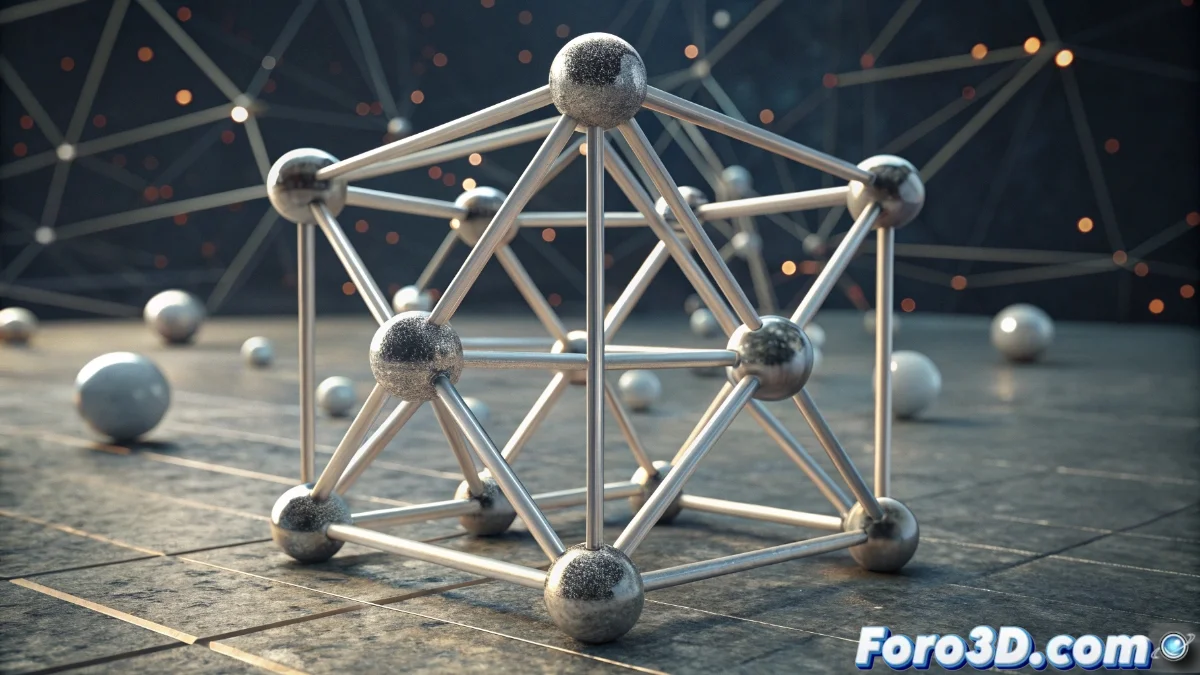
Join Geometry: Non-Destructive Modifier to Join Geometries in Blender
The latest version of Blender incorporates the Join Geometry modifier, a revolutionary tool that allows merging multiple geometries into a single output within the modifier system or Geometry Nodes. This approach preserves a non-destructive workflow, meaning you can combine meshes, curves, or other objects without losing the ability to edit them individually later. 🎨
Key advantages of the non-destructive approach
By using Join Geometry, you maintain total flexibility to adjust each component independently. Unlike traditional merges, this modifier does not combine the geometry at the mesh level, but rather joins them in the output for subsequent operations. This is ideal for rapid iterations, where modifications in one part do not impact the others, and it favors the reuse of elements in various contexts. Additionally, by integrating with Geometry Nodes, you can design dynamic configurations that respond to specific parameters, such as altering the number of joined objects based on numeric inputs. 🔄
Main benefits:- Individual editing of each piece without affecting the whole
- Rapid and adaptable iterations to design changes
- Efficient reuse of elements in multiple projects
Join Geometry eliminates the need for destructive operations, offering unprecedented control over complex models.
Integration with Geometry Nodes and workflow optimization
Within Geometry Nodes, Join Geometry functions as a node that receives multiple geometries and emits them as a single entity. This allows chaining effects like deformations, subdivisions, or shading applications in a coherent manner. By avoiding destructive operations like Boolean or Merge, the editing process is greatly simplified. In practice, you only need to connect the geometries to the node, which processes them in order, resulting in a cleaner and more organized workflow. This method is perfect for projects that demand precision and detailed control. ⚙️
Practical aspects of the workflow:- Simple connection of geometries for ordered processing
- Compatibility with effects like deformations and subdivisions
- Reduction of editing complications through non-destructive methods
Impact on organic modeling and detailed scenarios
This tool is especially valuable for artists working on intricate scenes or characters with multiple components, as it simplifies scene management and minimizes the need to permanently join geometries. Sometimes, joining geometries in Blender can feel like a puzzle where the pieces protest when moved, but with Join Geometry, at least you won't face irreversible destruction. 🧩