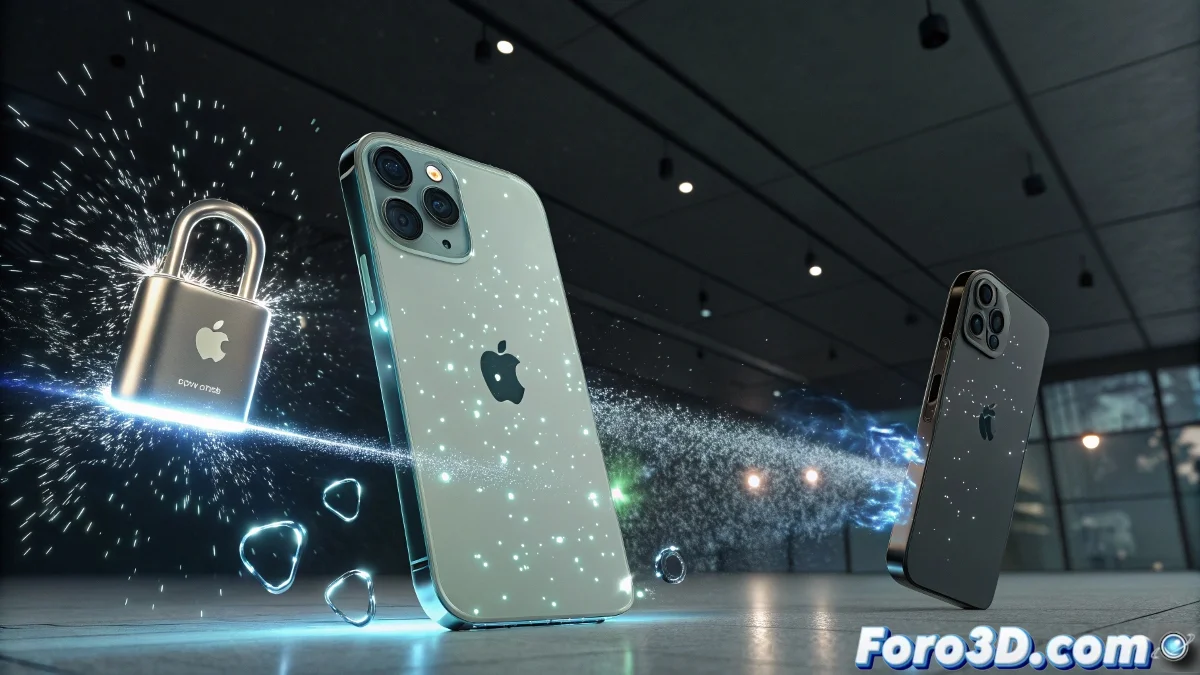
iPhone Security Features Visualized in 3ds Max
Apple surprises once again with the iPhone 17 and iPhone Air by incorporating advanced protections that combine high-level encryption and state-of-the-art biometrics 🔒. For 3ds Max artists, this is perfect material to create conceptual animations where the device is surrounded by digital shields and interactive effects that show how information is kept safe.
Security Visualization in 3ds Max
Geometric objects and dynamic lights can be used to simulate barriers and energy fields around the iPhone. With Particle Flow, shields and data pulses are represented that reflect active protection. V-Ray materials provide metallic and technological finishes, while mobile cameras allow a 360° tour of the phone 🌐, emphasizing the device's comprehensive and futuristic security.
Special Effects and Rendering
Combining Particle Flow with volumetric lights and opacity maps gives the impression of monitored and automatically blocked data. Particles that bounce when approaching the iPhone visually show how intrusion attempts are stopped. Rendering with V-Ray achieves a realistic shine on the casing and dramatic contrast with the protective digital elements ✨.
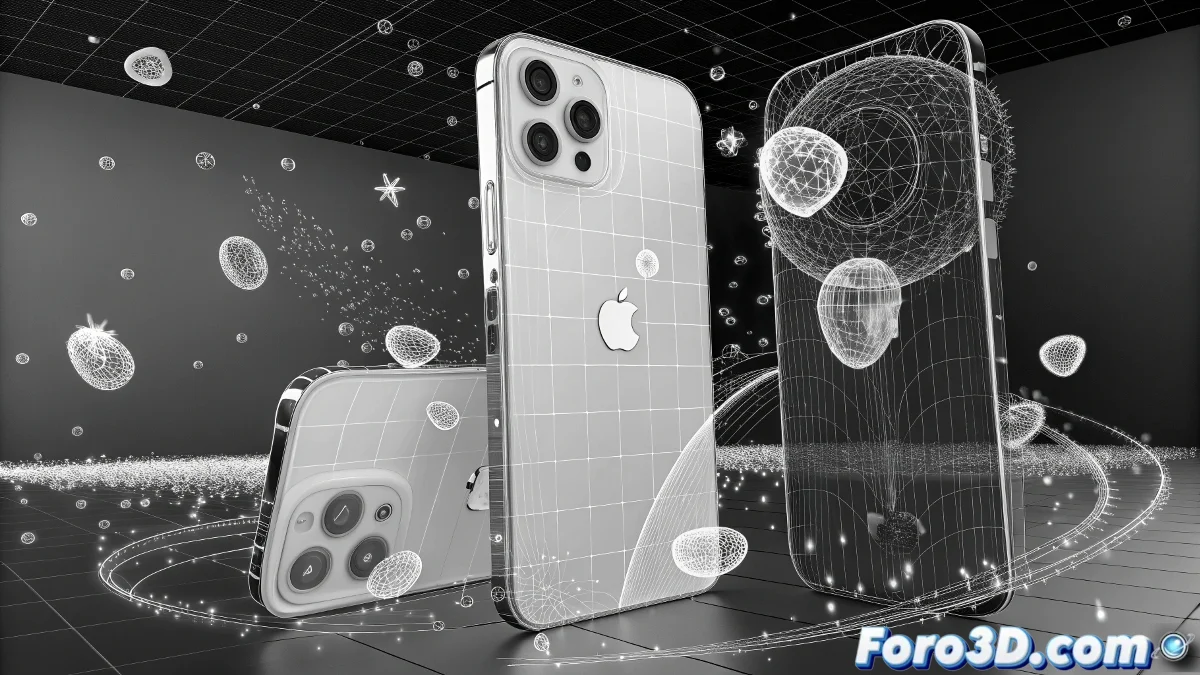
Steps to Create the Animation
- Project Preparation: Create a new file, organize layers, and set up metric units.
- iPhone Modeling: Box or Rounded Box for the body, planes for the screen, cylinders and spheres for buttons and camera.
- Digital Barriers: Cubes, spheres, and tori that represent shields and animated particles for data flow.
- Texturing and Materials: Metals and glass for the iPhone, emissive and opaque for digital barriers, dark background to highlight lights.
Lighting and Cameras
Key Light and Fill Light to model shadows and highlight the device, bluish rim light to separate the iPhone from the background. Main and secondary cameras allow close-up and dynamic views of the data flow, with keyframes that animate perspective changes 🎥.
Animation and Effects
Keyframes on scale and rotation activate digital barriers, particles show protected information flow, and subtle iPhone movements increase dynamism. Glow, Light Bloom, and Lens Effects reinforce the sensation of high security and advanced technology.
Rendering and Post-Production
Render with Arnold or V-Ray adjusting samples according to complexity, minimum resolution 1920×1080 and linear workflow. Post-production with glow, bloom, color correction, vignette, and film grain for a technological style. The final result is an animation that conveys security and digital sophistication 🖥️.
While the iPhone becomes almost impenetrable in real life, in 3ds Max you can hack and break digital shields without Apple saying a peep 😏