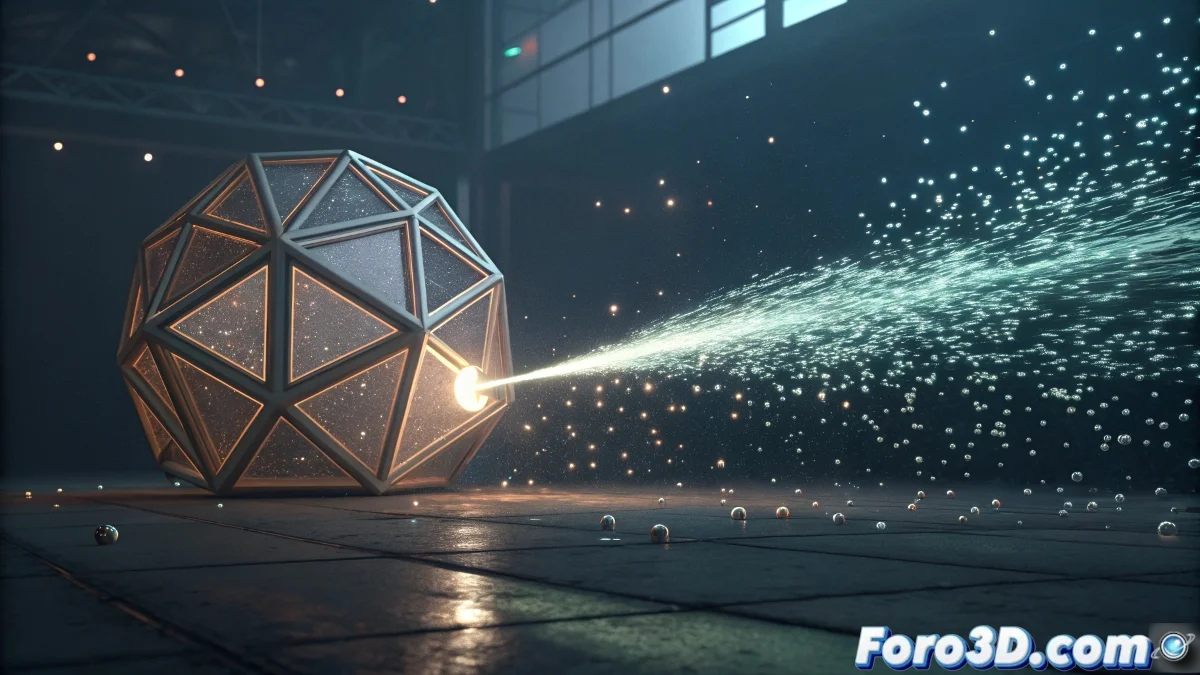
When particles start thinking for themselves
Thinking Particles in Cinema 4D is that system that separates casual users from true visual effects wizards. Unlike traditional particle systems that follow general rules, Thinking Particles allows each particle to make individual decisions based on specific conditions. The learning curve may seem intimidating at first, but once the nodal logic is understood, a world of almost infinite possibilities opens up.
The system works through a nodal network in the XPresso editor where operators are connected that define the behavior of the particles from their birth to their death. Thinking in terms of conditions and actions is key to mastering this powerful tool.
Initial system setup
The first step is to create a Thinking Particles system from the Simulate menu or through the XPresso Editor. A TP Groups object will appear in the scene that manages the different particle groups. It is recommended to start with a basic group before venturing into complex multi-group systems.
Inside the XPresso Editor, the necessary nodes are dragged to create a basic particle flow. The three essential nodes for any system are: PGroup to define the group, Generator to create particles, and Position to place them in space.
- Create TP Groups object in the scene
- Open XPresso Editor for the system
- Define main particle group
- Connect basic emission nodes
In Thinking Particles, even the simplest particle can have a PhD in physics
Essential operators to get started
Operators are the building blocks that define particle behavior. PBirth controls when and how many particles are born, either continuously, by explosion, or based on specific triggers. PPosition determines their initial location, which can be from a simple point to a complex surface.
For movement, PVelocity adds direction and initial speed, while PGravity applies basic physical forces. PShape defines the visual appearance of the particles, from simple spheres to complex instanced objects.
- PBirth for birth control
- PPosition for initial location
- PVelocity for movement and direction
- PShape for visual appearance
Creating a basic functional system
A minimum viable flow connects the PArticles port of the PGroup node to PBirth, then to PPosition, and finally to PVelocity. Each operator is configured according to specific needs: PBirth with moderate emission rate, PPosition in world or local coordinates, and PVelocity with direction and initial force.
To verify that the system works, a PDraw node is added that allows visualizing the particles in the viewport. Size, color, and display style settings help during the development and testing phase of the system.
- Sequential connection of basic operators
- Parameter configuration per operator
- Use of PDraw for visualization
- Testing with low emission rates
Basic conditions and dynamics
The true power of Thinking Particles appears when adding conditions through operators like PCollision for collision detection or PAge for actions based on particle age. These operators connect to specific ports that activate actions only when certain conditions are met.
For example, a system where particles change color after 2 seconds or explode upon colliding with an object. This conditional logic is what transforms simple simulations into intelligent and complex effects.
- PCollision for impact detection
- PAge for temporal actions
- PScale for size changes
- PColor for chromatic variations
Mastering the fundamentals of Thinking Particles is like learning a new language: it's tough at first, but once the logic is internalized, you can make particles dance, think, and react like a perfectly trained army. And the best part is they never complain about overtime 😏