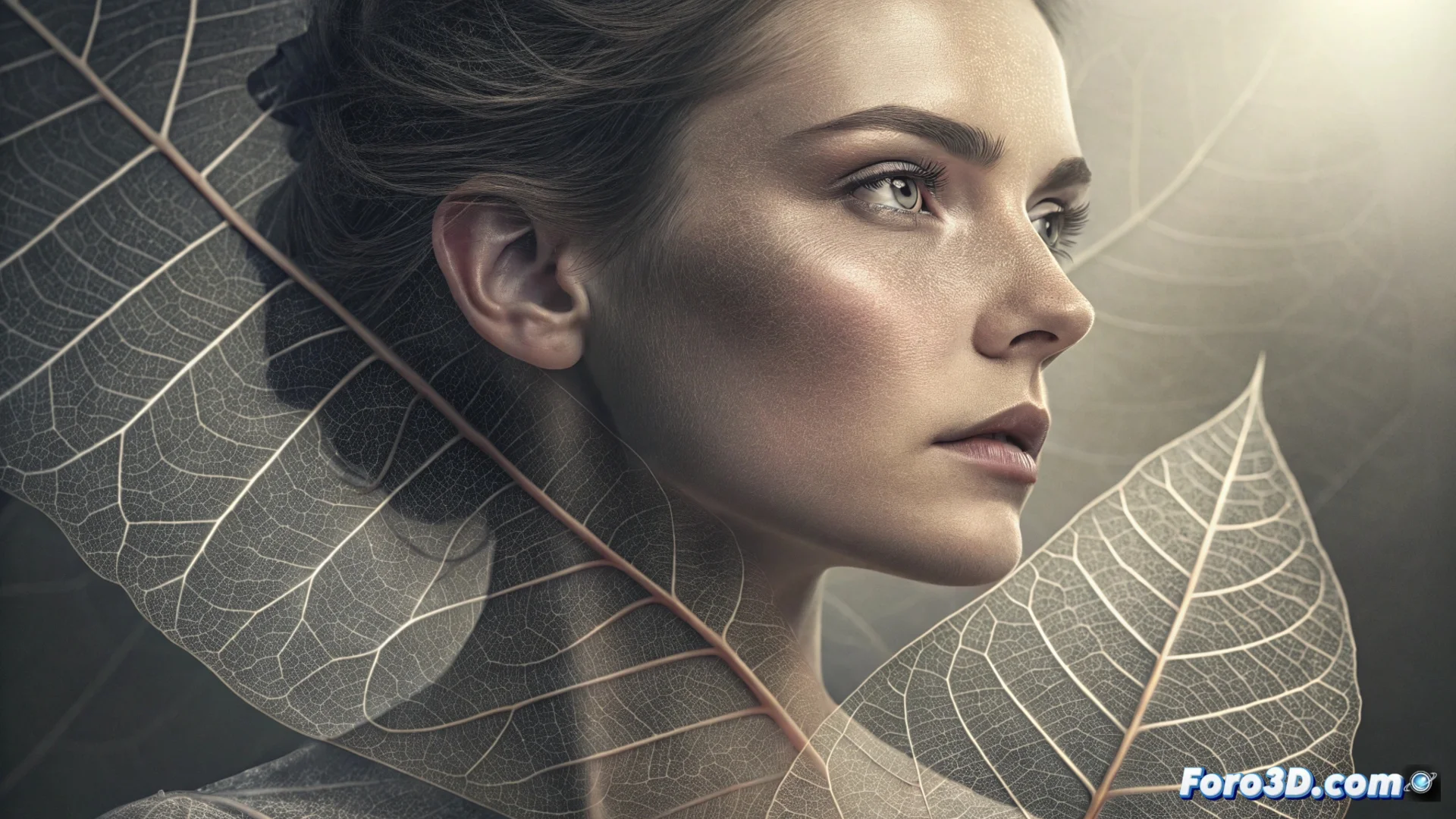
Integrating Translucent Textures as Organic Filters in Photography
This technique allows designing unique visual effects without relying on generic digital filters. It is based on photographing materials with partial transparency and then blending them with a main image. The result adds layers of complexity and a tactile sensation that standard effects cannot achieve. 🎨
Prepare and Photograph the Source Texture
The first step is to select a material that transmits light irregularly. Surfaces like onion skin paper, wrinkled plastic, or glass with condensation offer interesting variations. Photograph this element in isolation, with grazing lighting that accentuates its relief and density. Using a macro lens can help capture the finest details.
Requirements for capturing the texture:- Varied material: Look for objects with changes in opacity and pattern.
- Neutral background: Isolate the texture on a smooth background to facilitate cropping.
- RAW file: Shoot in this format to preserve dynamic range and edit without losing quality.
The real challenge is not applying the effect, but avoiding making the subject look like it's seen through a dirty shower curtain. Moderation is key.
Blend the Layers in Editing Software
In programs like Photoshop or GIMP, import the texture photograph as a new layer over your base image. The magic happens when testing different blend modes, which dictate how the pixels of both layers interact. It's not just about placing one layer on top of the other, but making them dialogue. 🔄
Key blend modes for this effect:- Multiply: Darkens the light areas of the base, ideal for dense textures.
- Overlay or Screen: Lightens the image, useful for very light textures.
- Soft Light: Increases overall contrast, integrating the texture vibrantly.
Control and Refine the Final Result
To prevent the effect from dominating the composition, adjust the layer opacity. Use layer masks to paint with a soft brush and remove the texture in specific areas, such as the eyes of the portrait, while keeping it in others. The goal is to make the texture feel like a quality of the light and not a harshly added element. Precision here defines the difference between an organic filter and a visual error.