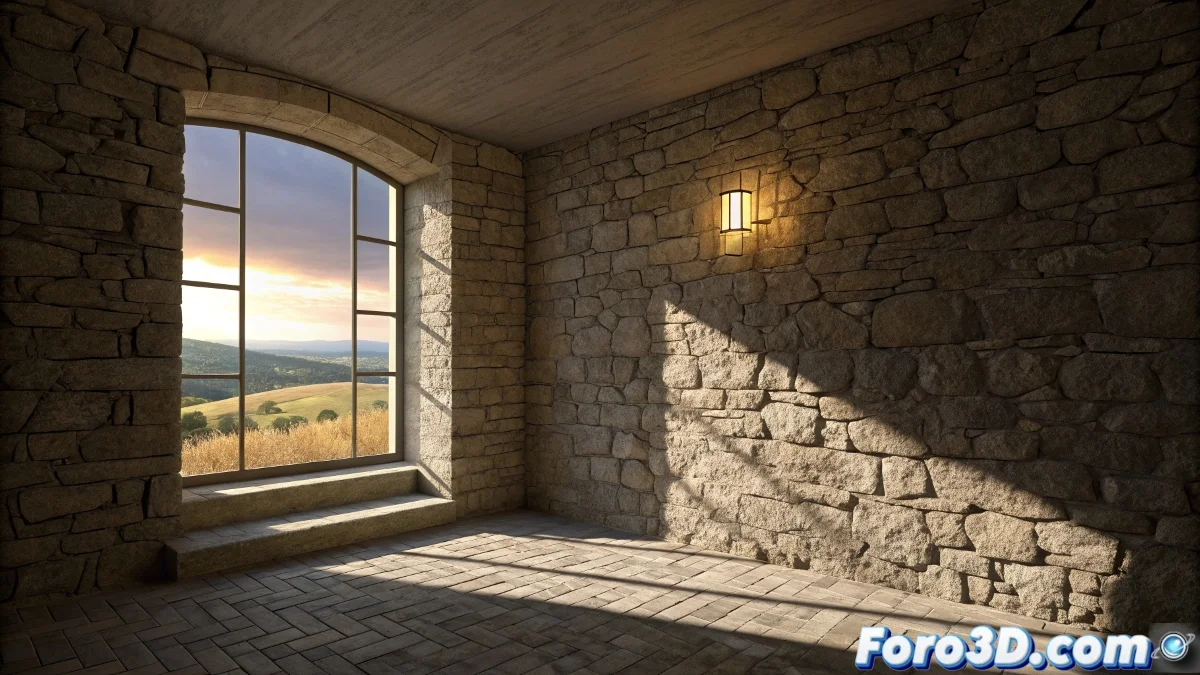
The Balance Between Radiosity and Advanced Effects in Lightscape
When working with Lightscape and seeking to incorporate more sophisticated relief maps and raytrace reflections, you are facing one of the classic dilemmas of this legendary software. Lightscape was revolutionary in its handling of radiosity, but its material system has inherent limitations that become evident when you try to go beyond basic bump mapping. Your experience of achieving the relief but losing the reflections, or vice versa, is a perfect testament to these technical limitations. The problem of radiosity reset when modifying surface parameters is particularly frustrating, as it destroys hours of lighting calculation.
Understanding Lightscape's Technical Limitations
Lightscape operates with a layered rendering philosophy where radiosity is calculated first and material effects are applied afterward. This separation is the root of your problems, as complex relief maps and raytrace reflections require deeper integration with the lighting calculation that Lightscape cannot provide natively.
- Separate rendering architecture between lighting and materials
- Material engine limitations for advanced effects
- Incompatibility between systems for light calculation and reflection
- Export issues with specific material parameters
Hybrid Lightscape-3ds Max Workflow Strategies
The most effective solution is usually a hybrid workflow that leverages the best of both programs. Instead of seeing it as a simple export, you need to establish a pipeline that preserves the advantages of each software.
Working with Lightscape and 3ds Max is like having two medical specialists: each is excellent in their area but they need to communicate for the complete diagnosis
- Export the radiosity solution as a light mesh to 3ds Max
- Use the Lighting Data Exporter to preserve lighting
- Apply advanced materials in 3ds Max over the Lightscape light base
- Set up separate render passes for final compositing
Specific Techniques to Preserve Quality
To maintain the lighting quality you value so much in Lightscape while adding 3ds Max's advanced effects, you need to follow a specific export and import protocol. This includes precise adjustments in both programs to ensure visual consistency.
Mastering the workflow between Lightscape and 3ds Max is like learning to cook with ingredients from two different crops 🍳. The magic happens when you find a way to combine them respecting the strengths of each, creating results that would be impossible using only one of the tools separately.