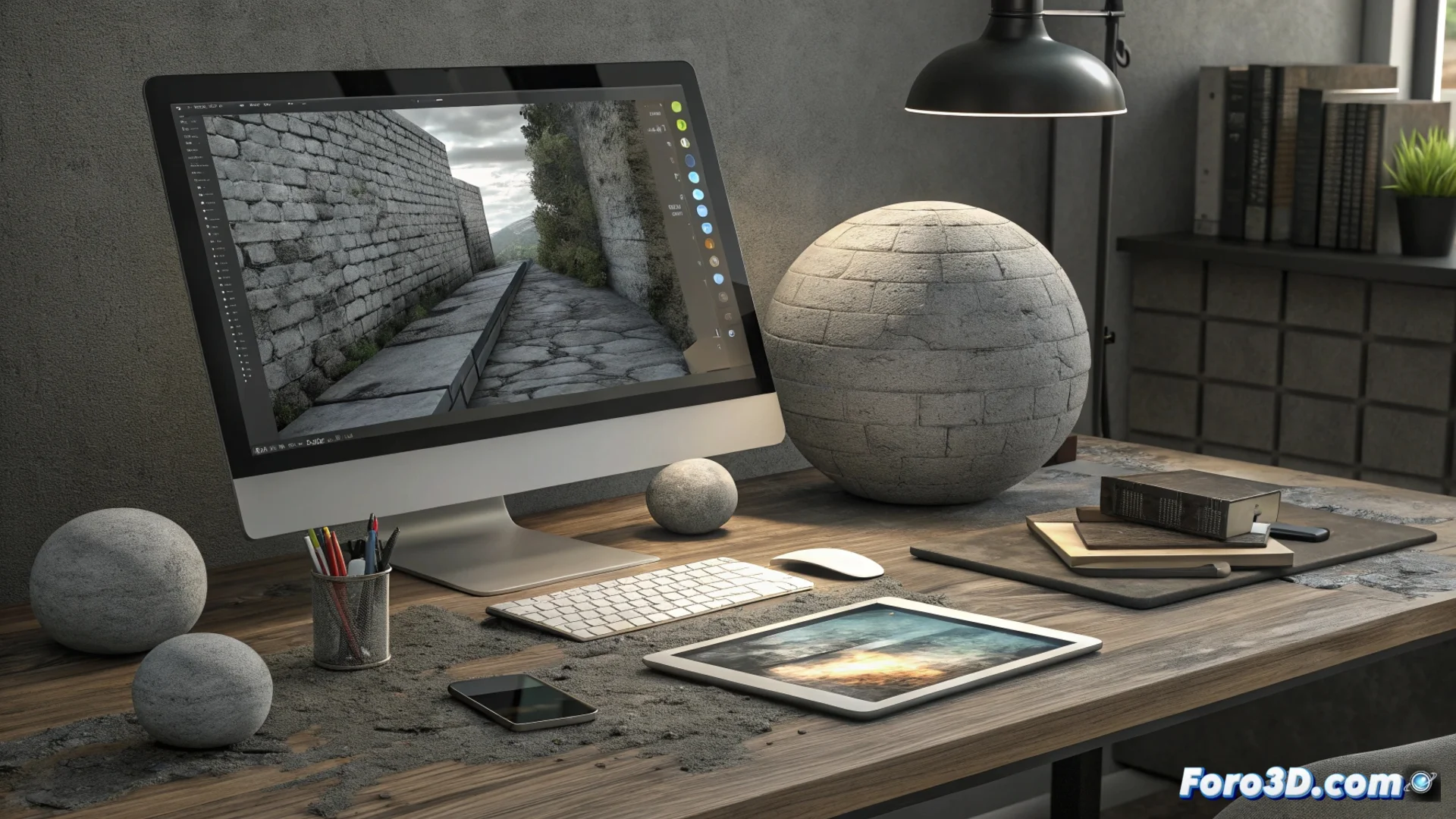
InstaMAT: Generate PBR Materials from a Photo
Digitalizing the appearance of real-world materials for use in 3D projects no longer requires an extensive manual process. InstaMAT is a specialized program that automates this task. You just need to capture an image of a surface, like concrete, fabric, or brick, and the software handles the rest, producing a PBR asset ready for rendering. 🚀
How the Core Analysis Works
The program employs computer vision algorithms to dissect the photograph. It doesn't require you to adjust technical parameters. Its internal process intelligently separates the key visual components of the input image.
Map Generation Process:- Separate Information: Distinguishes pure color data from that which defines the surface structure and relief.
- Calculate Albedo: Produces a map that represents only the base color, automatically removing shadows and incident lights.
- Deduce Normals: Generates a map that simulates the micro-geometry and fine details of the surface from light variations.
- Estimate Roughness: Calculates a map that defines how light scatters on the material, indicating whether it is matte or shiny.
The system packages all generated maps into a coherent material that 3D engines can interpret without additional configurations.
Implement the Assets in Your Pipeline
The materials created by InstaMAT follow the PBR Metallic/Roughness standard, the most widespread one. This ensures they work predictably and consistently when imported into 3D creation software.
Practical Use Cases in Production:- Use Directly: Apply the generated assets to your models in Blender, Unreal Engine, or Unity immediately.
- Refine as a Base: Use the maps as a solid starting point to adjust and customize according to the specific artistic needs of the scene.
- Digitalize on Location: Quickly scan textures during a photo shoot or on a construction site, creating libraries of varied and realistic materials.
Optimize Texture Creation
This tool significantly reduces the time you invest in creating textures from scratch or searching for assets that match a specific visual reference. It accelerates the workflow by providing a fast path to convert reality into a usable digital asset. The result is a complete PBR material, allowing you to focus on the creative part of your project. 🎨