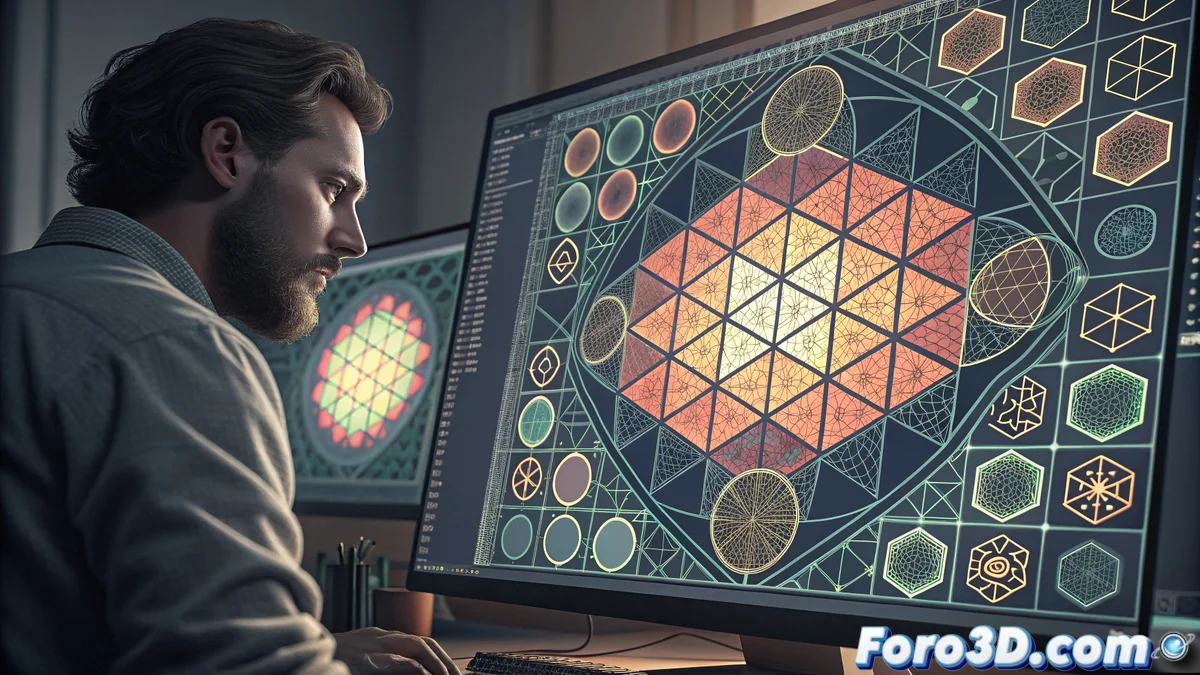
Inkscape's Tiled Clones Tool for Creating Complex Patterns
Inkscape includes a powerful feature for generating complex patterns efficiently through controlled duplication of objects. This tool, located in the Edit / Clone / Create tiled clones menu, provides a wide range of configuration options that adapt to various creative needs. Users can define parameters such as rows, columns, shifts, and progressive transformations to achieve dynamic and precise visual effects 🎨.
Basic Tiled Clones Configuration
Upon accessing the tiled clones dialog, you will find tabs organized by specific functionality. The Symmetry tab sets the fundamental arrangement of the pattern, offering options from simple layouts like rows and columns to more elaborate patterns like P1 / P2 mosaics. In the Shift section, you can control the relative position of each clone using exact horizontal and vertical movement values. Additionally, progressive scale and rotation options introduce size and orientation variations throughout the pattern, creating perspective or organic movement effects that enrich the design.
Key configuration features:- Definition of rows and columns to structure the pattern in an orderly manner
- Control of shifts between elements with precise values on horizontal and vertical axes
- Application of progressive transformations that add dynamic scale and rotation variations
Tiled clones demonstrate that the most elegant solution for creating visual complexity is to intelligently repeat what already works.
Practical Applications and Advanced Editing
A fundamental advantage of clones is that they maintain a direct connection with the original object. When modifying the source element, all clones update automatically, facilitating global adjustments without the need to edit each instance individually. This is ideal for creating textured backgrounds, decorative patterns, or repetitive interface elements. For more advanced work, the Color tab allows applying progressive chromatic variations, generating complex gradients or color transitions across the mosaic, adding depth and visual richness to your projects.
Benefits in the workflow:- Automatic update of all clones when modifying the original object, saving time on adjustments
- Efficient creation of textured backgrounds and decorative patterns with visual consistency
- Application of chromatic variations to generate advanced gradients and color transitions
Final Reflections on Using Clones
Inkscape's tiled clones tool is a powerful solution for designers seeking efficiency and precision in creating complex patterns. Although perfectly aligned multiple rows of clones can be hypnotic, its ability to maintain the connection with the original and offer customization options makes it an invaluable resource. Exploring its features will allow you to discover new creative possibilities and optimize your workflow in 2D graphics projects ✨.