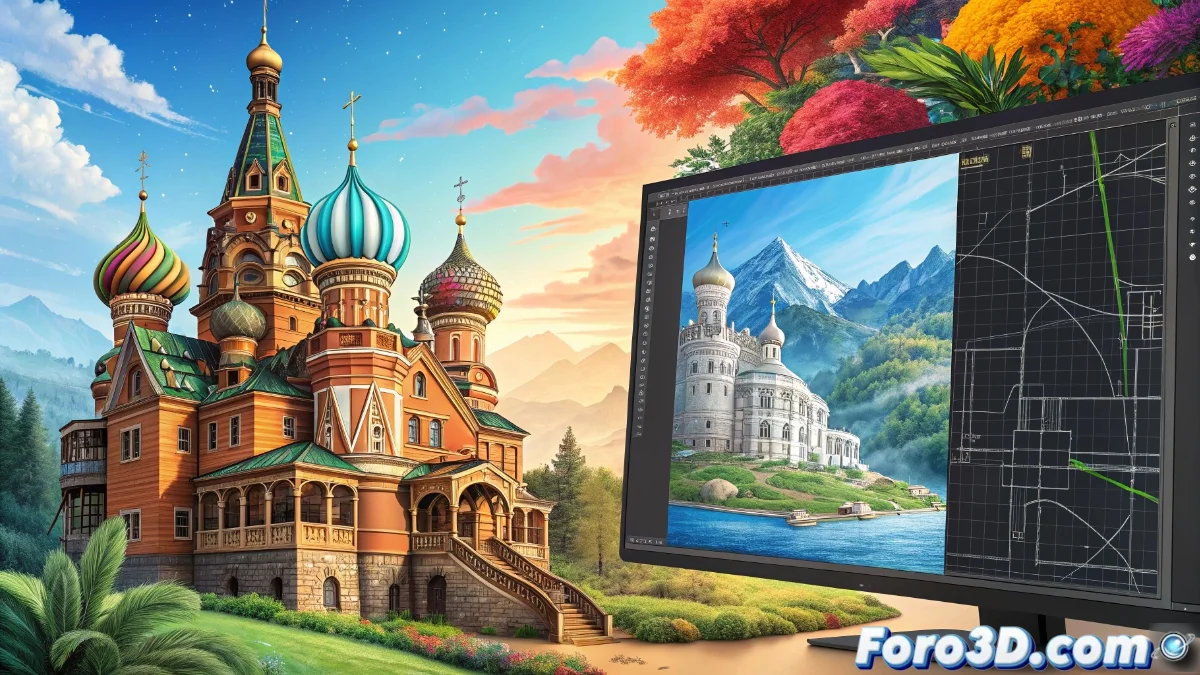
Inkscape vs LibreCAD: key differences in vector design
Although both programs use vector graphics, Inkscape and LibreCAD represent completely opposing work philosophies within the universe of digital design. While one is oriented toward artistic creativity, the other specializes in absolute technical precision. 🎨📐
Inkscape: the realm of visual expression
Inkscape stands out as the ideal tool for graphic designers and illustrators seeking creative freedom. Its work environment prioritizes the intuitive manipulation of visual elements such as gradients, typography, and special effects, allowing the creation of aesthetically impactful compositions without strict technical restrictions.
Main use cases for Inkscape:- Creation of logos and corporate identity with freehand drawing tools
- Development of complex illustrations through advanced node and Bézier curve manipulation
- Design of advertising materials where visual impact prevails over exact measurements
Trying to make architectural plans in Inkscape is like using fine brushes to build a house: the tools are magnificent but for the wrong purpose.
LibreCAD: millimeter precision for professionals
When the project demands dimensional accuracy, LibreCAD becomes the indisputable choice. This software is specifically designed for 2D technical drawing, incorporating professional CAD functionalities that meet the needs of architects, engineers, and specialized technicians.
Technical advantages of LibreCAD:- Absolute coordinate system that ensures precise measurements at all times
- Automatic dimensioning tools to generate plans with complete technical specifications
- Native support for DWG formats facilitating compatibility with other professional software
Smart choice according to the project
The decision between these two programs should be based on the final objective of the project. While Inkscape shines in environments where aesthetics is priority, LibreCAD dominates when every millimeter counts. Understanding these fundamental differences avoids frustrations and ensures professional results suited to each creative or technical discipline. 💡