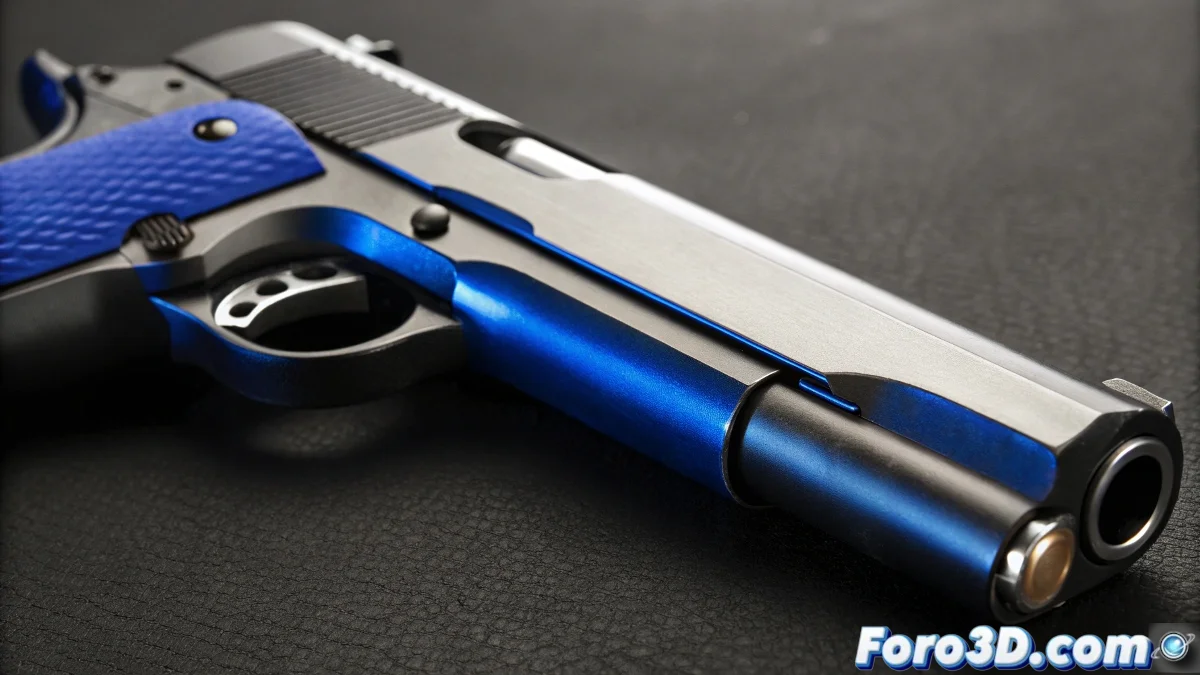
The Art of Texturing Everyday Objects
When you tackle texturing a pen in 3ds Max, you're working with one of those seemingly simple objects that contain surprising material complexity. A realistic pen is not just a cylinder with colors - it's a combination of different materials, surface finishes, and manufacturing details that, when replicated correctly, greatly elevate the credibility of your model. The fact that you've saved your modeling for months and now want to improve it demonstrates that critical eye that every good 3D artist develops over time.
Analysis of the Key Components of a Pen
To improve your texturing, first mentally break down the pen into its material elements. Each part requires a different approach, and understanding these differences is fundamental for a professional result.
- Main body plastic with different finishes
- Metal clip with spring details and wear
- Tip and mechanism with specific metals
- Prints and logos with decal techniques
Specific Techniques for Each Material
Each component of the pen needs specific material treatment that captures its unique visual properties. The combination of these materials is what creates the illusion of a real object.
Texturing a pen is like being a digital jeweler: the small details are what make the difference between ordinary and exceptional
- Matte plastics with medium roughness and no strong reflections
- Brushed metals with anisotropy for the clip
- Micro-imperfections with subtle bump maps
- Edge wear with strategic mask maps
Workflow for Realistic Details
To take your texturing to the next level, incorporate techniques that simulate real manufacturing processes and natural wear from use.
Improving your texturing skills is a continuous process of observation and practice ✨. Every everyday object you study and recreate trains you to see the world with an artist's eyes, noticing those small details that most overlook but make all the difference in the final render.