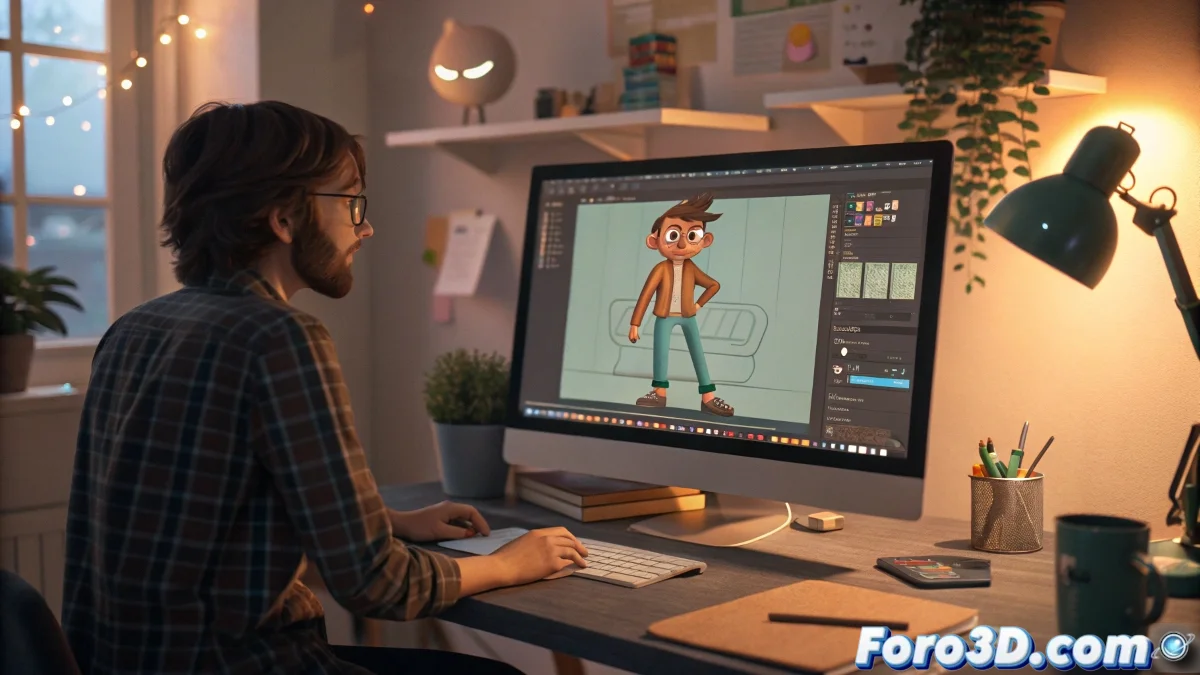
Improving in 3D Animation with Learning and Constructive Criticism
In 3ds Max, as in any other 3D software, constant practice and reflection on each movement are the foundation for growing as an animator. Using a well-known character to study and practice rigging and animation is a very common and effective strategy, especially if you're seeking to understand how the principles work in practice. Imagine that each character is like an actor in training, ready to give their best! 🎭
Importance of the 12 Principles and Approach to Improvement
The 12 principles of animation are a pillar in the world of VFX and animation. Concepts like anticipation, secondary action, or arc are what transform a flat movement into a believable and expressive one. Applying them in 3ds Max requires not only understanding each principle but also knowing how to use animation tools like the Curve Editor and interpolations so that those concepts are reflected in the final animation.
To receive constructive criticism, it's essential to be objective about your work. Look for aspects like timing, the smoothness of transitions, the expressiveness of poses, and the clear intention of the movement. On foro3d.com, the community is very open and usually offers detailed comments, so don't hesitate to share your video.
Practical Tips to Advance in 3D Animation
- Study real references: Observe videos and movements of people or animals to better understand physics and dynamics.
- Make short and simple animations: Before complicating with long scenes or complex characters.
- Practice blocking: Use the timeline in 3ds Max to adjust key poses before polishing details.
Don't fear making mistakes: every error is an opportunity to learn and improve. Remember that even professional animators have made bad animations more than once.
So, while you practice, think that you're training your character to stop looking like a robot and start having life... or at least a little less rigidity. And who knows, maybe your character ends up dancing better than you! 💃