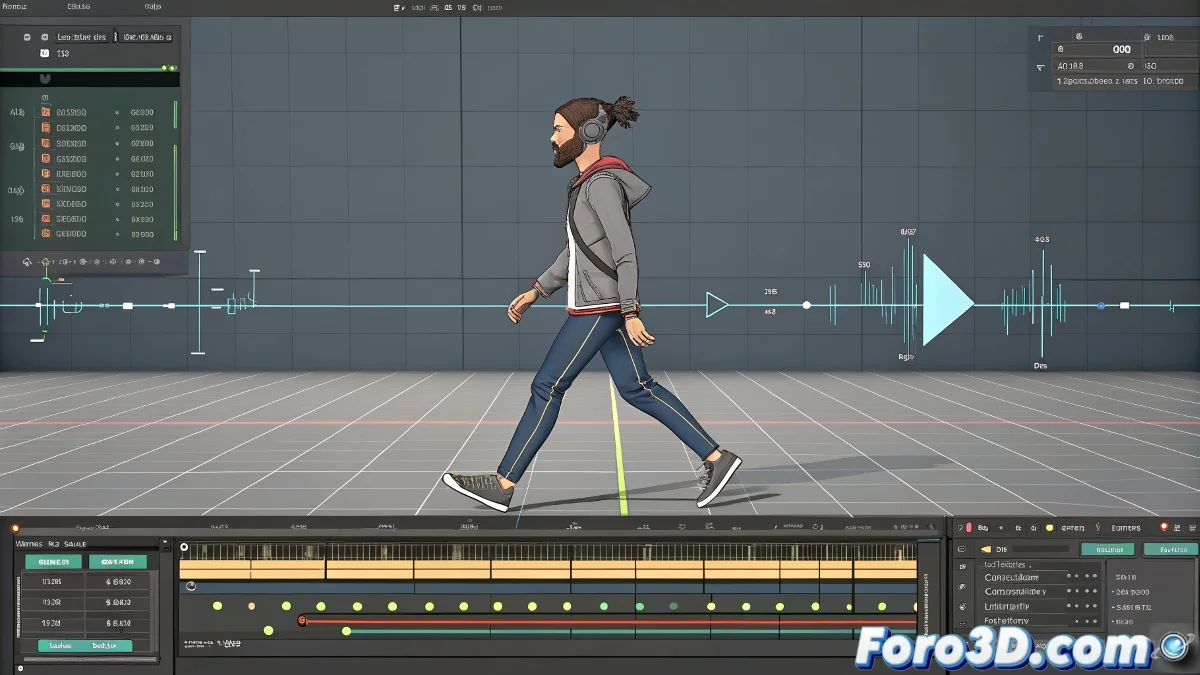
Master Bip Animation Imports Without Losing Your Work
The moment of importing a bip file can be as stressful as a bad rendering day 🖥️💥. By default, 3ds Max replaces your entire existing animation, but with these professional methods, you'll maintain absolute control.
The Power of the Animation Mixer
This tool is like a DJ for your keyframes 🎛️, allowing you to blend animations with precision:
- Select your already animated biped character
- Go to Motion > Biped Apps > Mixer
- Create a new mix with right-click
- Import your bip file as a new layer
- Adjust blend levels like a pro
Smart Loading from Specific Frame
For those who prefer manual control, this method is pure gold:
- Select your biped and go to Motion > Load File
- Enable the Load Buffer option before selecting
- Check Insert at Current Frame
- Specify the exact frame for the new animation
Bip files are like teenagers: if you don't set boundaries, they ruin everything. But with these controls, you'll keep order in your timeline. 😅
Advanced Techniques for Professional Results
Take your animation to the next level with these strategies:
- Animation Layers: The elegant solution for overlays
- Export as clips for blending in Motion Mixer
- Selective keyframe copying between animations
Now you can import bip animations with the confidence of a surgeon, not the fear of an intern. Time to animate! 🎬✨