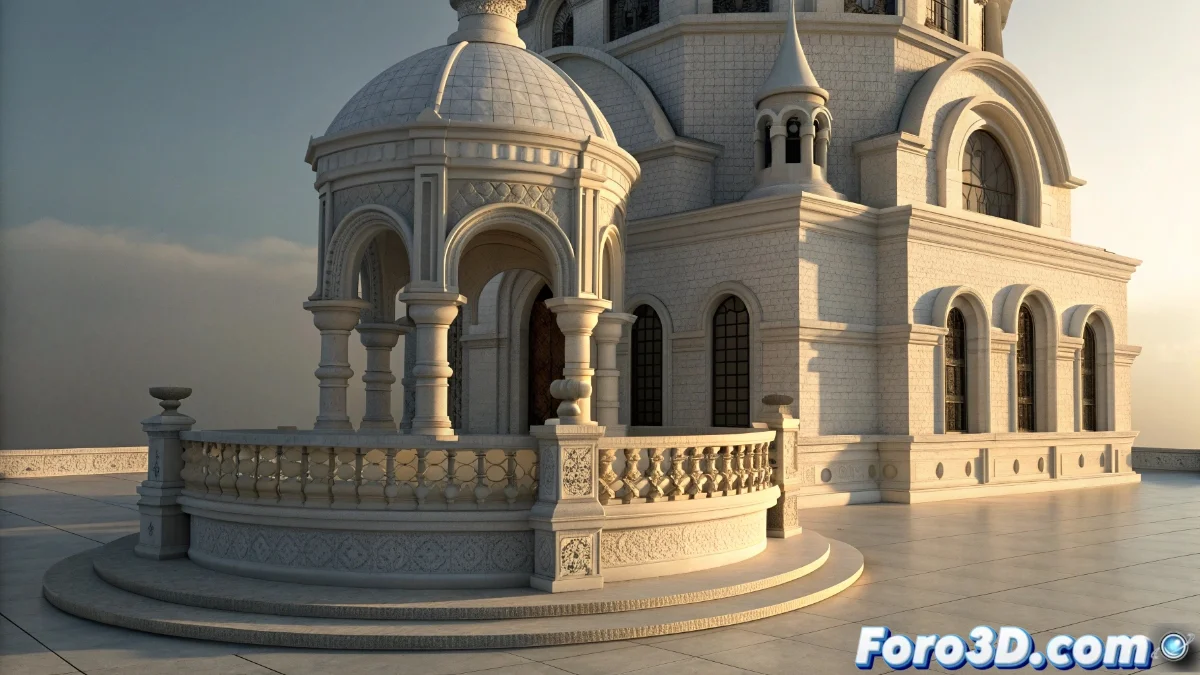
Implementation of Bevel Effects in Unreal Engine 5
In the Unreal Engine 5 ecosystem, the bevel or chamfering effect is primarily integrated through the materials and shaders system, allowing the smoothing of contours on static meshes and props without altering their base geometry. This technique is crucial for maintaining visual optimization in complex projects, avoiding unnecessary increases in polygon count. 🎮
Advanced Techniques for Beveling in UE5
Developers employ methods such as vertex normal manipulation and custom nodes in shaders to generate rounded edges efficiently. Parameterized materials facilitate real-time adjustments to the bevel radius and intensity, while precalculated normal textures offer a less flexible but fast alternative. For specific scenarios, the Mesh Distance Fields system is used to enhance edges through dynamic lighting effects. 💡
Main Approaches:- Vertex Normal Manipulation: Adjustment of vectors in the material editor to simulate curvatures
- Precalculated Normal Textures: Quick solution but with customization limitations
- Mesh Distance Fields: Advanced technique for precise lighting on complex edges
The beauty of beveling in UE5 lies in its ability to deceive the eye without consuming additional geometric resources.
Advantages and Performance Considerations
Implementation via shaders ensures notable computational efficiency, by avoiding extra geometry and reducing memory usage. This is vital in dense scenes with multiple elements, although the effect may degrade in extreme close-ups where the lack of polygons becomes visible. Development teams must balance bevel intensity with each project's visual demands. ⚖️
Key Aspects to Consider:- Resource Optimization: Lower impact on CPU/GPU by not adding geometry
- Limitations in Close-ups: Loss of detail in very close views
- Flexible Parameterization: Real-time control over the final effect
Final Reflections on Beveling in UE5
The strategic use of shader-based bevel techniques demonstrates how Unreal Engine 5 prioritizes performance without sacrificing visual quality. Although players may overlook these details amid intense action, their proper implementation significantly contributes to the overall immersion and polish of any interactive experience. 🚀