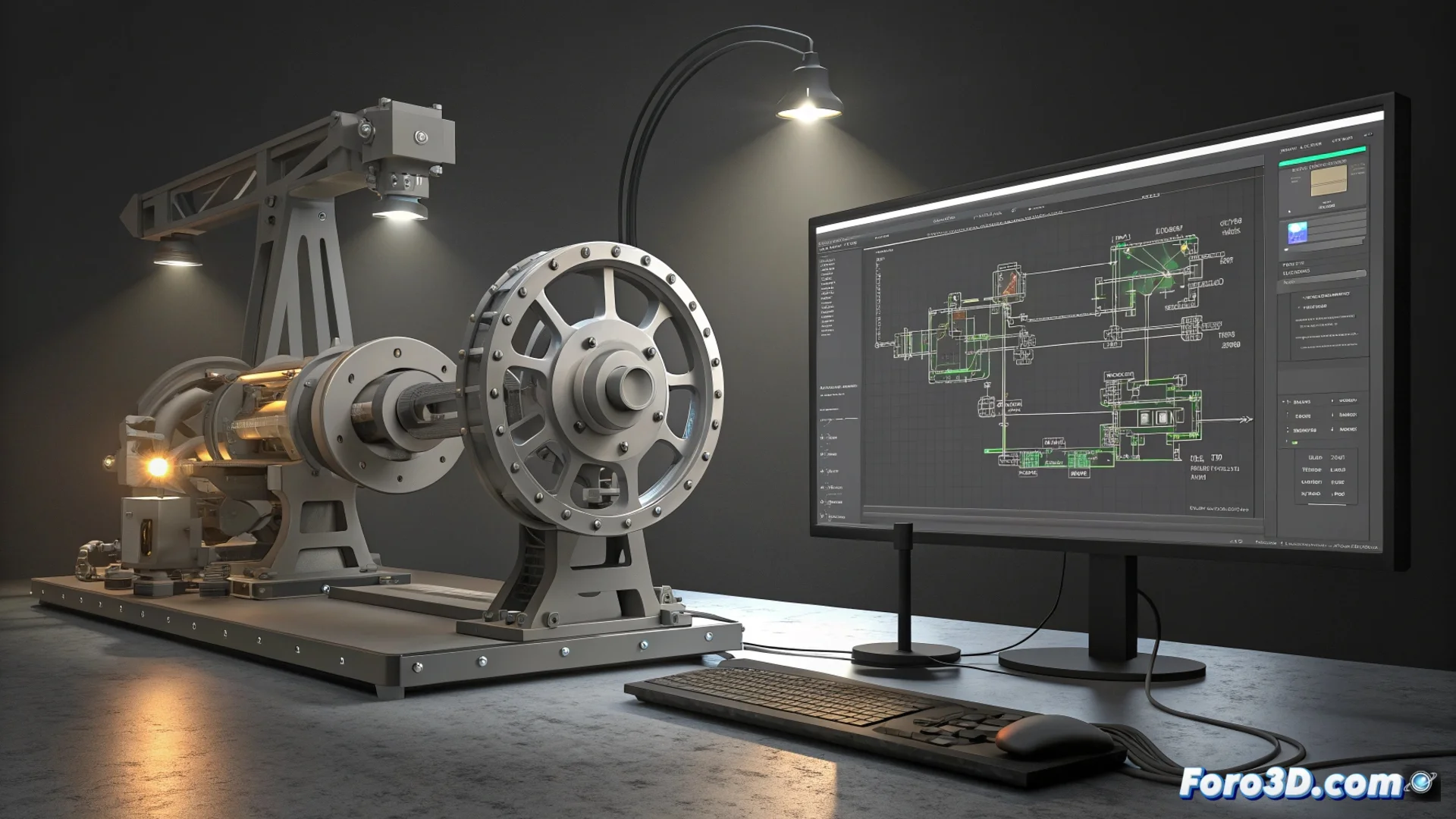
iLogic in Autodesk Inventor: Automate Designs with Rules
Within Autodesk Inventor, iLogic functions as a rules engine that brings parametric models to life. This system allows controlling and modifying complex designs programmatically, linking logic directly to the parameters and geometry of the file. Users write code in VB.NET or use visual scripts to define behaviors, significantly speeding up the design process. 🚀
The Core of the System: Event-Triggered Rules
iLogic's operation revolves around rules, which are code snippets that execute when a specific event occurs. This event can be opening a document, changing a value, or updating the model. The power lies in how this logic integrates into the modeling environment, allowing managing product variants or adjusting dimensions automatically and consistently.
Key Components of iLogic:- Rules and Events: Code that activates automatically, such as when modifying a parameter, to propagate changes in the model.
- Custom Forms: Interfaces with dropdown lists and buttons that allow any team user to configure the design without directly touching the 3D model.
- Linked Parameters: Variables that control the geometry and that rules can read and modify dynamically.
The irony of automation: sometimes, writing the perfect rule for a screw to self-thread would take more time than screwing it in by hand in the real world.
Optimize Workflow with Automation
Implementing iLogic is ideal for automating repetitive and error-prone tasks. This not only saves time but also ensures greater accuracy and consistency across the entire project documentation, from drawings to bills of materials.
Common Practical Applications:- Generate Drawings: Automatically create drawings with different configurations or view states.
- Manage Libraries: Select a standard part and adapt its dimensions to the current assembly.
- Control States: Activate or suppress components in an assembly based on logical conditions.
Impact on the Design Process
By encapsulating technical complexity in rules and forms, iLogic democratizes the use of advanced templates. Designers can explore more alternatives in less time, while reducing human errors. The ability to link logic directly to the geometry transforms the 3D model into an intelligent and adaptable entity, optimizing the entire product development cycle. ⚙️