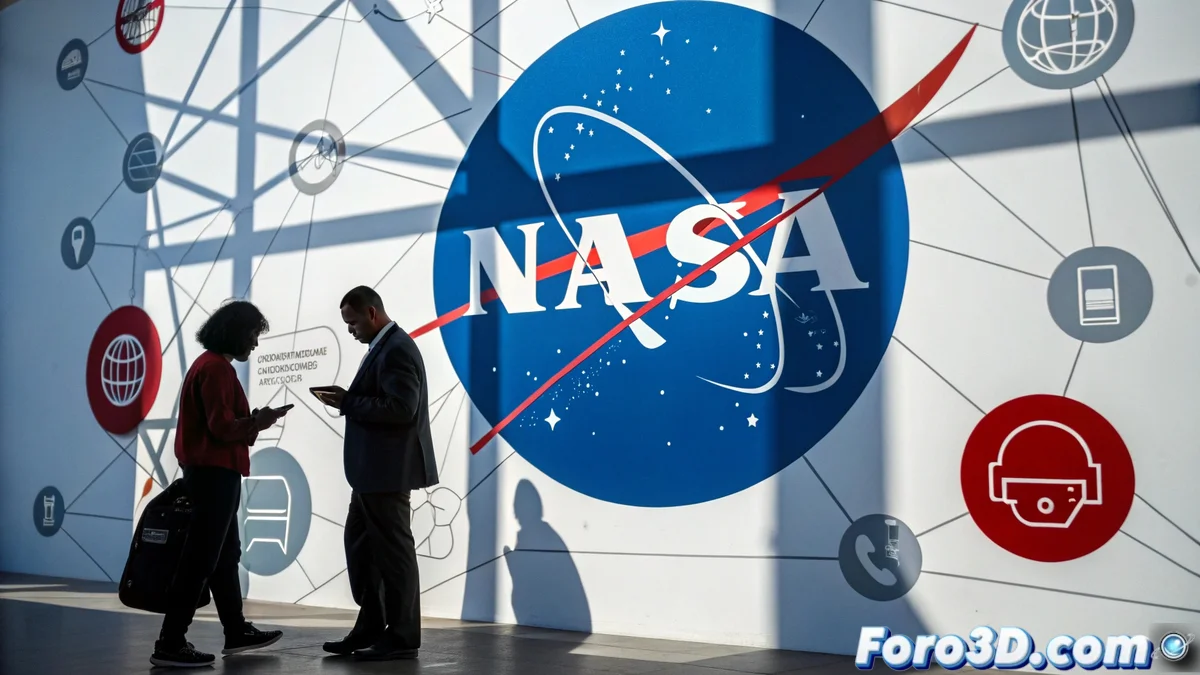
Graphically Representing NASA's Barriers
NASA's recent decision to restrict access to Chinese citizens marks a significant moment in international space policy. 🚀 This security measure, motivated by espionage concerns, can be visually represented in Illustrator through a composition that balances institutional symbolism with graphic restriction elements. Using NASA's characteristic color palette and clean geometric shapes, this complex topic can be communicated clearly and impactfully.
Initial Document Setup
When starting Illustrator, create a new document with appropriate dimensions for illustration, preferably 1920x1080 pixels or higher. Meticulous layer organization from the start is crucial: Background, Buildings, Barriers, Human Figures, and Digital Elements should be kept separate for an efficient workflow. Saving the project as nasa_restrictions.ai preserves the editable structure… because in design, as in security, organization is everything.
Building the Institutional Scene
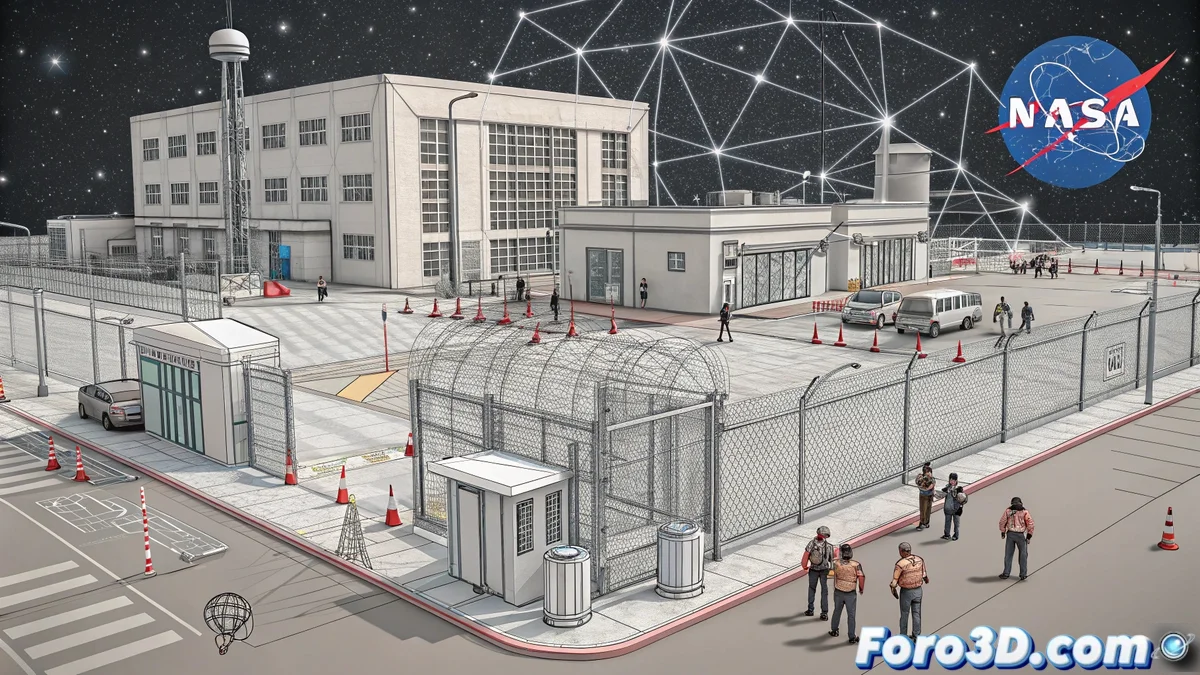
NASA buildings are represented with simple geometric shapes—rectangles and squares—arranged in a balanced composition. 🏢 A slightly isometric perspective is used to give a sense of three-dimensional space without losing vector clarity. The color palette is based on institutional blues, technological grays, and touches of red for alert elements. This minimalist approach keeps the focus on the central message of restriction.
Institutional communication design does not just inform; it must convey values of security, innovation, and authority through conscious and strategic visual choices.
Incorporating Restriction and Security Elements
Physical and digital barriers are represented with diagonal lines, stylized padlocks, and abstract prohibition symbols. 🔒 Human figures are simplified to basic shapes, differentiating between authorized personnel and restricted visitors through colors and positioning. Network connections are shown as dashed lines or disconnected dots, symbolizing interrupted access. Each element is meticulously aligned to create a coherent composition.
Color Techniques and Visual Depth
- Subtle Gradients: Linear gradients are applied to buildings and barriers to suggest volume and depth, using tones within the institutional palette.
- Access Controls: Red alert elements are incorporated at strategic points, such as barriers or security icons, to direct the gaze toward restricted areas.
- Transparencies: Blending modes like Multiply or Overlay are used on overlapping elements to create interesting chromatic interactions.
Finishing and Professional Export
Once the illustration is complete, review the alignment of all elements and the consistency of the color palette. 🎨 Export the final file in high-resolution PNG format for web or print, keeping an editable AI version for possible future adjustments. The resulting composition effectively communicates the access restriction theme while maintaining the visual aesthetic associated with NASA.
Thus, while NASA implements real security measures, designers can explore these barriers creatively… without needing security authorization or clearance levels. Because in Illustrator, the only denied access is that of imagination. 😉