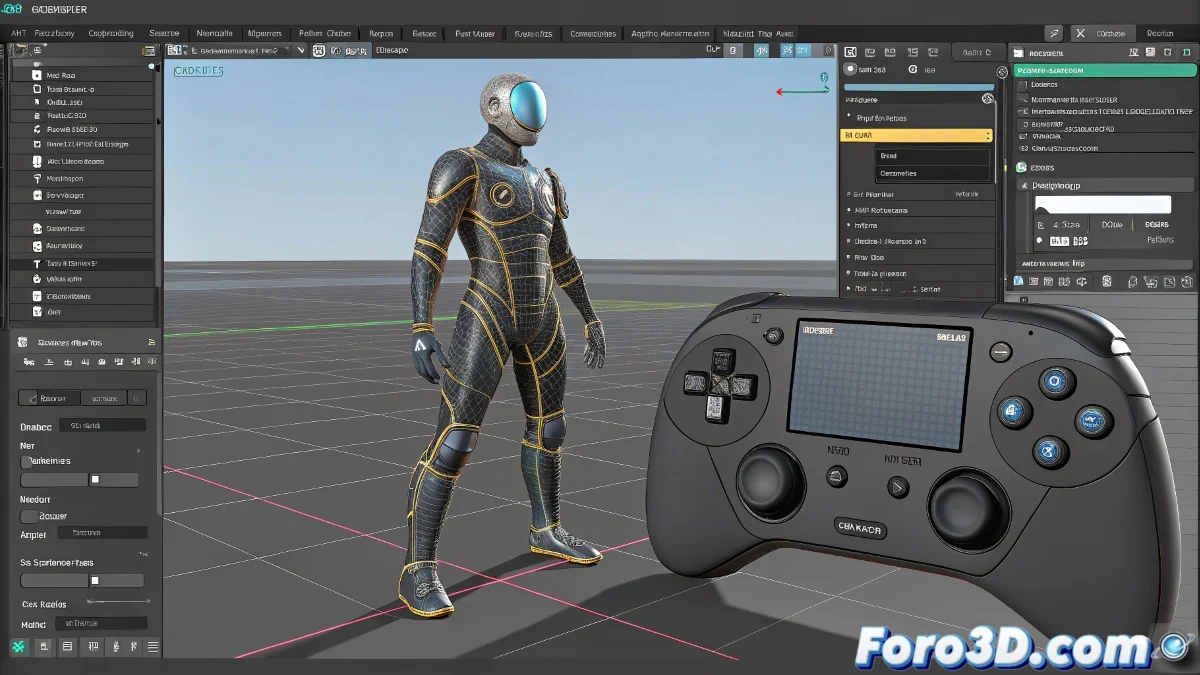
IKFKSolve and Animatable Pivot in 3ds Max: Advanced Use in Modern Pipelines
Did you think IKFKSolve and Animatable Pivot were relics of the past? 🏛️ These tools remain the best-kept secrets for precision rigging in 3ds Max. Discover how to integrate them into modern workflows without looking like a digital archaeologist. ⚙️
IKFKSolve: The Professional IK/FK Bridge
Basic setup:
- Create parallel IK and FK chains
- Apply IKFKSolve as controller
- Keyframe the blend 0-100%
For complex projects:
- Combine with CAT or Biped
- Use Wire Parameters for visual controls
- Implement in secondary limbs
Animatable Pivot: Magic in Motion Graphics
- Select the object and activate Animatable Pivot
- Keyframe the pivot position in the timeline
- Combine with Link Constraint for abrupt changes
- Use Expression Controller for complex movements
A well-used animatable pivot is like a film director: it makes everything rotate around the right point at the precise moment.
Comparison with Modern Techniques
| Scenario | Classic Solution | Modern Alternative |
|---|---|---|
| IK/FK Transition | Manual IKFKSolve | CAT Layers/Auto-Rig |
| Dynamic Pivots | Animatable Pivot | MCG/Procedural Rigs |
| Extreme Precision | ✔️ Better control | ❌ Less flexible |
5 Mistakes That Turn Your Rig into a Nightmare
- Forgetting to freeze transformations before IKFKSolve
- Animating pivots without smooth curves (jerky movements)
- Mixing global/local rotations incorrectly
- Using IKFKSolve on very long chains without subdividing
- Not creating visual controls for the IK/FK blend
Cases Where These Tools Shine
- Industrial robots with variable pivots
- Organic IK/FK transitions in quadruped animals
- Mechanisms with changing rotation points
- Custom rigs for complex animated props
These tools may seem old-school, but when you need that extra 10% of control that automatic systems don't provide, they become your best allies. So the next time your rig needs impossible movements, remember: sometimes vintage is the solution. 🕰️
Technical Bonus: For ultra-precise animations, combine Animatable Pivot with Script Controllers that calculate the ideal pivot position based on other objects in the scene. Math to the rescue! ➗