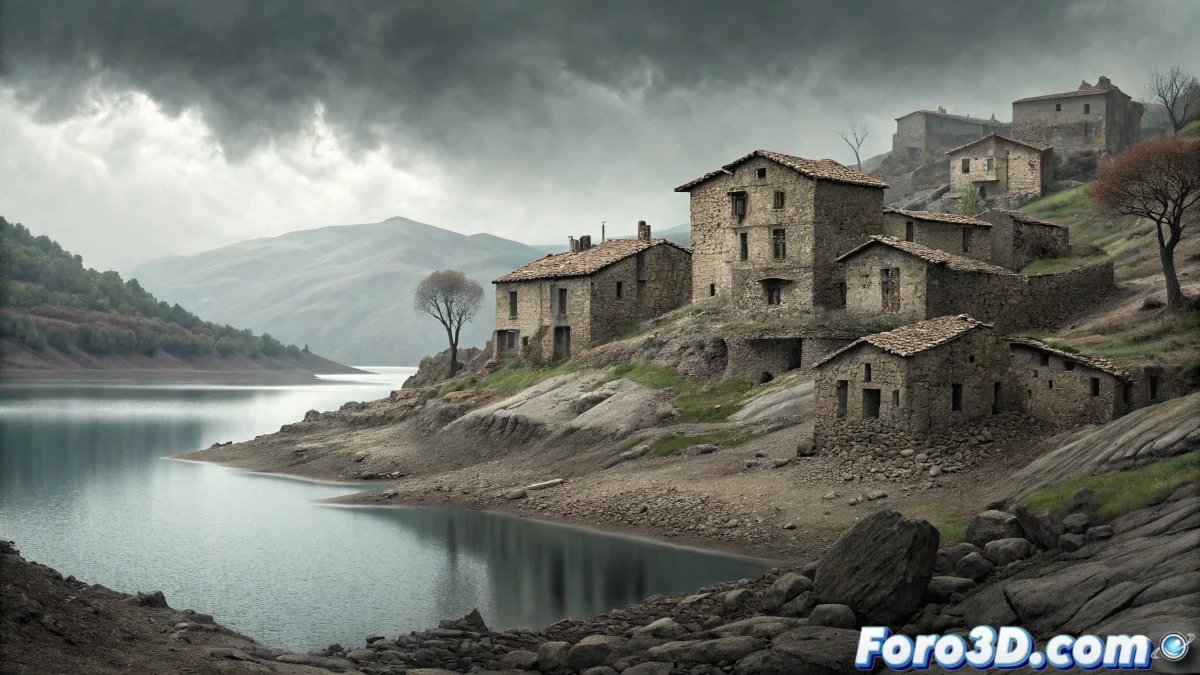
Escó: Painting the Silence with Digital Brushes
The ruins of Escó in Zaragoza, that ghost town watching over the road by the Yesa reservoir, possess an inherent pictorial quality. Its peeling walls, empty windows, and golden sunset light create a composition that seems designed to be painted. Corel Painter, with its vast library of brushes emulating traditional media, becomes the ideal tool to capture not only the image, but the emotion of this abandoned place. This tutorial guides you through creating an illustration that smells of damp earth and memories. 🎨
The Visual Poetics of Abandonment
More than a simple set of ruins, Escó is a study on the passage of time, the texture of eroded stone, and the play of grazing light on imperfect surfaces. For a digital artist, the challenge is not to faithfully reproduce every crack, but to convey the feeling of solitude and resilience emanating from the place. The choice of digital watercolor is not casual; its fluidity and transparency allow suggesting more than showing, letting the viewer complete the details with their own imagination.
Initial Setup and Sketch in Corel Painter
The first step is to create a new canvas with a suitable paper texture. Select a medium or coarse grain watercolor paper from the Papers selector. Start with a loose, gestural sketch using a brush like the 2B Pencil or Sketching Pencil in a rust or light gray color. Don't aim for a perfect drawing; define only the main masses: the silhouette of the church, the volume of the houses, and the ground line.
Recommended initial setup:- 3000x2000 pixel canvas at 300 dpi
- paper texture: Basic Paper or Rough Watercolor Paper
- sketch on a separate layer with 30% opacity
- earthy and muted color palette
Applying Base Color Washes
Create a new layer below the sketch and start applying general color washes. The ideal brushes for this phase are from the Digital Watercolor family, such as Simple Water or Wash Brush. Use a limited palette of ochres, warm grays, and pale blues for the sky. Work with low opacities and overlay color layers to build depth. Let the digital pigments spread and blend organically, simulating the real behavior of water.
In digital watercolor, patience is another brush; let the layers dry virtually before applying more pigment.
Defining Volumes and Textures
Once the base is established, create a new layer to define the volumes of the buildings. Use drier, textured brushes like Spatter Water or Dry Brush to suggest the roughness of the stone and flaking areas. Play with pencil pressure to achieve strokes of varying intensity. Here, the paper texture selected at the beginning will play a crucial role, adding grain and authenticity to every brushstroke.
Key brushes for textures:- dry brush for eroded effects
- spatter water for dirt and small debris
- salty for lightening areas and creating splatter effects
- loaded watercolor for structural details
Final Details and Atmosphere
For the more defined elements, like empty windows or deep cracks, switch to brushes from the Pens or Markers category with controlled flow. Add invasive vegetation on sills and roofs with Foliage type brushes or loose touches of muted green. Finally, create a Soft Light or Overlay mode layer to apply a veil of golden light simulating sunset, integrating the entire scene. 🌆
Final artwork adjustments:- adjust Canvas Effects > Dye Concentration to intensify colors
- use Surface Lighting to enhance paper texture
- apply light Sharpen to the details layer
- sign the artwork with a calligraphic brush
In the end, you won't have a photo of Escó, but a painted memory, like a ghost you've decided to let live on your canvas. 👻