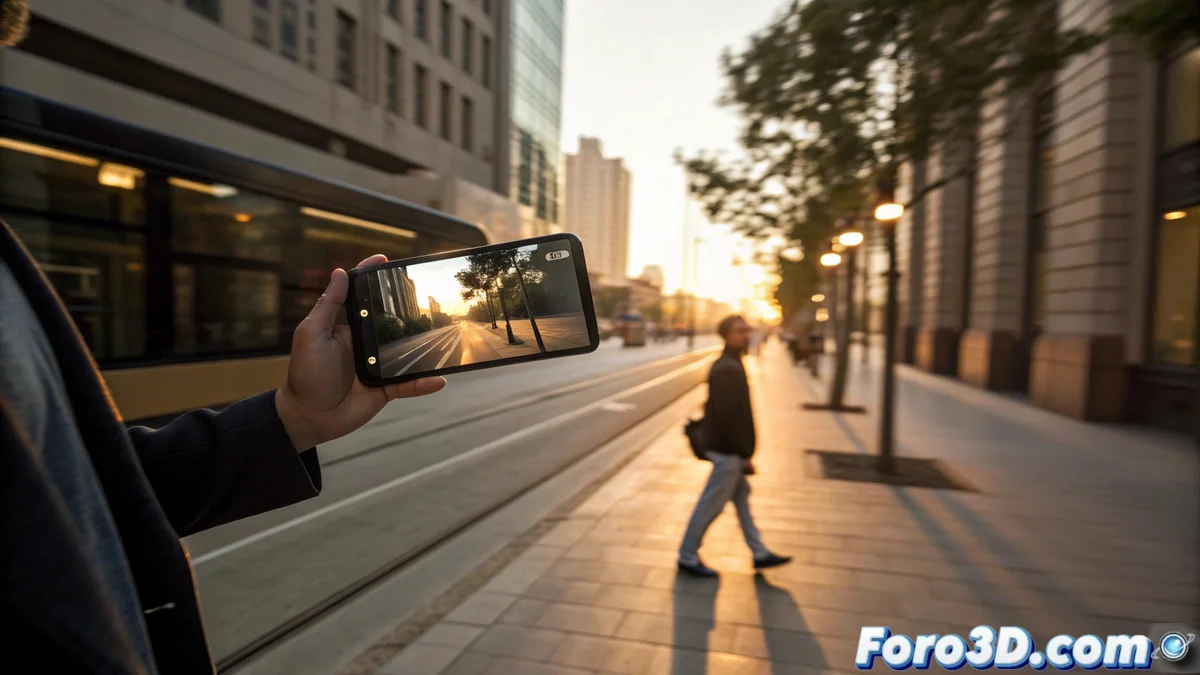
Hyperlapse: evolves time lapse with movement
The hyperlapse is an advanced method of capturing video that combines interval photography with extensive physical movement of the camera. Unlike classic time lapse, where the camera is stationary, here the operator moves to generate a sense of accelerated travel. The raw result, full of shakes, is then transformed into a visually stable and appealing sequence. 🚀
The essence of the technique: movement and processing
The basis of hyperlapse lies in moving the camera from one point to another while taking hundreds of photos. You can walk, drive, or use any means of transportation. This initial movement is jerky, but the key step is digital stabilization of the sequence. The software aligns each frame using reference points, compensating for vibrations and creating the illusion of smooth high-speed movement.
Key differences with traditional time lapse:- Camera position: In time lapse it is fixed; in hyperlapse it moves along a path.
- Post-process: Hyperlapse requires an intensive software stabilization step.
- Visual sensation: Hyperlapse produces an illusion of dynamic travel or journey.
Planning a stable route for a walking hyperlapse can turn into a peculiar dance, where you avoid obstacles with robotic movements to not ruin the shot.
Making hyperlapse with a smartphone
Mobile applications have democratized this technique. Apps like Instagram's Hyperlapse or Microsoft Hyperlapse Mobile guide the user to capture stably and apply stabilization algorithms automatically. This allows anyone with a phone to experiment without needing complex equipment or knowing much about post-production. 📱
Advantages of using dedicated apps:- They automate capturing images at constant intervals.
- They process and stabilize the video instantly on the device.
- They offer a low learning curve for beginners.
The crucial role of stabilization
This is the most determining step for the final result. After recording, the software analyzes each frame, detects common elements, and aligns them to eliminate shakes from manual movement. This computational process is what transforms a shaky sequence into a visually stable movement, condensing long paths into a few seconds of fluid video. Planning a route without obstacles is fundamental to facilitate this work for the software and obtain a better result.