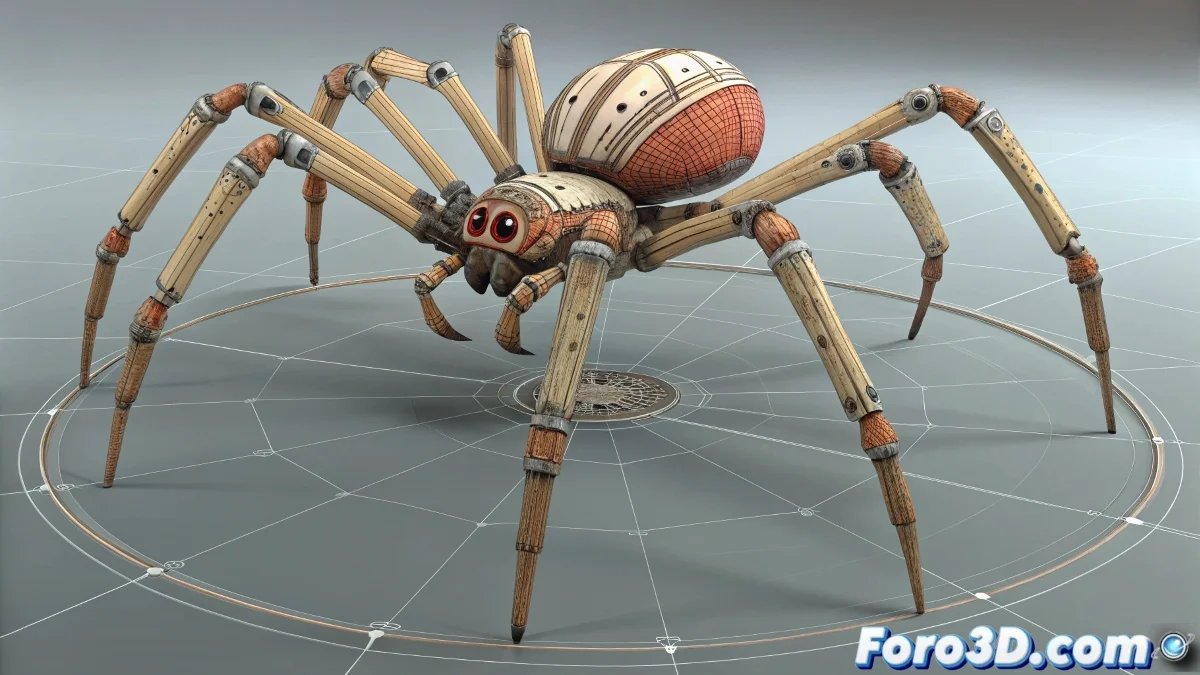
When Your Half-Human/Half-Spider Character Turns into a Chaos of Legs 🕷️💃
Combining Biped with standard Bones in 3ds Max to create complex characters (like an anthropomorphic spider) is like mixing water and oil: possible, but with... interesting results. Discover how to tame this hybrid without your controls rebelling.
The Problem: Why Do the Legs Twist?
When you rotate the master controller and chaos appears, it's usually because:
- Biped and Bones don't speak the same language: Their transformation systems are different
- Misaligned Pivots: They rotate on different axes from the controller
- Accumulated Transformations: Each rotation adds mathematical errors
- Direct Links: Connecting bones directly to the controller is dangerous
Emergency Solution (for Existing Projects)
Step by Step for Already Created Rigs:
- Reset Transformations:
- Select all bones
- Apply Reset XForm
- Collapse All to clean up
- Group Intelligently:
- Create logical groups (front legs, rear legs, torso)
- Align pivots to world (0,0,0)
- Link groups to the controller, not bones directly
- Use Helpers:
- Point helpers as intermediaries
- Dummy objects for complex controls
The Professional Solution: CAT Rigs
For new projects, the CAT system is your salvation:
| Advantage | Benefit for Hybrid Characters |
|---|---|
| Unified System | No more Biped/Bones conflicts |
| Modular Templates | Add spider legs to humanoid base |
| Intuitive Controls | Rotate the entire character without deformations |
Veteran Tricks
- Freeze transformations before linking
- Use Layer Manager to organize rig elements
- Test with Motion Panel to adjust Biped behaviors
- Create custom attributes for master controls
"A good hybrid rig isn't noticeable... until you try to animate without it and your character turns into a Lovecraftian nightmare"
Recommended Workflow
- Plan the hierarchy (what controls what)
- Create intermediate helpers for complex controls
- Group by function (not by proximity)
- Link in this order: bones > helpers > groups > master control
- Test extreme rotations before animating
Crucial Tip: Save incremental versions (v1, v2...) when adjusting the rig. You never know when you'll need to go back.
And remember: that moment when your character seems to do involuntary breakdance... it's just a phase. All riggers go through that. 🕺🕷️