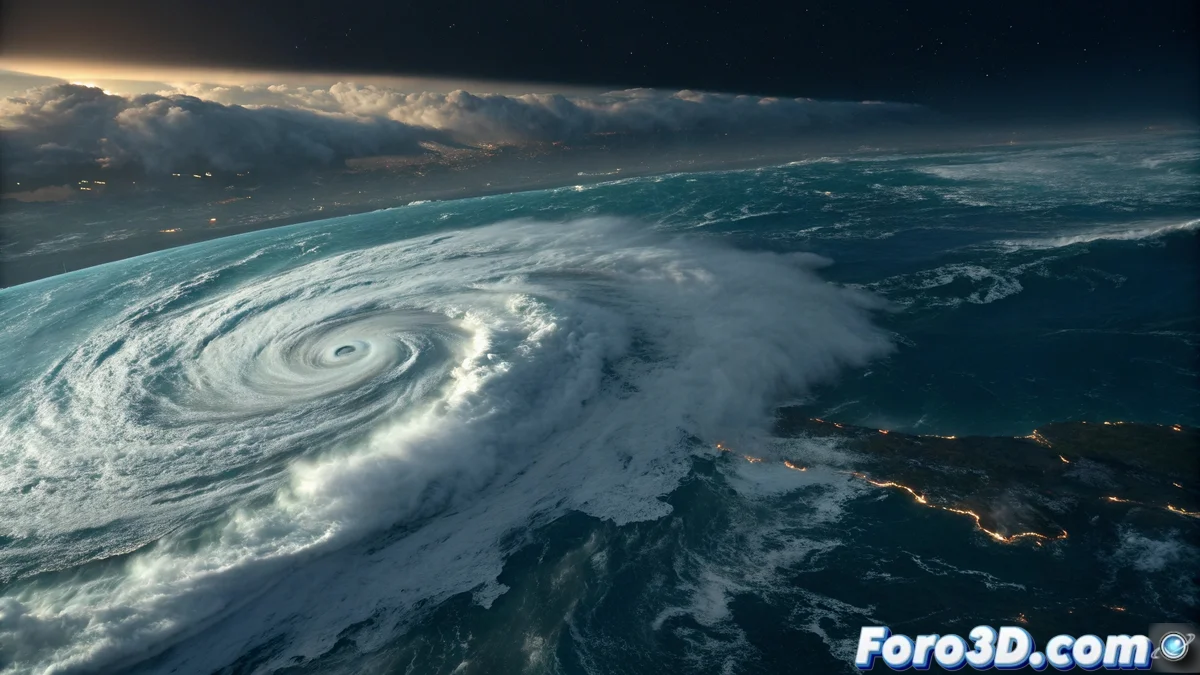
An Unexpected Meteorological Visitor
Hurricane Gabrielle is heading toward Europe after crossing the Atlantic, generating alerts for heavy rains and strong winds. Although it has lost some of its original strength, it is expected to significantly affect the Iberian Peninsula and France, with potential flooding and dangerous storm surges. For visual effects artists, this natural phenomenon represents a fascinating opportunity to practice simulating complex weather systems using tools like Houdini. 🌪️
Recreating Natural Fury in the Digital World
Houdini offers exceptional capabilities to simulate the key elements of a hurricane: swirling cloud formations, wind patterns, and intense precipitation. The technical challenge lies in capturing the monumental scale of this phenomenon while maintaining the necessary detail to achieve realism. It is a perfect exercise for mastering fluid dynamics and large-scale particle systems, essential skills in the film and video game industries.
Essential Elements for a Credible Simulation
Achieving a realistic representation of Hurricane Gabrielle requires attention to several interconnected technical components.
- Volumetric Structure: The characteristic swirling shape with a defined central eye.
- Wind Dynamics: Airflow patterns rotating at different speeds.
- Precipitation System: Intense rain synchronized with hurricane activity.
- Oceanic Interaction: Large waves and storm surge generated by wind force.
Simulating extreme natural phenomena in Houdini allows artists to create sequences impossible to film in real life.
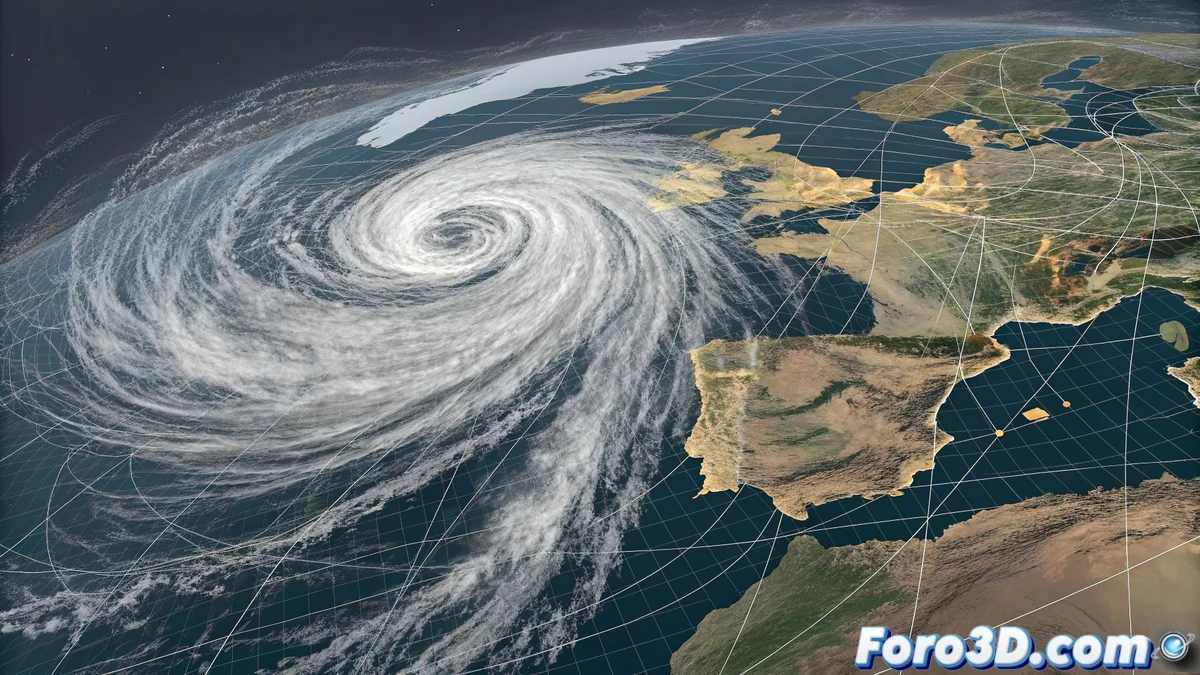
Step-by-Step Technical Guide
Start the project in Houdini by saving it as huracan_gabrielle.hip. Set up the simulation scale to be consistent with the real dimensions of a hurricane, which can span hundreds of kilometers. Organize the scene into logical containers: Clouds, Wind, Ocean, Terrain. This organization will be crucial as the simulation complexity increases. 🌀
Building the Hurricane Structure
For the main cloud formation, use Houdini's Pyro FX system. Start with a basic volume and apply turbulence and vorticity forces to achieve the characteristic circular motion. Define the hurricane eye as an area of lower density and higher wind speed. Carefully adjust density and temperature parameters to create the distinctive spiral cloud bands.
Simulating Wind and Precipitation
Create a wind field using POP Force nodes to direct the movement of air and moisture particles. The speed should be higher in the outer bands and gradually decrease toward the center. For rain, implement a particle system that emits from areas of highest cloud density, adjusting gravity and terrain collision for realism.
Generating the Ocean and Coastal Interaction
Use Houdini's Ocean FX system to create a realistic ocean surface. Apply the previously simulated wind field to generate large waves and direction consistent with the hurricane's movement. Add layers of foam and spray in high-impact areas where wind interacts with water. For the terrain, import real elevation data from the Iberian Peninsula or create an approximate geometry.
Lighting, Rendering, and Post-Production
Set up dim and dramatic lighting that reflects severe storm conditions. Use a main directional light with a cold, grayish tone, complemented by low ambient lighting. For rendering, Redshift or Mantra will efficiently handle the dense cloud volumes. In post-production, adjust the color toward bluish and gray tones, increase contrast to highlight the hurricane structure, and apply atmospheric effects like fog and mist to enhance depth perception.
While Gabrielle prepares for its European debut, VFX artists already have their own version ready to render, without the risk of getting wet in the process. Nature is impressive, but being able to recreate it from the comfort of the studio has its advantages. ☔