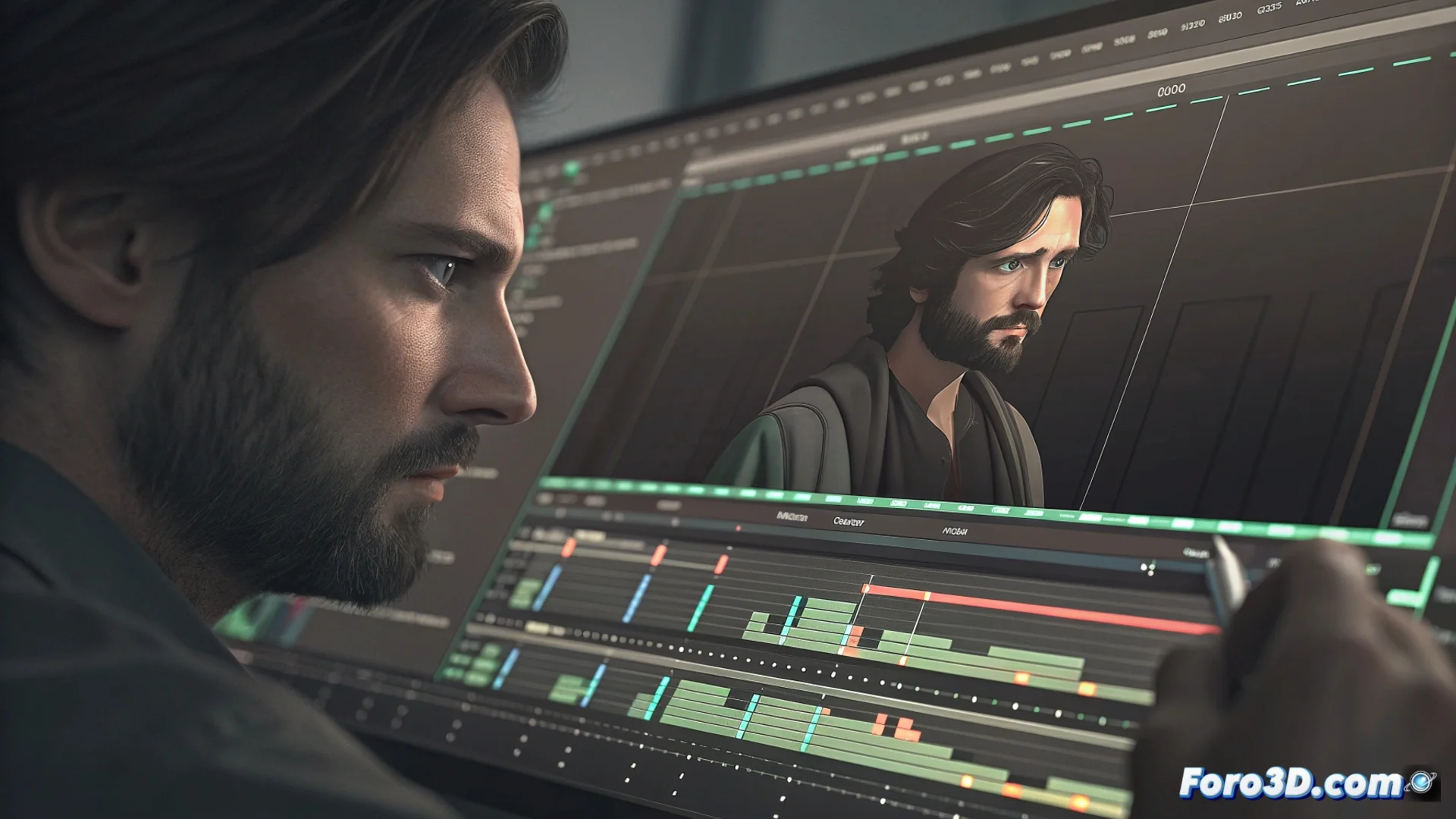
How to Use the Sony Vegas Trimmer to Trim Clips
In the editing workflow with Sony Vegas Pro, the trimmer is an essential function that integrates directly into the timeline. Its main purpose is to allow you to modify the duration of an audio or video clip by adjusting its boundaries in a visual and intuitive way. This speeds up the assembly process by avoiding complex property dialogs. ✂️
Practical Operation of the Trimmer
To activate the tool, simply position the mouse pointer over the initial or final edge of the clip you want to modify. The interface responds by changing the cursor to a double arrow icon. At that moment, by clicking and dragging, you can shorten or extend the material from that point. This method offers immediate control over what the viewer will see or hear.
Key Steps to Trim:- Identify the clip on the timeline and place the cursor on its left or right edge.
- Observe the change in the mouse icon, which confirms that the trimmer is active.
- Drag the edge inward to shorten the clip or outward to restore material.
The combination of visual interaction and numerical control is key to editing efficiently.
Achieving Maximum Precision in the Cut
While dragging with the mouse is quick, to define exact cut points it is necessary to use complementary tools. Zooming in on the timeline view allows you to see individual frames. Keyboard shortcuts, such as the arrow keys to navigate frame by frame, are indispensable for millimetric adjustments.
Tips for Fine Adjustment:- Use the mouse wheel to zoom in on the cutting area and work with greater detail.
- Use the left/right arrow keys to move the playback cursor frame by frame.
- Hold down the Ctrl key while dragging to force adjustments at specific time intervals.
Avoiding Common Mistakes When Trimming
A common mistake, especially when starting out, is over-trimming and deleting a crucial frame, such as a blink or a specific gesture. This forces you to undo the action and search again for the precise moment, breaking the work rhythm. Mastering the Vegas Pro trimmer and its precision functions helps avoid these correction cycles, making your editing smoother and more professional. 🎬