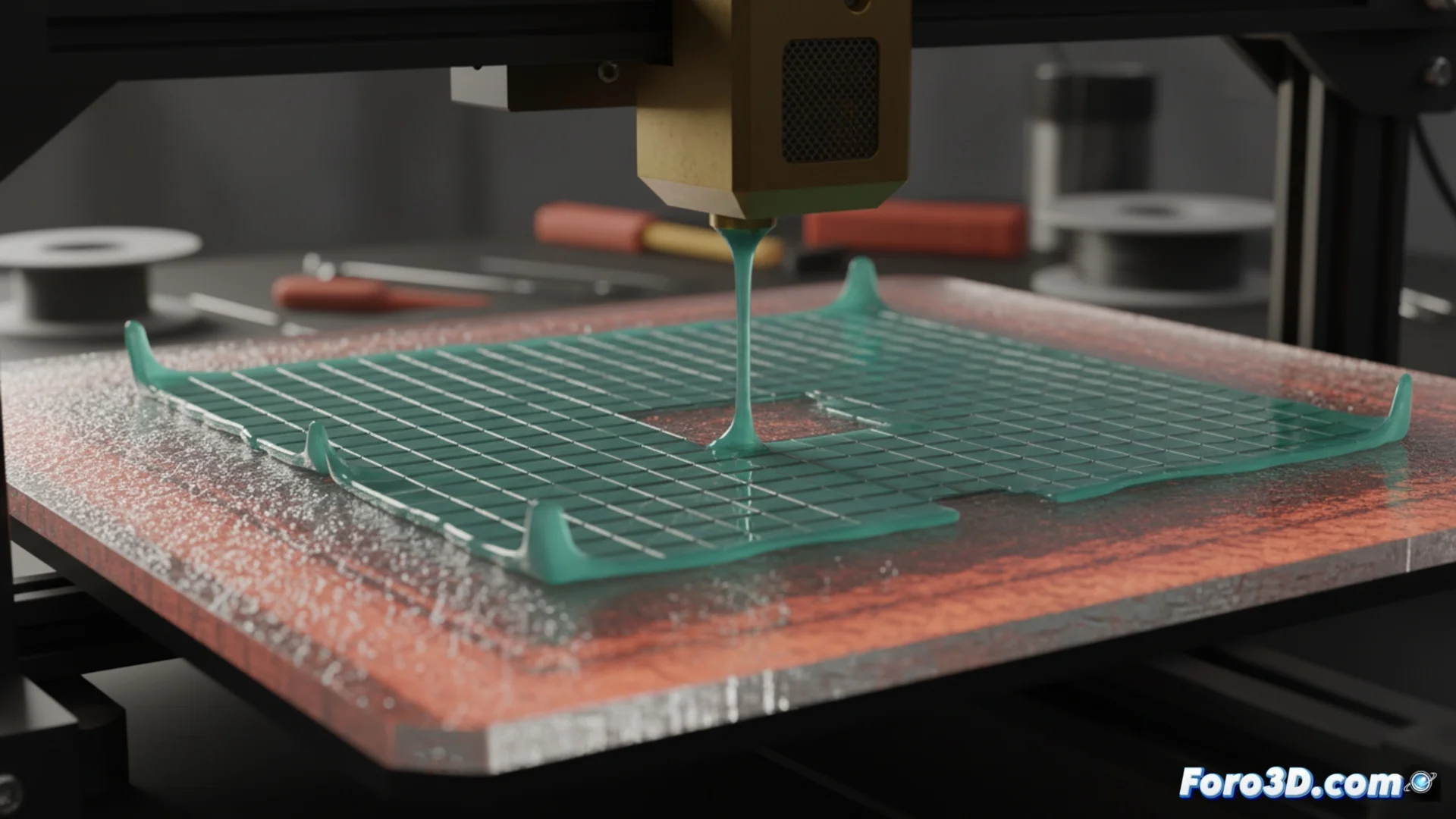
How to Fix First Layer Adhesion Problems
One of the most common failures when 3D printing occurs when the initial plastic doesn't stick to the platform. This usually happens because the thermal range is not correct for the material you're using. Checking the machine's instruction file is the first step to fix it. 🛠️
Check the heat parameters in your instruction file
The commands that control the heat are fundamental. The codes M140 and M190 are responsible for heating the bed and waiting for it to reach the indicated temperature. On the other hand, M104 and M109 manage the extruder head heat. If these numbers don't align with what your filament and bed need, the material doesn't melt properly or cools too quickly, preventing it from sticking.
Steps to inspect the G-Code:- Open the file with a plain text editor and locate the lines that start with M140, M190, M104, and M109.
- Interpret the values: M140 S60 orders the bed to heat to 60°C, while M190 S60 requests to wait until it reaches that point.
- For the hotend, M104 S200 starts heating to 200°C, and M109 S200 pauses the process until that temperature stabilizes.
A model that doesn't adhere turns your printer into a plastic spaghetti factory, an unwanted sculpture that travels stuck to the nozzle.
Set the heat according to your material
Each type of plastic and surface requires a different thermal adjustment to stick optimally. Using generic values is a common cause of failure.
Recommended thermal ranges:- For PLA filament, set the bed between 50 and 65 degrees and the extruder between 190 and 220 degrees.
- If printing with ABS, the bed requires more heat, usually 90 to 110 degrees, and the hotend between 230 and 250 degrees.
- After modifying these values in your slicer settings, generate a new G-Code file and test again.
Crucial complementary action
In addition to calibrating the temperature, it is vital to clean the bed surface. Wiping it with a cloth and isopropyl alcohol removes grease, dust, and residues that hinder how the plastic sticks. Combining precise thermal adjustment with a clean bed is the most effective formula to ensure your first layer adheres perfectly and avoid print failures. ✅