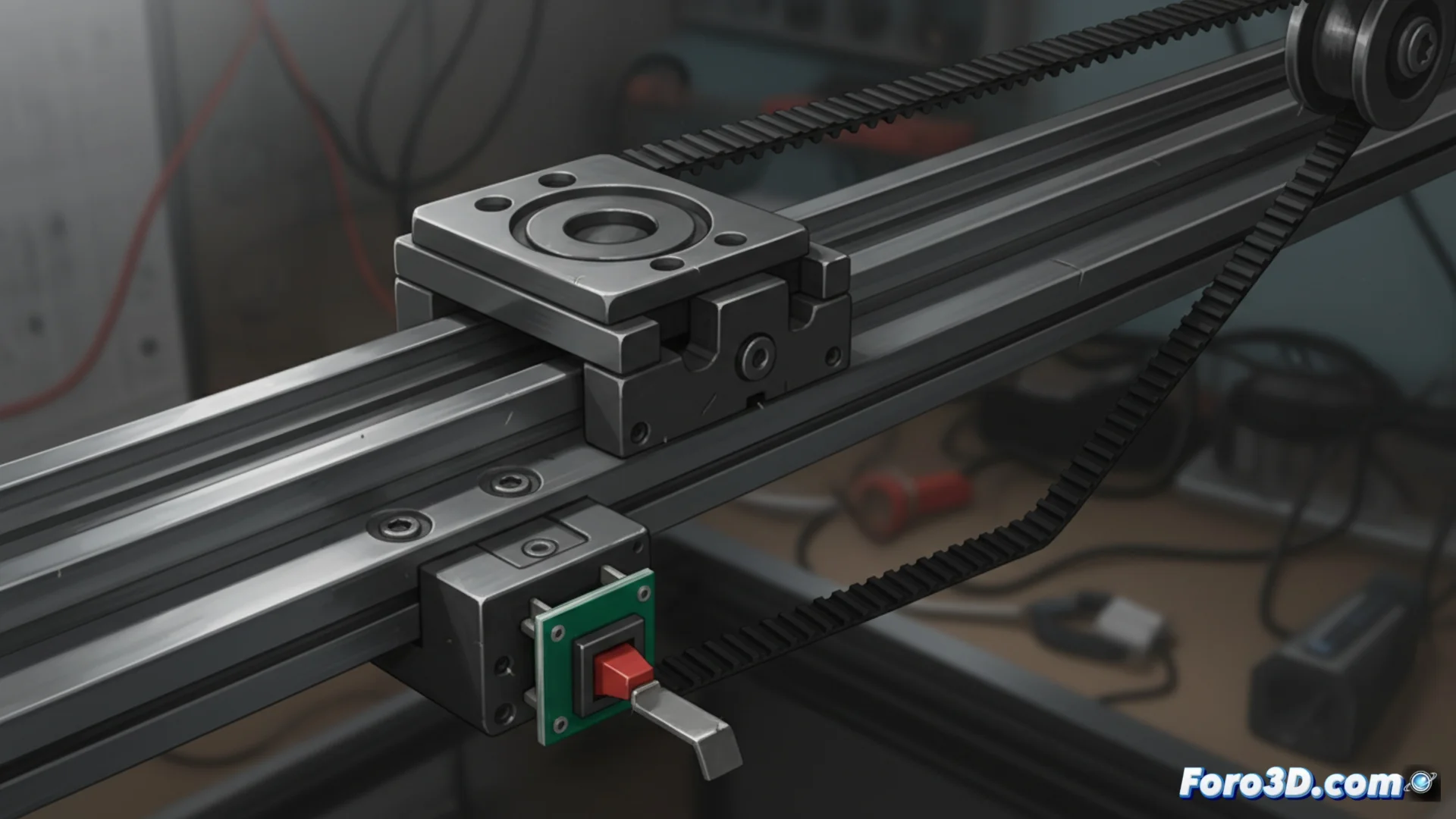
How to Troubleshoot Precision Issues in Axes and Sensors of 3D Printers
The precision of a 3D printer depends directly on its mechanical integrity. When the axes are not aligned or the limit sensors fail, the machine loses its origin reference, resulting in shifted layers, nozzle collisions, or constant failures in the first layer. Diagnosing and repairing these issues is crucial for optimal results. 🔧
Check and Correct Linear Axes Alignment
The first step always involves disconnecting the printer from the power source. Manually examine the movement of all carriages, looking for play or anomalous friction. Ensure that the belts and pulleys are properly tensioned, but avoid applying excessive pressure on the bearings. Dirt on the guides can also block movement, so cleaning them is essential. A non-straight axis overloads the motor and generates distorted movements that the firmware cannot correct.
Key steps to check the axes:- Slide each carriage by hand to detect irregular resistance or play.
- Tighten the pulley screws and adjust the belt tension.
- Check the parallelism of the guides and clean them if necessary.
A poorly calibrated axis always finds a way to remind you, usually in the middle of a long print and just when you've gotten distracted.
Precisely Adjust Endstop Sensors
Whether mechanical, optical, or magnetic, endstops must activate at the exact position defined as the origin. To calibrate them, slightly loosen the mounting screw. Then, manually move the carriage to the desired origin point and adjust the sensor position so that it activates at that precise moment. Finally, tighten the screw again. It is vital to confirm in the firmware that the G28 command (homing) executes without errors. A mispositioned sensor causes the machine to calibrate outside the real limits, ruining the print from the start.
Process to calibrate endstops:- Loosen the sensor and manually position the carriage at the origin.
- Adjust the sensor to activate at the correct position and secure it.
- Test the homing command (G28) in the firmware to verify there are no errors.
Conclusion for Reliable Printing
Maintaining mechanical alignment and precise calibration of the sensors is not optional maintenance, but fundamental. Investing time in checking these components prevents most shifted layer and leveling failure issues, ensuring that every print starts from a correct and reliable reference point. 🎯