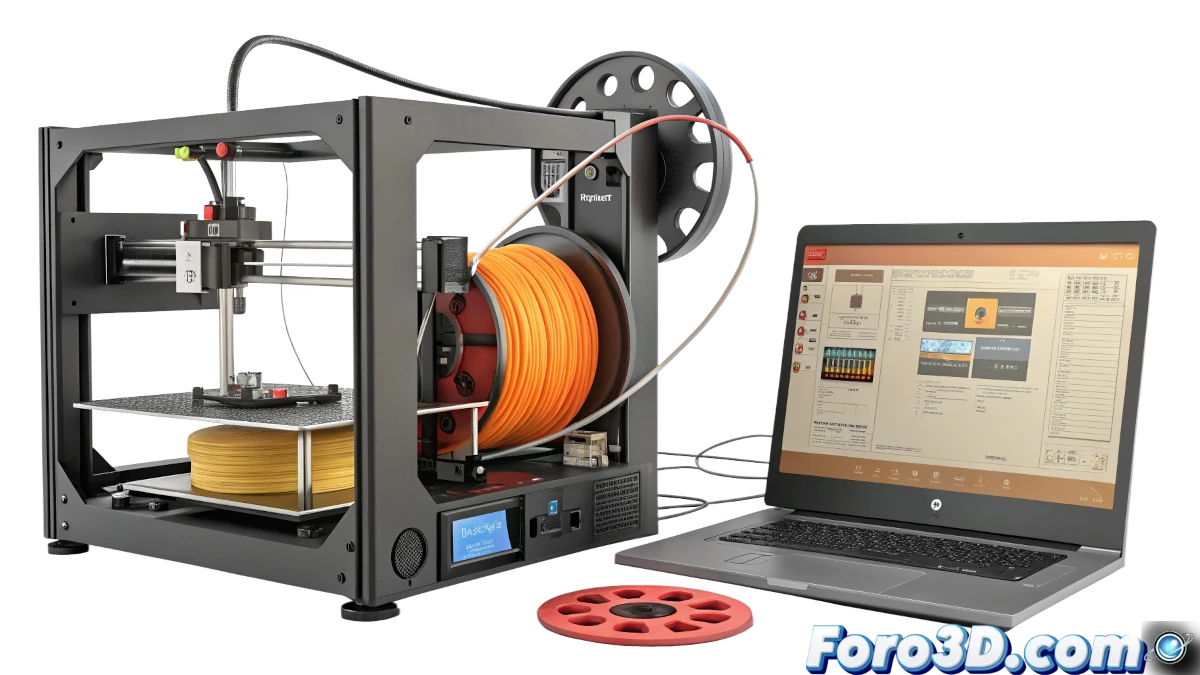
One of the most common problems faced by 3D printer users is filament oozing. This phenomenon occurs when, before starting a layer or at the end of it, the printer releases a small amount of filament that shouldn't be there. Although it may seem like a minor detail, this oozing can affect print quality and cause frustration. Below, we explore the possible causes and solutions for this problem.
Why does filament oozing occur?
Filament oozing can be due to several factors, from incorrect settings to mechanical issues. Some of the most common causes include:
- Insufficient retraction: If the printer doesn't retract the filament enough, it can continue flowing through the nozzle even when it shouldn't.
- Worn or damaged nozzle: A nozzle in poor condition can allow filament to leak irregularly.
- Faulty hotend fan: If the fan isn't working properly, heat can travel up the heatbreak, melting the filament prematurely.
- Software settings: Some options in slicing software, like coasting and wipe, can help reduce oozing if properly adjusted.
Practical solutions for oozing
If you're facing this problem, here are some solutions that might help you:
- Adjust retraction: For Bowden printers, try a retraction of 4-7 mm at 40-60 mm/s. For Direct Drive printers, use 0.5-2 mm at 25-35 mm/s.
- Enable coasting: This option, available in programs like Cura, stops extrusion just before the end of a print section, reducing oozing.
- Enable wipe: This function allows the nozzle to "wipe" excess filament on the edges of the print.
- Check the nozzle: If it's worn or damaged, replace it with a new one.
- Verify the hotend fan: Make sure it's working properly to avoid excessive heating.
"Filament oozing is a common problem, but with the right adjustments, it can be easily solved."
What to do if the solutions don't work?
If after trying all these options the problem persists, you may need to check other aspects of your printer. Some additional considerations include:
- Check the machine settings in the software: Some options may be hidden or disabled by the printer's default configuration.
- Update the firmware: Sometimes, a firmware update can fix errors that cause oozing issues.
- Consult the community: Forums and 3D printer user groups can offer specific solutions for your printer model.
Conclusion
Filament oozing is an annoying problem, but with a bit of patience and the right adjustments, it can be resolved. Whether adjusting retraction, enabling features like coasting and wipe, or checking the condition of the nozzle and fan, there are multiple ways to address this challenge. The important thing is not to get discouraged and keep experimenting until you find the perfect solution for your printer.
Remember that in the world of 3D printing, every problem is an opportunity to learn and improve. Good luck!