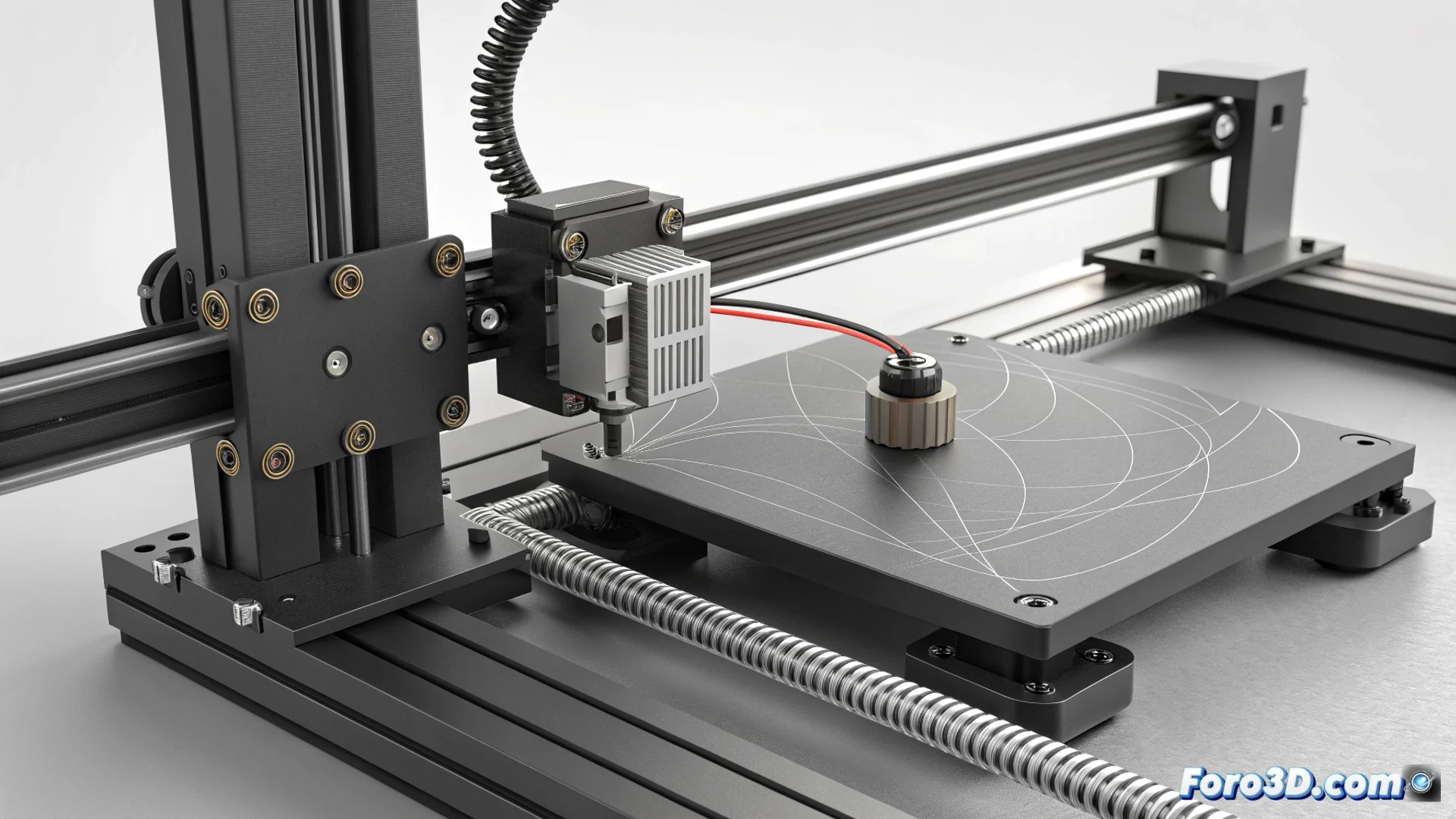
How to Solve Ringing on the Z-Axis of Resin Printers
In 3D printing with resin, a recurring problem is the appearance of repetitive patterns on vertical surfaces, known as ringing or echoing on the Z-axis. Unlike ghosting in FDM printers, which manifests laterally, this defect aligns with each layer, creating a visible echo effect along the height of the part. Mechanical vibrations during the up and down cycle are the main culprits. 🔍
Identify and Understand the Origin of the Problem
Z-axis ringing appears as horizontal lines or shadows that repeat at regular intervals. This phenomenon occurs when the movement of the build platform generates inertia and oscillations that are transmitted directly to the model in specific layers. The energy from these vibrations is recorded in the cured resin, leaving an unwanted pattern. It is crucial to differentiate it from other artifacts to apply the correct solution.
Main causes of ringing:- High speed and acceleration in Z-axis movement, causing sudden jerks.
- Play or lack of rigidity in mechanical components such as linear guides, threaded rods, or couplings.
- Model design that amplifies vibrations, such as tall parts with a narrow base.
A solid mechanical structure and controlled movements are the foundation for eliminating parasitic vibrations in resin printing.
Adjust the Platform Movement Parameters
The first approach to mitigate this effect is to modify the slicing settings. Reducing the speed at which the platform lifts and descends is fundamental. Excessive speed increases inertial force, leading to more intense vibrations. Additionally, decreasing the spindle motor acceleration allows speed changes to be more gradual and smooth, dissipating energy more efficiently.
Steps to optimize movement:- Access your slicing software settings (Chitubox, Lychee, etc.) and locate the lift speed and retract speed values.
- Reduce these values progressively. Try decreases of 20-30% and evaluate the result.
- Look for the Z-axis acceleration option (if