Challenges with Codecs in Adobe Premiere
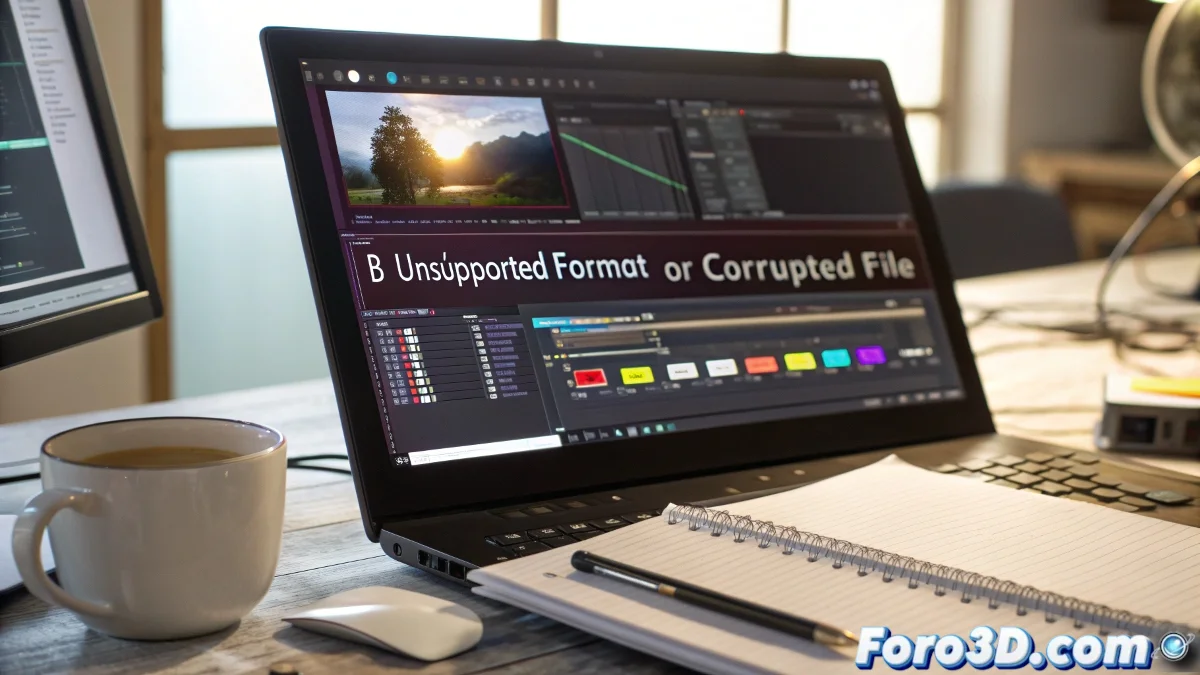
When a brave editor decides to try their luck with the Adobe Premiere Pro trial version, they might encounter a message that will make them sigh: unsupported format or damaged file. What an irony that those same files play without issues in other programs or even in the venerable Windows Media Player! The blame usually falls on the absence of necessary codecs for the trial version to decode those formats.
What Are Codecs and Why Are They Your New Best Friends
Imagine codecs as little translators that allow your editing software to understand and work with different video formats. Without them, your video editor stares at the file as if it were an Egyptian hieroglyph. Codecs are essential for compressing and decompressing videos, and while full versions of Premiere usually have them integrated, trial versions sometimes fall short.
Have you ever wondered why your video looks perfect in a player but Premiere plays dumb? Welcome to the world of codecs! 🌍
Solutions for Codec Problems in CS4
If you find yourself in this situation, don't worry, there's hope. One solution is to download and install codec packs like the K-Lite Codec Pack, which is free and covers a wide variety of formats. You can also search for specific codecs for your video format, such as AVI, MOV, or MPEG. Another option is to convert your videos to more common formats using programs like HandBrake. And remember, patience is a virtue, especially when technology decides to test you! 😅
- Download K-Lite Codec Pack: An all-in-one solution.
- Search for specific codecs: For those resistant formats.
- Convert videos: Use HandBrake for more friendly formats.
Practical Tips for foro3d.com Users
If you work with 3D software or animation files, like AVI renders or video sequences from programs like After Effects or Blender, it's crucial to have those codecs properly installed. Nothing is more frustrating than having a perfect render and Premiere refusing to acknowledge it. And to think that technology is here to make our lives easier! Sometimes it seems its mission is to remind us that there's still room for improvement. 😜
Remember, every codec you install is one step closer to digital harmony. Don't give up!
And if all else fails, you can always resort to the oldest and most reliable method: turn off and on the equipment. Sometimes even computers need a break! 😉