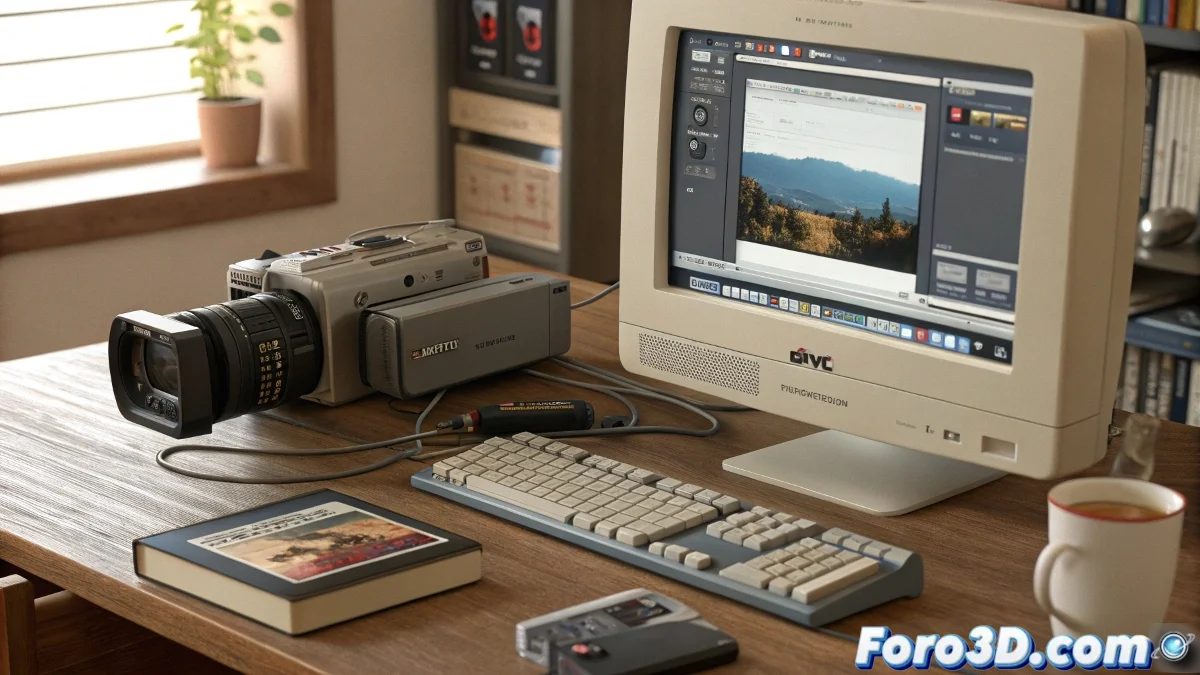
Rescuing TOD Files: The Digital Odyssey of the 21st Century
In the attic of technological memories lie TOD files, those rebellious formats that JVC cameras left us as a complicated inheritance. Working with them today is like trying to read an ancient scroll: you need the right tools and a lot of patience. 🕰️
The Art of Taming TOD Files
To prevent your editing software from looking at TOD files with a poker face, follow this survival guide:
- Recognize the problem: No, your program isn't broken, TOD files are just that special
- Mandatory conversion: Like translating from Latin, you need an intermediary
- Choose the modern format: MP4, MOV or AVI for the nostalgic
Programs like Shutter Encoder or HandBrake will be your best allies in this digital crusade. ⚔️
Tools for Digital Time Travelers
If you encounter a TOD file in 2023, here are your options:
- Shutter Encoder: The polyglot format translator
- HandBrake: Opens everything except your heart
- FFmpeg: For those who prefer writing commands like in The Matrix
- XMedia Recode: The option for machines with a retro soul
In the world of video formats, TOD stands for "Tremendously Obsolete, Difficult"
If after the whole process your video still looks like an abstract experiment, you can always sell it as vintage digital art. After all, what is a problem today will be nostalgia tomorrow. 🎞️
And remember: when a TOD file resists, you're not failing, you're doing digital archaeology. And that sounds much more professional. 😎