When Your Render Sweats More Than You Do
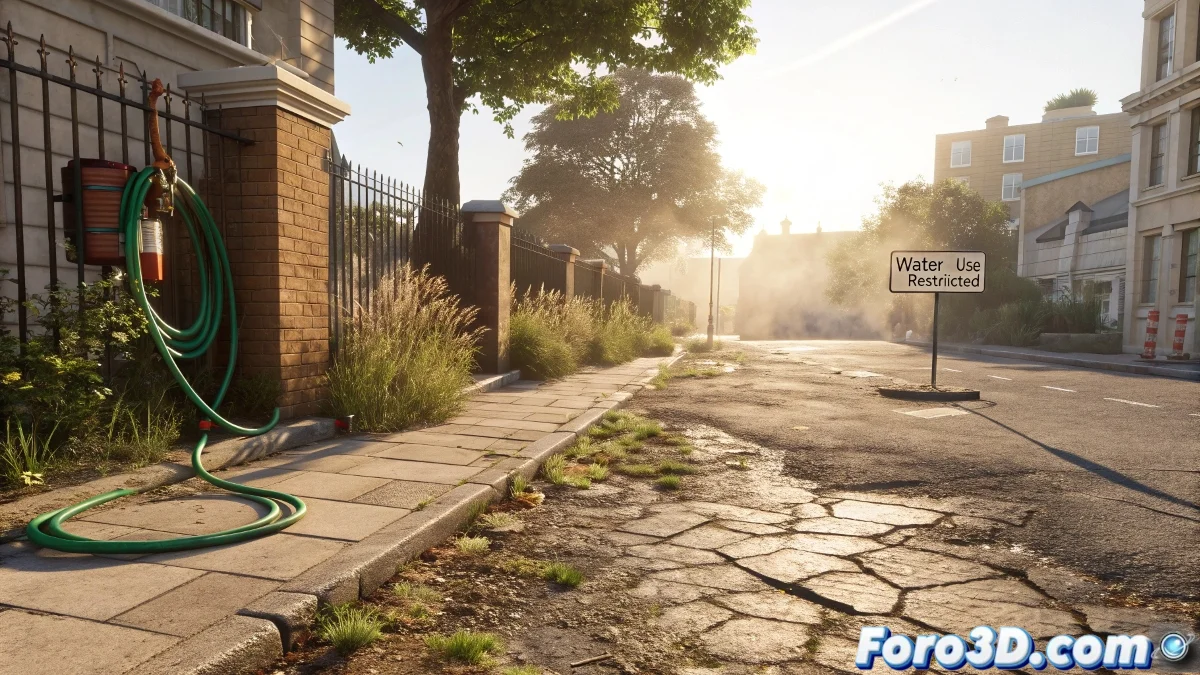
The heat waves suffocating Europe are not just a meteorological problem, they are a creative challenge for 3D artists. How do you convey that heavy, stifling air in a static image? The answer lies in the details that make even the pixels sweat. 🌡️💻
Key Elements for Renders That Burn the Eyes
- Thermal Distortion: Use displacement nodes to simulate rising hot air
- Drought Textures: Cracked ground with exaggerated Normal Maps
- Suffering Vegetation: Withered leaves with transparencies and desaturated colors
- Brutal Lighting: Hard shadows and blown-out highlights
- Human Touches: Abandoned hoses, overloaded fans
"My heat wave render was so realistic my laptop started to throttle... that counts as performance art, right?" - 3D Artist and Summer Victim.
Advanced Techniques for Extreme Heat
| Technique | Software | Difficulty |
|---|---|---|
| Volumetric Thermal Haze | Blender Eevee | Medium |
| Heat Distortion with Shaders | Unreal Engine | High |
| Progressive Crack Simulation | Houdini | Advanced |
Workflow for Thermal Renders
- Modeling the urban environment with simple geometries
- Texturing with emphasis on dry and cracked surfaces
- Lighting setup with a high color temperature (6500K+)
- Adding post-production effects: vignetting, chromatic aberration
- Final render with extreme contrast adjustments
The Power of 3D for Raising Awareness
These renders are not just technical exercises:
- They can illustrate articles about climate change
- Serve as visual educational material
- Alert about the urban consequences of global warming
While your GPU suffers with the volumetric effects, remember you are creating something more than an image: a visual warning about our climatic future. And if the render takes too long, at least you'll have time to hydrate... something your 3D characters can't do. ☀️🥤
Because in the fight against climate change, even our renders can be weapons of mass awareness. Just make sure your PC has good cooling before simulating hell on Earth. 🔥❄️