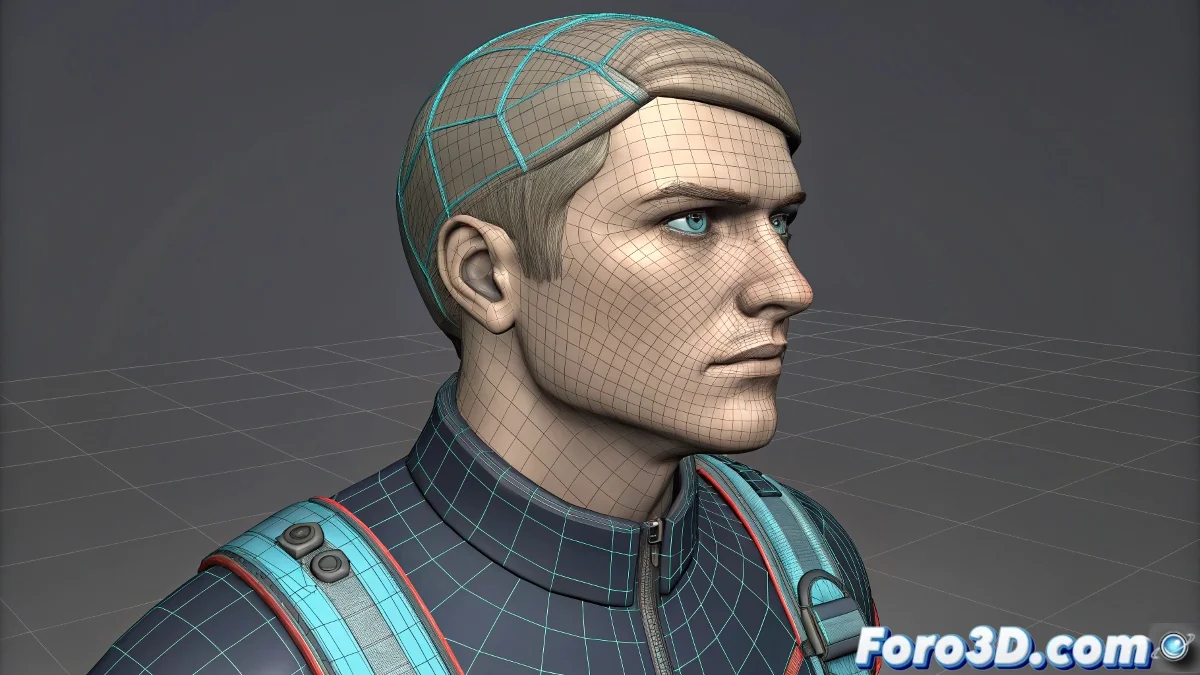
How to Replicate the Coordinated Head and Shoulder Movement Effect of the IK-Joe Rig
The IK-Joe rig, created by the legendary Daniel, is almost like the Holy Grail of educational rigs in 3ds Max. Its magic isn't just in moving the head, but in achieving that the shoulders react naturally to the movement of the head controller 🤯.
The True Mechanics Behind the IK-Joe Rig
The key lies in a combination of additional controllers and connections via wire parameters or expressions. When you rotate the head controller, that rotation doesn't just affect the neck, but is also smoothly distributed to the shoulder bones. This creates a more organic and realistic effect, avoiding those robotic movements so undesirable in animation.
How the Control System is Built
- The head controller has direct and proportional influence over the shoulders.
- Wire parameters or Reaction Manager are used to establish that a certain amount of head rotation generates proportional movement in the shoulders.
- Some rigs even add an intermediate controller between the head and shoulders to further smooth the reaction 🎛️.
- In current versions like 3ds Max 2025, you can take advantage of improvements in rigging tools to make the process more efficient.
How to Apply This Technique to Your Own Rig
If you want your character to have this coordinated movement effect, follow these steps:
- Link the head to the main controller using a look-at constraint.
- Create an auxiliary controller for the shoulders.
- Set up wire parameters so the rotation of the head controller affects the shoulders, but with a low multiplier (nobody wants a character that looks like a fan 🚀).
- Adjust and test with different values until you achieve a subtle and natural movement.
An Additional Trick for Perfectionists
If you want more control, you can use Reaction Manager to create more personalized responses. This allows the shoulders to react in a non-linear way, ideal for dramatic movements or very expressive characters.
Final note with humor: If after all this your shoulders remain static when you turn the head... don't worry. It just means your character is more rigid than me trying to dance salsa at a wedding 💃.
Practical Conclusion
Incorporating this type of coordination between head and shoulders greatly improves the naturalness of your animations. And besides, it gives you the perfect excuse to show off advanced rigging in the next production feedback 😎.