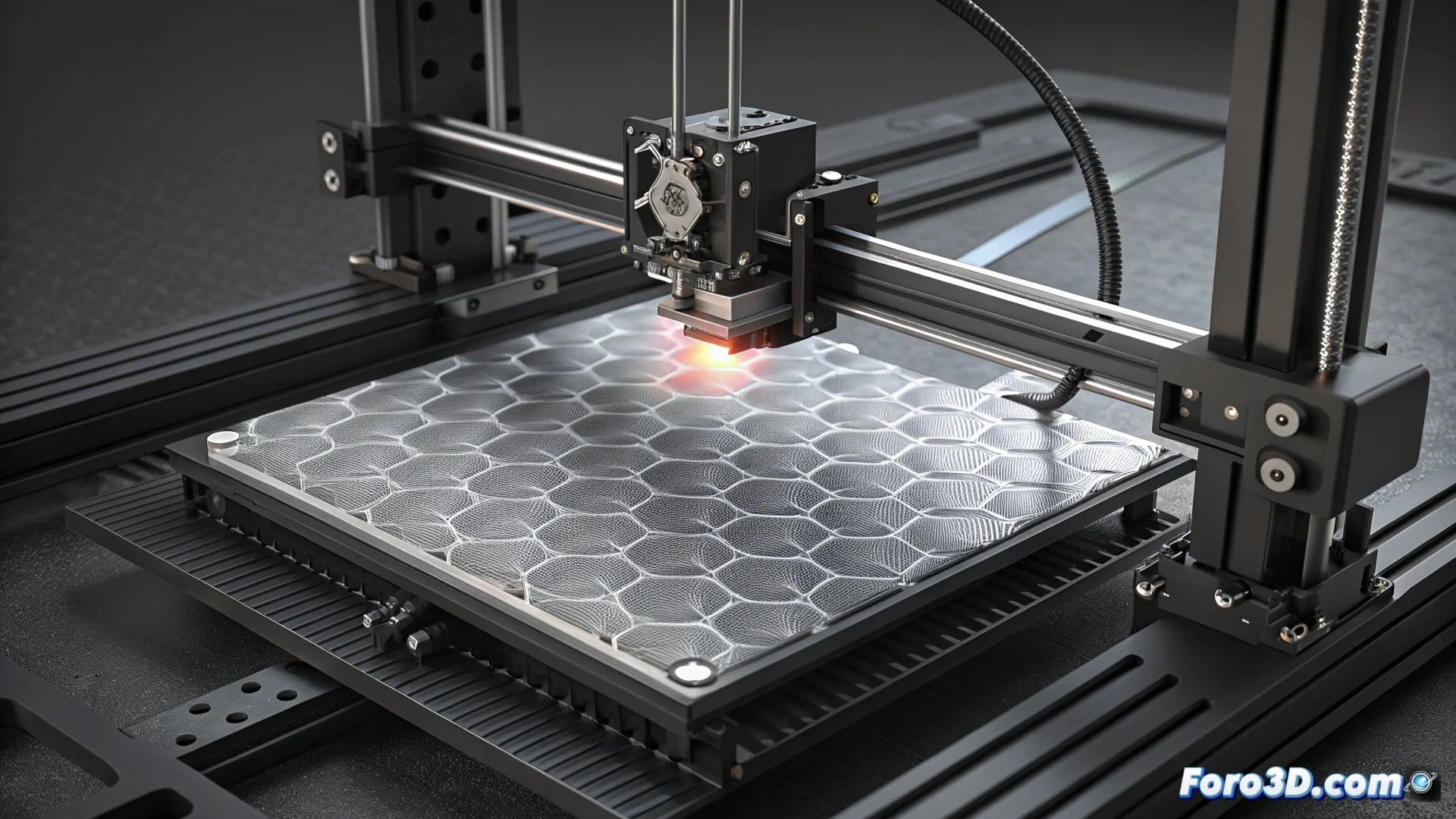
How to Reduce Ghosting on the Elegoo Neptune 4 Pro
The Elegoo Neptune 4 Pro is a fast printer, but moving its bed on the Y axis at maximum speed can generate vibrations. These translate into those annoying ghosting or ringing patterns that ruin the surface of the parts. Although it has Klipper and the Input Shaping feature to combat them, a poorly configured print profile will leave these artifacts visible. The problem worsens if you use high speeds without properly calibrating acceleration and the jerk parameter. 🔧
The First Crucial Step: Calibrate Input Shaping
To optimize your machine's performance, it is essential to run the Input Shaping calibration included in the Klipper firmware. This process measures the specific resonance of your printer and applies digital filters to counteract it. You can use the integrated accelerometer or the resonance tower method, always following the official guide. An incorrectly calculated value will make the compensation not work, so you must verify that the resulting parameters have been correctly saved in the printer.cfg file. ✅
Steps to verify the calibration:- Run the resonance test with the accelerometer or print a calibration tower.
- Check that the shaper_freq_x and shaper_freq_y values have been updated in printer.cfg.
- Restart the Klipper firmware to apply the new filtering settings.
Poorly calibrated Input Shaping is like trying to silence a drum with a sponge: it simply doesn't work.
Adjust Movement Parameters in the Slicer
After calibrating Input Shaping, you must review the speed settings in your slicing software. Although the printer can move fast, acceleration and jerk values that are too high for its mechanical structure can reintroduce vibrations. It is recommended to progressively reduce these parameters in the profile, especially for the Y axis, and perform print tests to find the perfect balance between speed and quality. It is also vital to ensure that all screws and nuts on the printer are properly tightened. 🛠️
Key settings to modify in your profile:- Reduce maximum acceleration, especially for Y-axis movements.
- Lower the jerk value so that direction changes are less abrupt.
- Print a test piece (like a calibration cube) after each change to evaluate.
Conclusion for Clean Prints
Eliminating ghosting on the Neptune 4 Pro is a two-phase process. First, correctly calibrate Input Shaping with Klipper's tools to filter factory resonance. Second, fine-tune movement parameters in the slicer, being conservative with acceleration and jerk. It's not just about going slower, but about moving the machine more intelligently so that the surface of your parts tells a story of precision, not vibrations. 🎯